Understanding Ping
In the world of online gaming, ping is a critical factor that can make or break your gaming experience. Essentially, ping refers to the time it takes for data to travel from your device to the game server and back, measured in milliseconds (ms). A lower ping means a more responsive gaming experience, while a higher ping can lead to noticeable lag, affecting your gameplay significantly. In Malaysia, the average ping can vary from 30 to 100 ms, depending on various factors including your location and internet service provider.
Latency, often used interchangeably with ping, specifically refers to the delay before a transfer of data begins following an instruction. This is particularly important in fast-paced games where every millisecond counts. Understanding both ping and latency is essential for gamers looking to improve their performance.
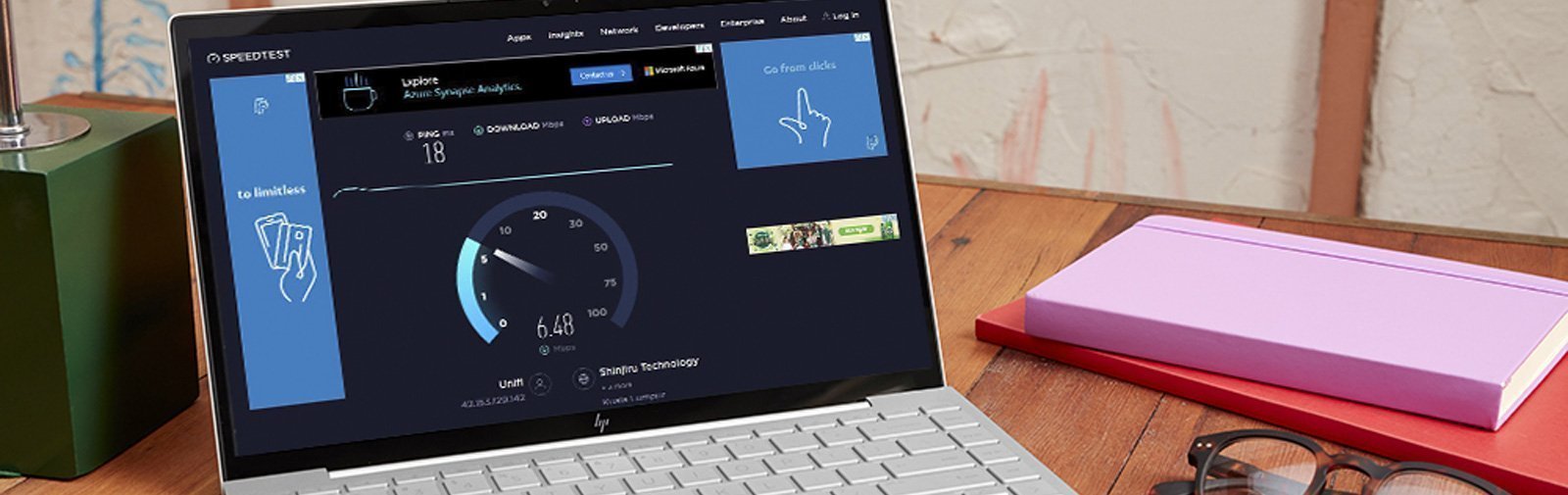
Common Causes of High Ping
Several factors contribute to high ping in Malaysia, impacting your overall gaming experience:
- Network Congestion: During peak hours, many users accessing the internet simultaneously can overload the local network. This congestion can lead to increased ping times.
- Distance from Servers: The physical distance between your location and the game server plays a significant role. The farther away the server, the higher the ping.
- ISP Throttling: Some Internet Service Providers may throttle your bandwidth based on usage patterns, which can cause increased latency.
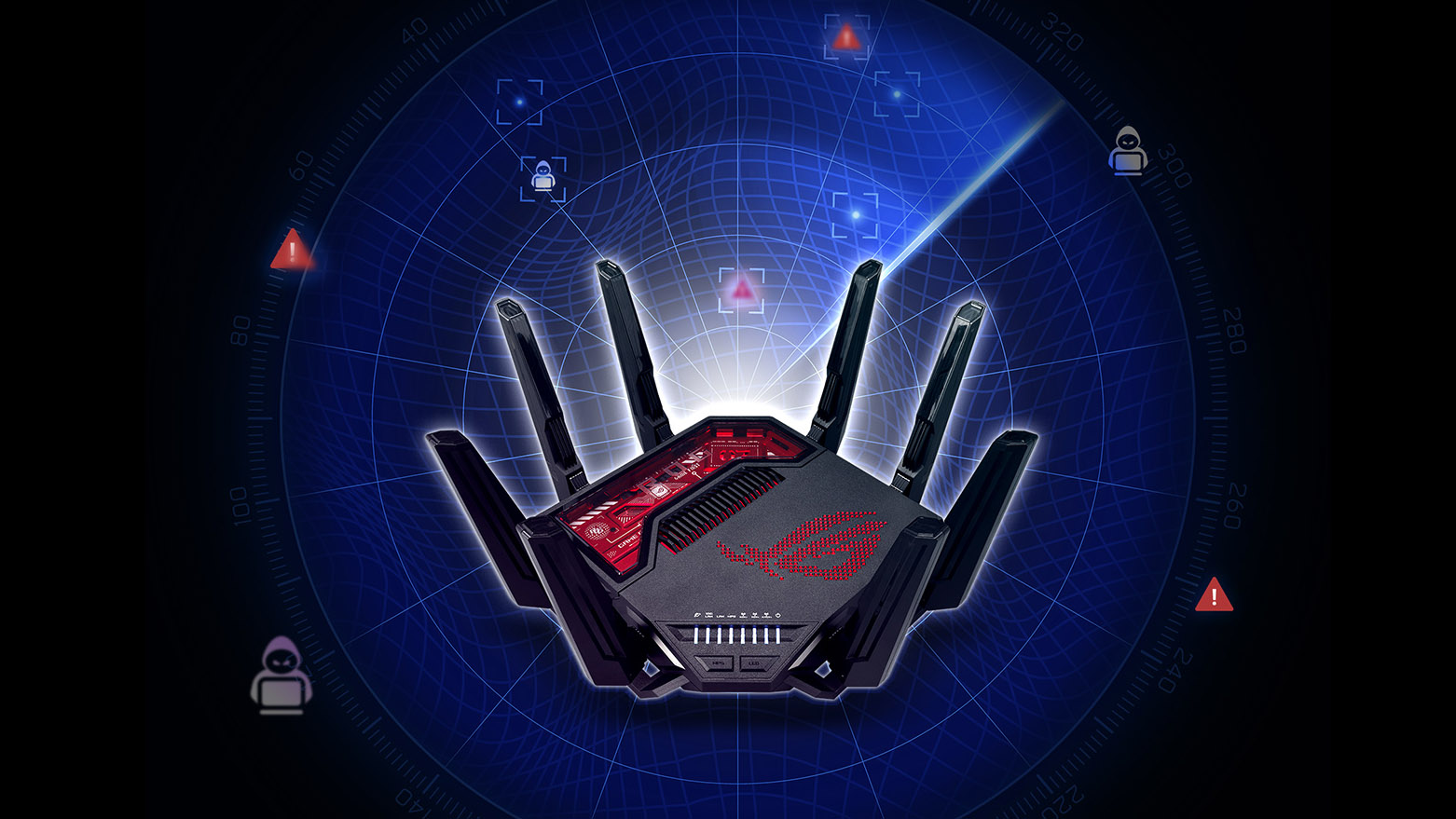
- Router Performance: An outdated or poorly configured router can struggle to maintain stable connectivity, leading to higher ping.
- Wi-Fi Interference: Other electronic devices, walls, and even your neighbors' Wi-Fi can interfere with your connection, impacting your ping.
Tips to Reduce Ping
If you're experiencing high ping, don't despair. Here are some actionable tips that can help you optimize your connection and reduce ping:
- Use a Wired Connection: Switching from Wi-Fi to a wired Ethernet connection can drastically reduce ping. Wired connections are more stable and less susceptible to interference.
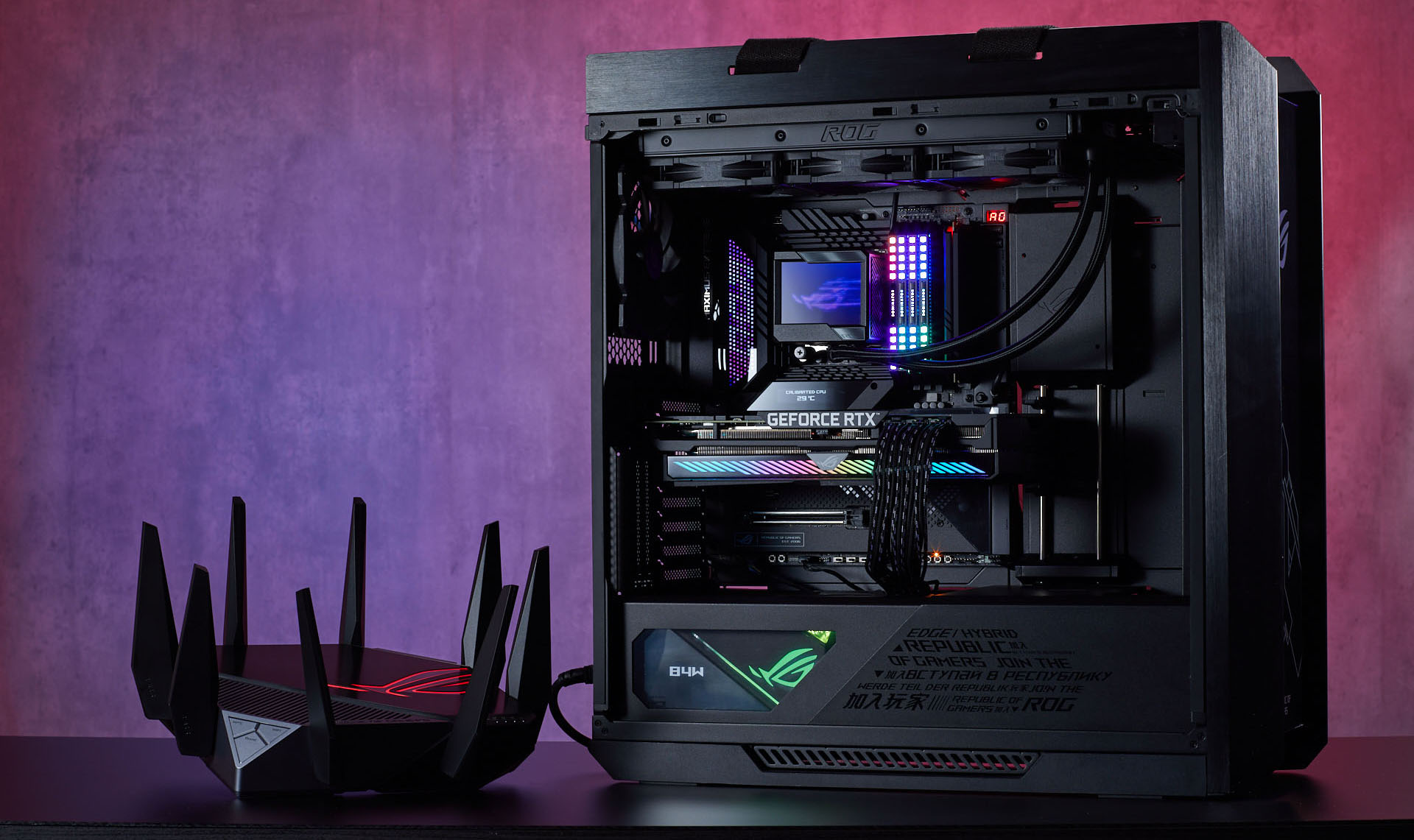
- Optimize Router Settings: Access your router settings and enable Quality of Service (QoS). This feature prioritizes gaming traffic, which can lead to lower ping while gaming.
- Close Background Applications: Ensure that no unnecessary applications are running in the background that might consume bandwidth. This includes downloads, streaming services, or other devices connected to your network.
- Update Firmware: Regularly check for and apply updates to your router's firmware. Manufacturers often release updates that can improve performance.
- Choose the Right Server: When available, select a game server that is geographically closer to you. This simple change can significantly reduce your ping.
Using VPNs
Another method to potentially reduce ping is through the use of a VPN. A Virtual Private Network can help by optimizing your route to the game server and bypassing any internet throttling imposed by your ISP. Some reputable VPN providers that gamers commonly use include ExpressVPN and NordVPN. These services can provide fast and reliable connections with low latency, especially when configured correctly.
However, it's important to note that while a VPN can lower ping for some users, it can also increase ping for others, depending on the server location and the VPN provider’s performance. Experimentation is key to finding the best setup for your specific needs.

Testing Your Ping
To know if your efforts are paying off, it's essential to test your ping effectively. Here are some recommended methods and tools:
- Ping Command: Open the Command Prompt on your computer and type "ping [server address]" to check your latency. Replace "[server address]" with the IP address of your game server.
- Online Ping Test Tools: Websites like Speedtest.net or Ping Test provide easy-to-use interfaces to test your ping and connection quality.
- Game-Specific Tools: Some games have built-in tools to check your ping directly from their interface, which can provide accurate readings while gaming.
FAQ
What causes high ping in Malaysia?
High ping in Malaysia can be attributed to several factors including network congestion during peak hours, the physical distance from game servers, ISP throttling, and router performance issues. External factors like Wi-Fi interference can also contribute to latency problems.
Does a VPN reduce ping?
Using a VPN can reduce ping for some gamers by optimizing the data route to the game server and bypassing ISP throttling. However, it can also increase ping depending on the VPN server's location and performance. It's advisable to test different configurations to find what works best.
By implementing these tips and understanding the factors affecting your ping, you can significantly enhance your gaming experience in Malaysia. A stable and low-latency connection can be the difference between victory and defeat in competitive gaming.