Top 5 Game Lag Fixes for Android Devices in 2026
For gamers in Malaysia, experiencing game lag can be one of the most frustrating issues, especially when you're in the heat of battle or trying to level up in your favourite titles. Fortunately, as we step into 2026, there are numerous strategies and tools available to help you mitigate game lag on your Android devices. Whether you're using a popular brand like Samsung or Xiaomi, this comprehensive guide will provide you with the essential fixes to enhance your gaming performance.
Common Causes of Game Lag
Before diving into the fixes, it's essential to understand what causes game lag on Android devices. Various factors can contribute to this frustrating phenomenon:
- Network Issues: A slow or unstable internet connection can cause significant lag, particularly in online multiplayer games. Make sure your Wi-Fi or mobile data connection is strong and stable.
- Device Performance: Older Android devices or those with lower specifications may struggle to keep up with the demands of modern games, leading to performance issues.
- Background Processes: Apps running in the background can consume valuable CPU and RAM resources, leaving less available for your games. This can directly impact your gaming experience.
As you can see, understanding these issues is the first step towards implementing effective game lag fixes. In Malaysia, where mobile gaming is on the rise, being aware of these factors can help you enhance your gameplay.
Quick Fixes
If you're looking for immediate actions to reduce lag, here are some quick fixes that you can implement:
- Clear Cache: Over time, cached data can accumulate and slow down your device. Regularly clearing the cache for your games can significantly improve performance.
- Close Background Apps: Before starting your game, close all unnecessary applications running in the background. This will free up resources for a smoother gaming experience.
Implementing these quick fixes can often provide immediate relief from game lag issues. For many gamers in Malaysia, these simple changes have made a noticeable difference in their gaming experiences.
Apps to Improve Performance
In addition to manual fixes, there are several applications designed specifically to optimize Android devices for gaming. Here are some of the top apps popular among Malaysian gamers:
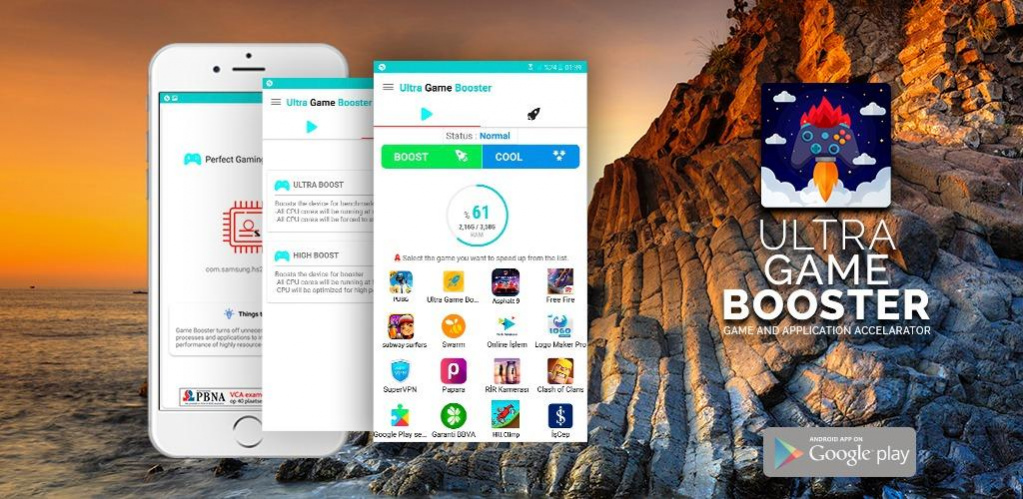
- Game Booster: This app temporarily disables background processes and optimizes system resources for gaming, ensuring you get the best performance possible.
- CCleaner: Not only does this app help clear cache, but it also manages background applications, giving your device an added performance boost.
- DU Speed Booster: This tool effectively enhances your gaming experience by optimizing your device and removing junk files.
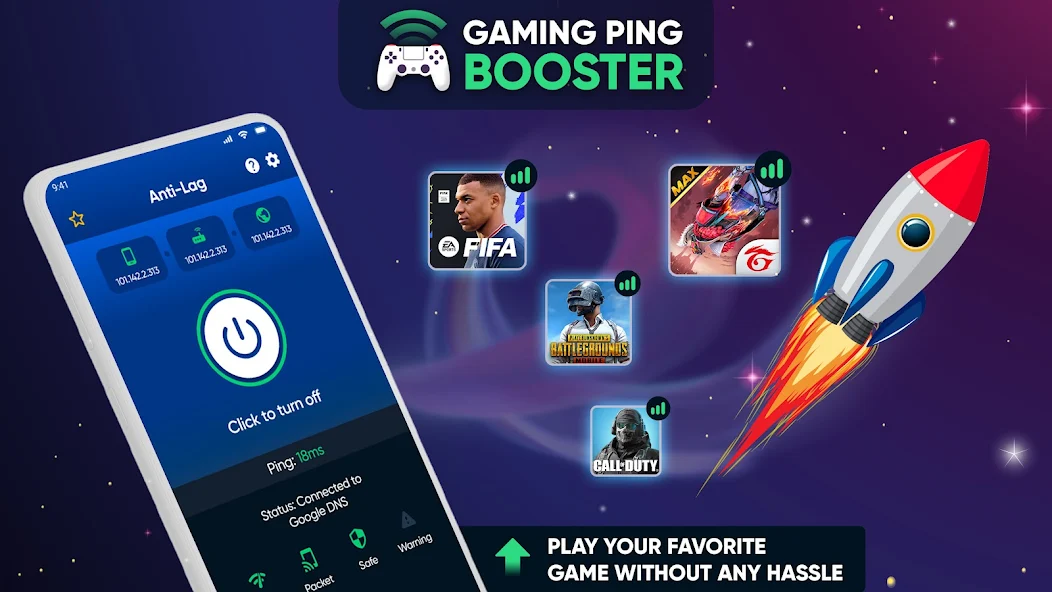
These applications have gained popularity among gamers not just for their effectiveness, but also for their user-friendly interfaces. With brands like Samsung and Xiaomi leading the market in Malaysia, many of these apps are optimized for these devices, ensuring you get the best gaming performance possible.
Settings Adjustments
Finally, tweaking some settings on your Android device can also help improve your gaming performance. Here are some essential adjustments to consider:
- Graphics Settings: Many games allow you to adjust the graphics quality. Lowering these settings can lead to smoother gameplay, especially on devices with limited resources.
- Disable Power-Saving Mode: While this mode conserves battery, it can also limit your device's performance. Disable it while gaming for a better experience.
- Update Software: Ensure your Android device and gaming applications are up to date. Developers often release updates that optimize performance and fix bugs.
By making these adjustments, you can significantly enhance your gaming experience on your Android device. Gamers in Malaysia have found that a few simple tweaks can make a world of difference, especially when playing high-demand games.
FAQs
What causes game lag on Android?
Game lag on Android can be caused by multiple factors, including network issues, insufficient device performance, and background applications consuming resources. Understanding these causes is key to addressing lag effectively.
How can I boost my gaming performance on Android?
To boost your gaming performance on Android, consider clearing your cache, closing background apps, using performance optimization apps, lowering graphics settings, and ensuring your device is updated. These strategies can lead to a smoother gaming experience.
In conclusion, game lag can hinder the enjoyment of gaming on Android devices, but with the right fixes and optimizations, you can significantly improve your performance. By understanding the causes and implementing the suggestions provided, Malaysian gamers can ensure they get the best out of their gaming experience in 2026. Happy gaming!