Understanding Ping
In the world of online gaming, ping is a crucial term that every gamer should understand. Essentially, ping is a measure of latency, which refers to the time it takes for data to travel from your device to the game server and back. This is typically measured in milliseconds (ms). A lower ping indicates a more responsive connection, which is particularly significant for fast-paced games where split-second reactions can determine victory or defeat.
For Malaysian gamers, achieving a low ping is vital for enjoying a smooth gaming experience, especially given the competitive nature of the gaming community here. High latency can lead to lag, causing delays that disrupt gameplay, making it essential to understand how to manage and reduce ping effectively.
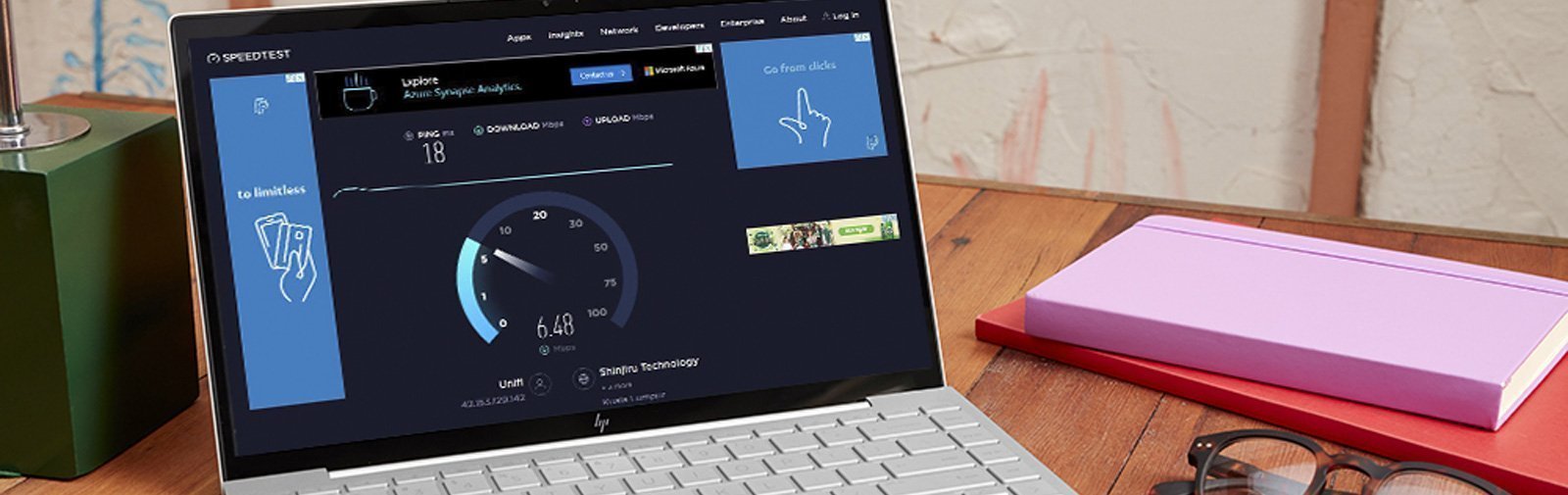
Common Causes of High Ping
Understanding the causes of high ping is the first step toward improving your gaming experience. Several factors contribute to high latency in Malaysia:
- Network Congestion: During peak hours, many users on the same network can lead to congestion, causing delays.
- ISP Limitations: Not all Internet Service Providers (ISPs) offer the same quality of service. Some may throttle your connection based on usage, resulting in higher ping.
- Distance from Game Servers: The physical distance between your location and the game server can significantly affect latency. Servers located farther away typically result in higher ping.
- Wi-Fi Connections: Using Wi-Fi instead of wired connections can introduce additional latency due to interference and signal degradation.
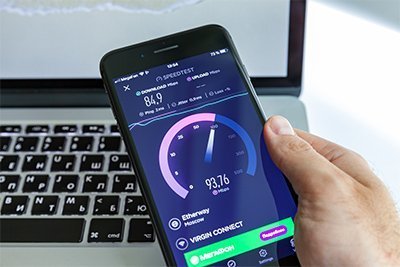
Addressing these issues often requires a combination of technical adjustments and strategic choices regarding your internet service provider.
Tips to Reduce Ping
With an understanding of the causes, let’s explore some actionable tips to reduce ping in Malaysia:
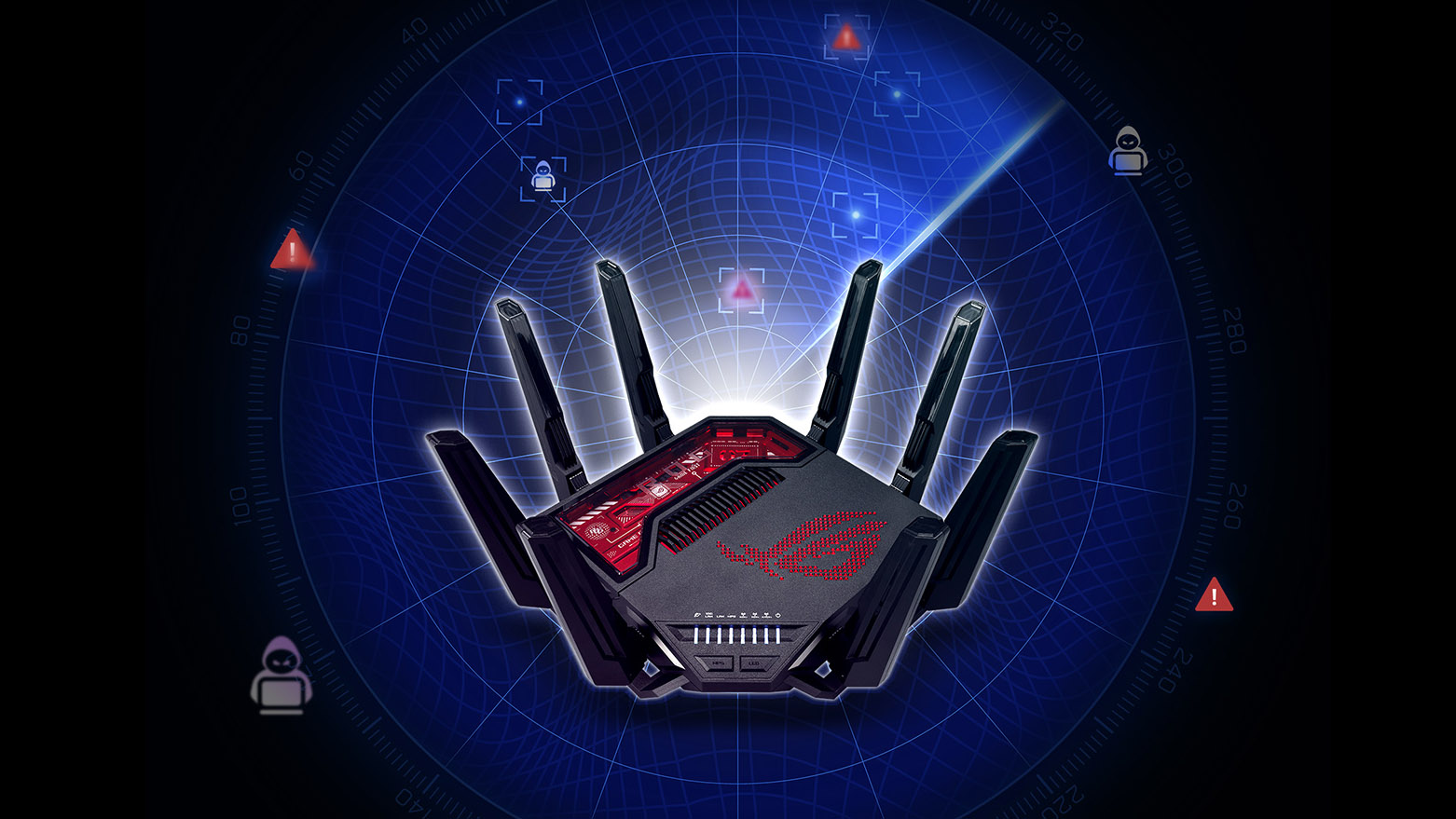
- Optimize Your Router Settings: Access your router’s settings and ensure you are using the latest firmware. Disable any unused features and prioritize gaming traffic through Quality of Service (QoS) settings.
- Use a Wired Connection: Connecting your gaming device directly to the router with an Ethernet cable can significantly reduce ping by providing a more stable and faster connection.
- Choose the Right ISP: Research ISPs that offer low latency and high-speed connections in your area. Look for reviews from other gamers to find the best option.
- Upgrade to Fiber Internet: If available, upgrading to fiber internet can provide a drastic improvement in both speed and latency compared to traditional DSL or cable connections.
- Limit Background Applications: Close any unnecessary applications that may be consuming bandwidth and causing higher latency during your gaming sessions.
Using VPNs
Virtual Private Networks (VPNs) have become a popular solution for gamers looking to reduce ping and enhance their gaming experience. A VPN can help you bypass ISP throttling, which is a common issue that can increase ping. By connecting to a server closer to the game server, you may experience lower latency.
Some popular VPN options for gamers include:
- ExpressVPN: Known for its high-speed servers and reliability, ExpressVPN is a favorite among gamers.
- NordVPN: Offers a large network of servers and features designed specifically for gaming, including dedicated IP addresses.
However, it’s essential to note that while VPNs can be beneficial, they may also add some latency due to the extra step in data transmission. Therefore, testing different servers within your VPN and finding the optimal one is crucial for minimizing ping.

Testing Your Ping
To effectively manage your ping, you need to know your current latency. Luckily, testing your ping is straightforward. Here’s how:
- Use Ping Command: On Windows, open Command Prompt and type
ping google.comto check your latency to a common server. On macOS, you can do this in the Terminal. - Online Ping Test Tools: Websites like Pingtest.net or Speedtest.net offer detailed analysis of your ping, including jitter and packet loss.
- In-Game Ping Display: Most online games display your ping in the settings or during gameplay, allowing you to monitor it in real-time.
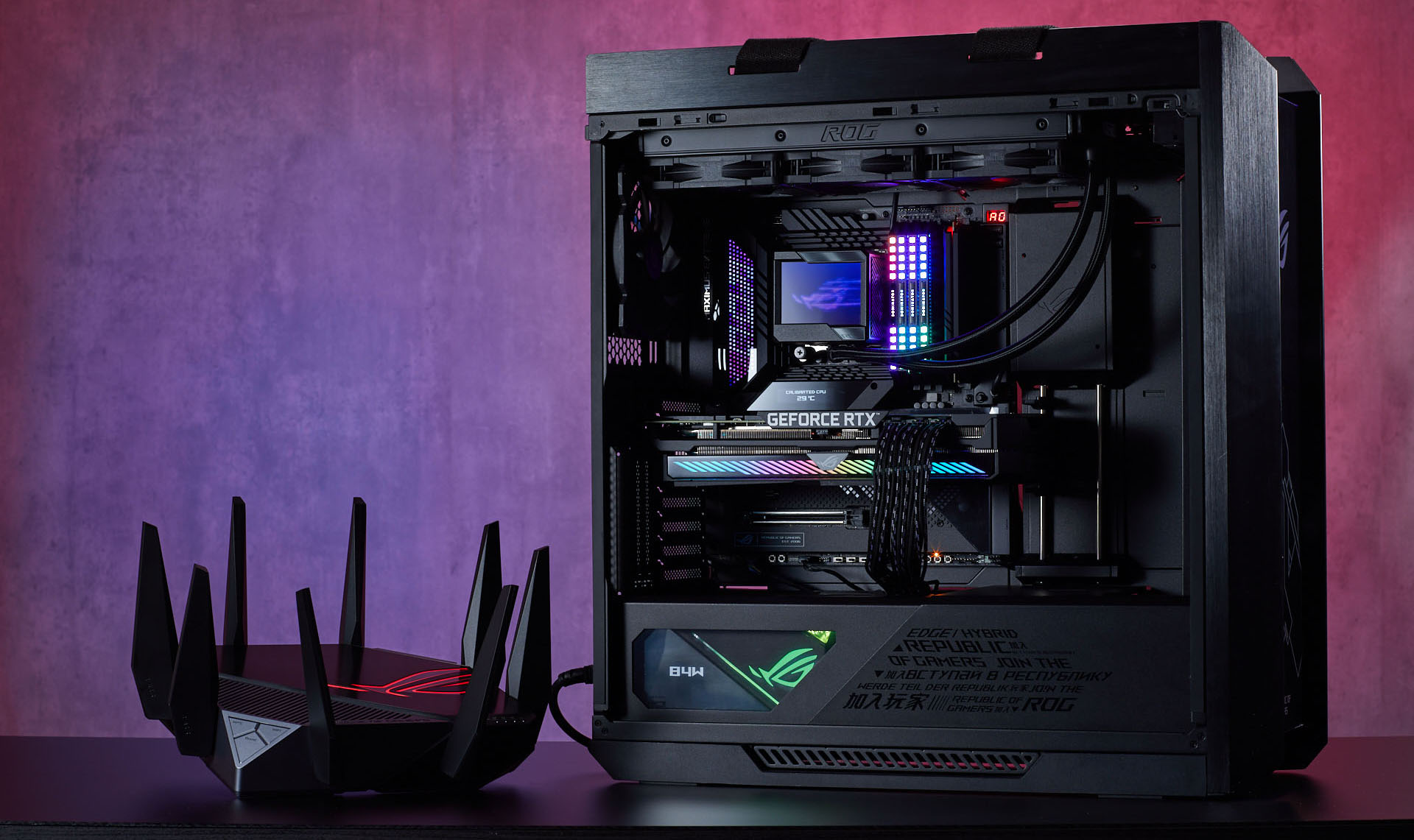
Regularly testing your ping can help you identify any issues and track improvements as you implement the tips discussed earlier.
Frequently Asked Questions
What causes high ping in Malaysia?
High ping in Malaysia can be attributed to various factors, including network congestion during peak hours, limitations set by ISPs, the distance to game servers, and the use of Wi-Fi connections instead of wired ones.
Does a VPN reduce ping?
A VPN can reduce ping by bypassing ISP throttling and connecting you to a server closer to the game server. However, it can also introduce some latency, so it’s essential to test different servers to find the best one for your needs.
By implementing these strategies, Malaysian gamers can improve their internet speed and reduce ping, leading to a more enjoyable online gaming experience. Remember, a low ping and optimized connection can be the difference between winning and losing in your favorite games.