Top 5 Quick Fixes for Game Lag on Android in 2026
The gaming community in Malaysia has witnessed tremendous growth, with mobile gaming becoming a significant part of everyday entertainment. However, game lag can often turn an exciting gaming session into a frustrating experience. In 2026, many players find themselves battling not just their in-game opponents but also technical issues like game lag on their Android devices. In this article, we will explore the common causes of game lag, present quick fixes, recommend apps to enhance performance, and suggest settings adjustments to optimize your Android device for gaming.
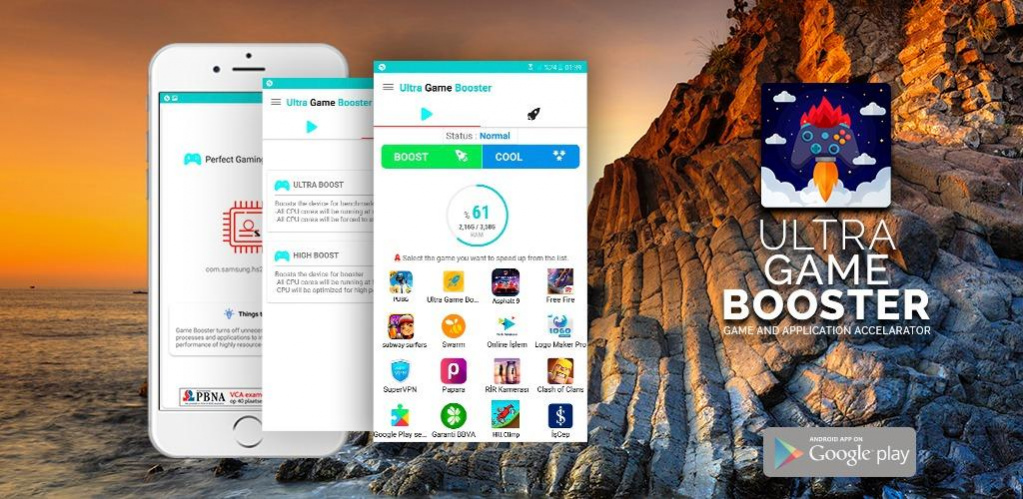
Common Causes of Game Lag
Understanding the root causes of game lag is crucial in addressing the issue effectively. Here are some of the most common factors that contribute to game lag on Android devices:
- Poor Internet Connection: A stable internet connection is vital for online gaming. High latency or slow speeds can lead to noticeable lag.
- Device Overheating: Extended gaming sessions can cause your device to overheat, resulting in throttled performance and increased lag.
- Background Apps: Running multiple applications simultaneously consumes valuable resources, leading to decreased gaming performance.
- Insufficient Storage: Low storage can hinder your device's ability to function smoothly, affecting loading times and in-game performance.
By identifying these causes, Malaysian gamers can begin to implement solutions to improve their experience and minimize lag. For instance, a common issue among players in urban areas like Kuala Lumpur is unreliable Wi-Fi connections, which can disrupt gameplay. Investing in a good router or utilizing mobile data may help in such situations.
Quick Fixes
Here are some actionable tips to help you quickly resolve game lag issues on your Android device:
- Restart Your Device: A simple restart can clear temporary files and refresh the system, potentially resolving lag issues.
- Close Background Apps: Before starting your game, make sure to close any unnecessary apps running in the background. This will free up RAM and processing power.
- Update Your Games: Developers frequently release updates to improve performance and fix bugs. Regularly check for updates on the Google Play Store.
These quick fixes are often overlooked but can drastically enhance your gaming performance. As you prepare for your next gaming session in Malaysia, ensure you implement these tips for a smoother experience. For instance, many players in Penang have reported enhanced performance after clearing background apps before gaming.
Apps to Improve Performance
In addition to manual fixes, several applications can help optimize gaming performance on your Android device:
- Game Booster: This app temporarily shuts down background processes and optimizes your device's resources specifically for gaming.
- CCleaner: Known for its cache clearing capabilities, CCleaner helps free up space and improve overall performance.
- Greenify: This app hibernates background apps that consume unnecessary resources, allowing your game to run smoother.
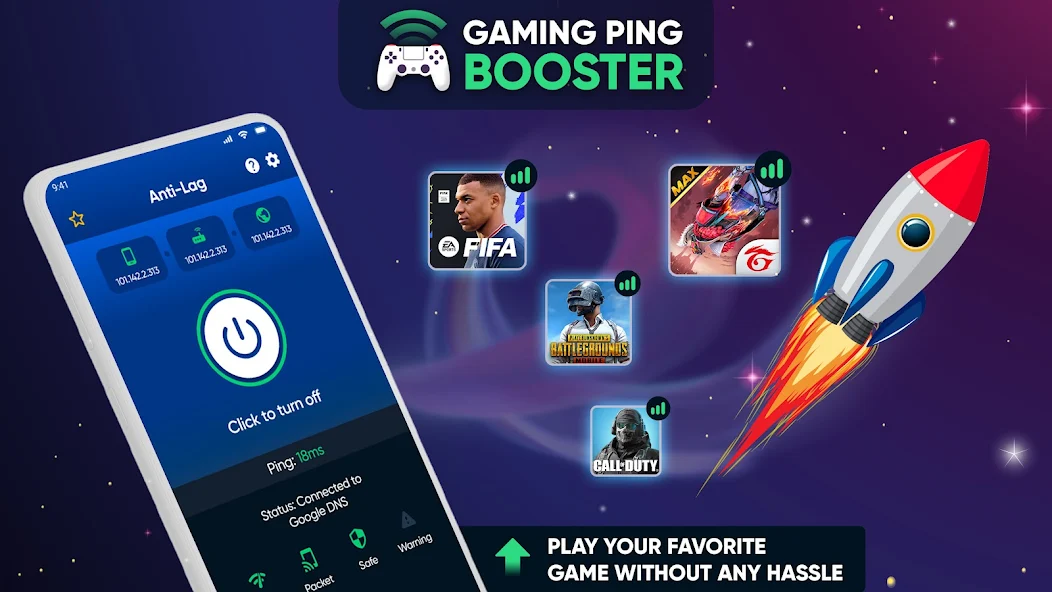
These applications are particularly popular among Malaysian gamers, especially those who play resource-intensive games like Mobile Legends or PUBG Mobile. Utilizing these tools can not only enhance performance but also prolong the lifespan of your device by preventing overheating.
Settings Adjustments
For optimal gaming performance, consider adjusting specific settings on your Android device:
- Graphics Settings: Lowering the graphics quality in-game settings can significantly reduce lag, especially for high-demand games.
- Power Saving Mode: While it might seem counterintuitive, turning off power saving mode can help your device run games at full capacity by preventing throttling.
- Developer Options: Enabling options such as "Force GPU rendering" can help improve graphics performance.
Malaysian gamers often overlook the impact of these settings. Adjusting graphics settings can be particularly beneficial in games that are demanding on resources, allowing you to maintain a steady frame rate and reduce lag.
FAQs
What causes game lag on Android?
Game lag on Android can be caused by several factors, including poor internet connectivity, device overheating, background applications consuming resources, and insufficient storage space. Identifying these issues is the first step in resolving lag.
How can I boost my gaming performance on Android?
To boost gaming performance, consider restarting your device, closing background apps, updating your games, and utilizing performance-enhancing applications. Additionally, adjusting your device settings to optimize graphics and power can significantly help reduce lag.
In conclusion, game lag can be a major hindrance for gamers. However, by understanding the common causes, implementing quick fixes, utilizing performance-enhancing apps, and adjusting settings, Malaysian gamers can enjoy a smoother gaming experience in 2026 and beyond. Whether you're playing casually or competitively, these tips will help you stay in the game without frustrating interruptions.