Understanding Game Lag
Game lag is a frustrating experience that many gamers encounter, particularly on mobile devices like Android. It refers to the delay between a player's action and the game's response. This latency can manifest as stuttering frames, delayed actions, and unresponsive controls, significantly detracting from the overall gaming experience. For gamers in Malaysia, where mobile gaming is prevalent, addressing game lag is crucial to ensure an enjoyable and competitive atmosphere.
In the fast-paced world of mobile gaming, particularly with popular titles like PUBG Mobile and Mobile Legends, even a fraction of a second can mean the difference between victory and defeat. Therefore, finding effective solutions to minimize lag is essential for both casual and competitive gamers alike.
Common Causes of Lag
Several factors contribute to game lag on Android devices, and understanding these can help you identify potential solutions:
- Hardware Limitations: Older Android models may not have the processing power or RAM required to run modern games smoothly. High-resolution graphics and complex game mechanics demand more from your device.
- Network Issues: A stable internet connection is vital for online gaming. Any fluctuations in your Wi-Fi or mobile data can lead to severe lag. Ping times and packet loss are common culprits.
- Background Apps: Running multiple applications simultaneously can consume your device's resources, causing games to lag. It's essential to close unnecessary apps to free up memory.
- Temperature: Overheating can throttle your device's performance. Playing for extended periods or in hot conditions can lead to reduced performance and increased lag.
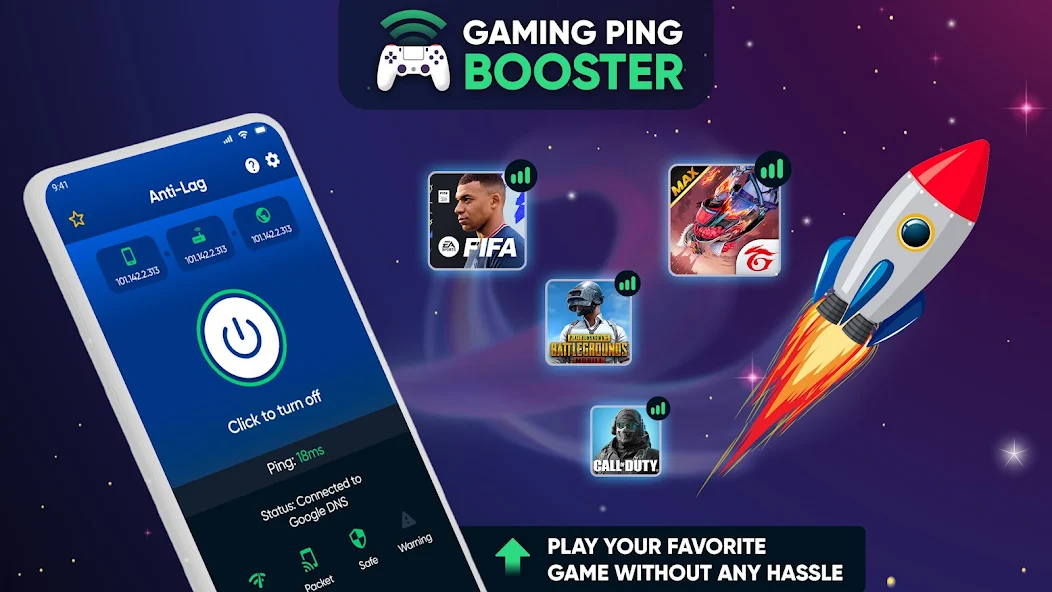
By recognizing these factors, you can take proactive measures to reduce lag and enhance your gaming performance.
Optimizing Game Settings
Adjusting in-game settings is one of the most effective ways to minimize lag. Here are some detailed steps you can follow:
- Lower Graphics Settings: Most games offer graphical options such as resolution, texture quality, and shadow effects. Reducing these settings can significantly improve performance.
- Disable Background Effects: Features like motion blur and ambient occlusion can be visually appealing but may contribute to lag. Disabling these can free up resources.
- Frame Rate Settings: Set the frame rate to a lower value if you're experiencing instability. A stable 30 FPS is often better than fluctuating between 60 FPS and lower.
- Use Game Mode: Many Android devices come with a built-in game mode that optimizes system resources for gaming. Enable this feature to prioritize your game’s performance.

Making these adjustments can lead to a smoother gaming experience, especially in high-stakes scenarios where every millisecond counts.
Recommended Apps to Fix Game Lag
In addition to adjusting settings, utilizing performance optimization apps can significantly enhance your gaming experience. Here are some top recommendations for 2026:
- Game Booster: This app optimizes your device by freeing up RAM and closing background processes, allowing games to run more smoothly.
- Network Signal Info: A great tool to monitor your network connection. It helps you identify issues with your signal strength, which is crucial for online gaming.
- CCleaner: Known for its ability to clean up unnecessary files, CCleaner can help recover storage space and improve overall device performance.
- Greenify: This app hibernates background apps, preventing them from using resources while you’re gaming, which can help reduce lag significantly.
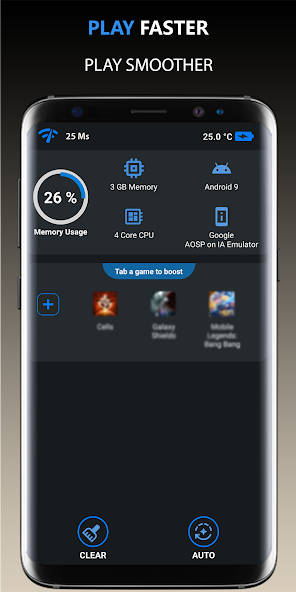
Utilizing these apps can lead to better performance, allowing you to fully immerse yourself in your favorite games without the annoyance of lag.
System Updates and Maintenance
Regular system updates are essential for maintaining optimal performance on your Android device. Software updates often include bug fixes and performance enhancements that can help reduce lag. Here are some maintenance tips:
- Keep Your Device Updated: Regularly check for system updates and install them as they can resolve known issues and improve performance.
- Clear Cache: Over time, cached data can build up and slow down your device. Regularly clearing the cache can help maintain speed.
- Uninstall Unused Apps: If you have apps that you no longer use, uninstalling them can free up valuable resources on your device.
By keeping your device well-maintained and updated, you can enjoy a smoother gaming experience, minimizing lag and maximizing performance.
FAQs
What causes game lag on Android?
Game lag on Android can be caused by various factors including hardware limitations, network issues, background applications consuming resources, and even device overheating.
How can I boost performance for gaming on Android?
To boost performance, you can lower in-game graphics settings, close unnecessary background apps, use performance optimization apps, and ensure that your device is updated with the latest software.
By understanding the causes of game lag and implementing the solutions outlined above, Malaysian gamers can significantly enhance their gaming experience on Android devices in 2026. Whether you're a casual player or a competitive gamer, tackling lag is essential for enjoying your favorite games to the fullest.