Top 5 Game Lag Fixes for Android in 2026
In 2026, the Malaysian gaming community continues to thrive, with Android devices being a popular choice for mobile gaming. However, many players still face the frustrating issue of game lag, which can ruin the gaming experience. This article will explore the common causes of game lag, quick fixes, performance-enhancing apps, and essential settings adjustments to help you optimize your Android gaming experience.
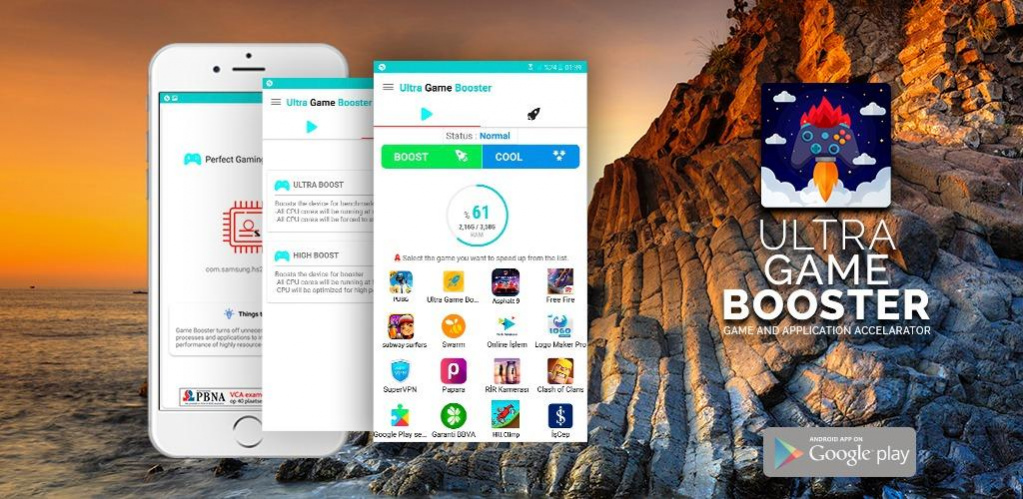
Common Causes of Game Lag
Understanding the reasons behind game lag is crucial for any gamer looking to improve their performance. Here are some common factors contributing to lag on Android devices:
1. Hardware Limitations
Many Android devices, especially budget models, may not have the necessary hardware specifications to run high-demand games smoothly. Insufficient RAM, outdated processors, and limited graphics capabilities can lead to significant performance issues.
2. Network Issues
For online gaming, a stable internet connection is essential. Slow Wi-Fi or cellular data can cause delays, resulting in noticeable lag. Players in rural areas of Malaysia may experience more pronounced issues due to limited connectivity options.
3. Software Conflicts
Incompatibilities between apps, outdated operating systems, or bugs in the game itself can lead to performance hiccups. Regular updates and careful app management can help mitigate these problems.
4. Background Applications
Running multiple applications simultaneously can drain system resources. Apps that consume significant memory or processing power can lead to game lag, making it vital to manage background processes effectively.
5. Cache Buildup
Over time, cached data from games and apps can accumulate, potentially hindering performance. Regular cache clearing is a simple yet effective way to enhance gaming performance on Android devices.
Quick Fixes
When facing game lag, there are several immediate actions you can take to improve your gaming experience:
- Clear Cache: Regularly clearing the cache of your games and apps can free up storage and improve performance.
- Close Background Apps: Before launching a game, ensure that all non-essential apps are closed to allocate more resources to your game.
- Disable Auto-sync: Turn off auto-sync for apps that are not in use, as they can consume bandwidth and processing power.
- Check Network Settings: Ensure you're connected to a stable Wi-Fi network or have a strong cellular signal if you're playing online.
As you can see above, implementing these quick fixes can lead to noticeable improvements. They are simple yet effective steps that every gamer should consider before diving into a gaming session.
Apps to Improve Performance
Several applications are specifically designed to enhance the gaming performance of your Android device. Here are some top recommendations:
- Game Booster: This app optimizes system performance by managing RAM usage and reducing background processes, ensuring your games run smoother.
- CCleaner: Known for cleaning up unnecessary files and cache, this app can significantly improve your device's speed and responsiveness.
- Greenify: This app helps manage your background apps, preventing them from consuming resources when you’re gaming.
- Gaming Mode: Many Android devices now come with a built-in gaming mode that prioritizes resources for gaming, optimizing performance on the fly.
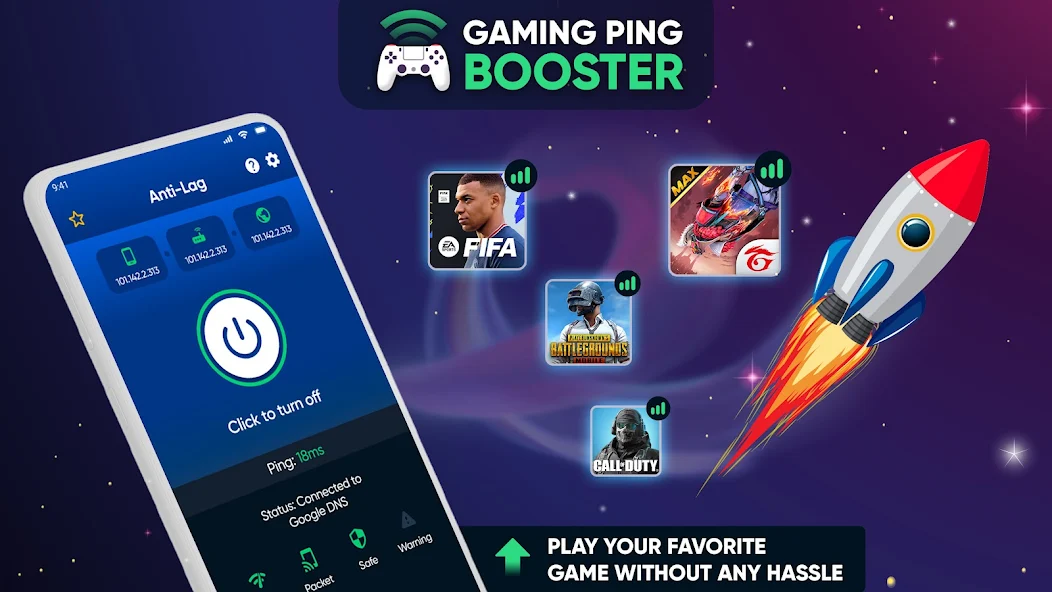
Notice how using these apps can streamline your gaming experience, especially during intense gaming sessions where every millisecond counts. They help manage resources effectively and keep your device running optimally.
Settings Adjustments
Making specific adjustments to your Android settings can also enhance gaming performance. Here are some vital changes to consider:
1. Developer Options
Accessing developer options allows you to make several tweaks that can improve performance:
- Enable Force GPU Rendering to offload graphical tasks to the GPU, which can reduce lag.
- Reduce Animation Scale to speed up transitions and improve perceived performance.
2. Graphics Settings
Many games offer in-game graphics settings. Lowering these settings can significantly reduce lag, especially on devices with mid-range specs. Adjusting the resolution and texture quality can lead to smoother gameplay without sacrificing too much visual fidelity.
3. Battery Saver Mode
While it may seem counterintuitive, turning off battery saver mode while gaming can prevent throttling of CPU and GPU performance, which often leads to lag.
4. Update Your Device
Regularly updating your Android operating system can resolve performance issues caused by bugs and ensure compatibility with the latest games.
FAQ
What causes game lag on Android?
Game lag on Android can be caused by several factors, including hardware limitations, network issues, software conflicts, background apps, and cache buildup. Addressing these issues through optimizations and adjustments can help mitigate lag.
How can I boost my gaming performance on Android?
To boost gaming performance on Android, consider clearing the cache, closing background apps, using performance-enhancing apps, adjusting graphics settings, and utilizing developer options. Regular updates and managing your device's resources effectively are also crucial.
In conclusion, while game lag can be a frustrating aspect of mobile gaming, understanding its causes and implementing effective fixes can significantly enhance your experience. By utilizing these strategies, Malaysian gamers can enjoy a smoother, more immersive gaming journey in 2026.