Understanding Game Lag
Game lag is a frustrating experience that many gamers encounter, particularly on mobile platforms like Android. It refers to the delay between a player's action and the game's response. This lag can severely impact gameplay, leading to missed opportunities, unresponsive controls, and a general sense of disconnection from the game world. In 2026, as mobile gaming continues to evolve, addressing game lag has become increasingly crucial for a smooth and enjoyable gaming experience.
To fully appreciate the significance of fixing game lag, one must recognize how detrimental it can be. Whether you're battling in a competitive online shooter or exploring expansive open-world environments, even the slightest delay can result in frustration and diminished performance. In Malaysia, where gaming is a growing passion among youth and adults alike, finding ways to minimize game lag is essential for enhancing the overall experience.
Common Causes of Lag
Understanding what causes game lag is the first step toward finding effective solutions. Here are some common factors that contribute to lag on Android devices:
- Device Performance: The specifications of your Android device play a significant role in its gaming capabilities. Older devices or those with limited RAM and processing power may struggle to run demanding games smoothly.
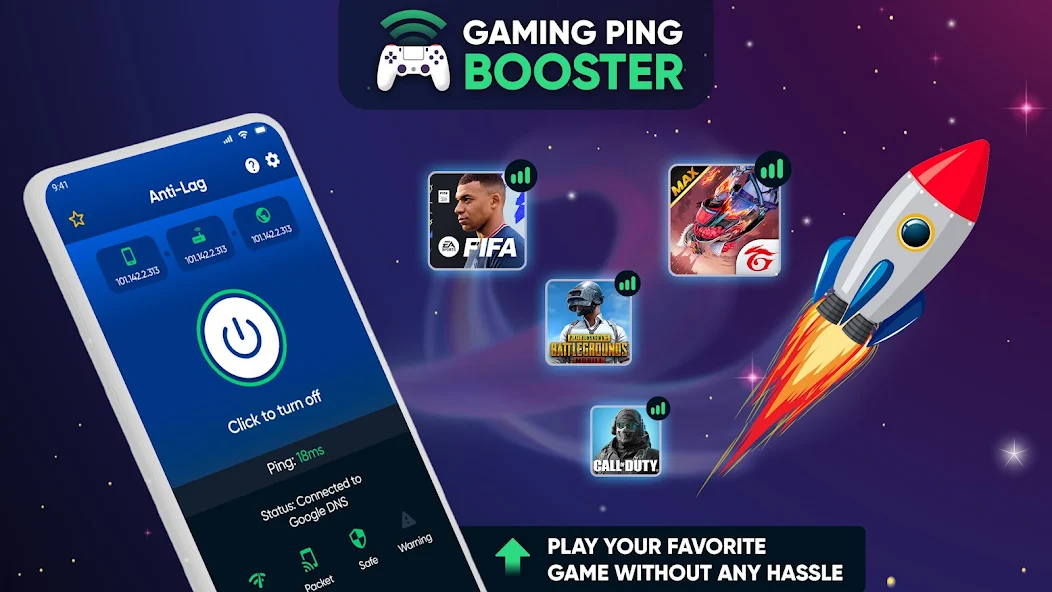
- Network Issues: A poor internet connection can be a primary cause of game lag, especially in online multiplayer games. High latency and packet loss can lead to delays in data transmission, resulting in choppy gameplay.
- Background Applications: Running multiple applications simultaneously can consume valuable resources. This leaves less power available for your game, leading to decreased performance and increased lag.
By identifying these factors, you can take proactive steps to mitigate their impact and enhance your gaming experience. Remember, a stable internet connection and a well-maintained device can significantly reduce lag.
Optimizing Game Settings
One of the most immediate ways to tackle game lag is by optimizing your in-game settings. Here are some tips tailored for Malaysian gamers looking to enhance performance:
- Adjust Graphics Settings: Lowering graphics quality can drastically improve performance. Reducing texture quality, shadows, and anti-aliasing can help your game run smoother on less powerful devices.
- Frame Rate Settings: Some games allow you to adjust the frame rate. Opting for a lower frame rate can reduce lag, especially if your device struggles with higher settings.
- Resolution Adjustment: Reducing the screen resolution can ease the strain on your device’s GPU, leading to smoother gameplay.

Experimenting with these settings can lead to a noticeable improvement in gameplay. Each game has unique requirements, so finding the right balance for your device is key.
Recommended Apps
In addition to adjusting settings, utilizing certain applications can help you optimize performance and reduce game lag on your Android device. Here are some recommended apps that Malaysian gamers should consider:
- Game Booster: This app optimizes your device's resources by closing background apps and processes while you play, freeing up RAM and CPU power.
- Network Speed Test: A reliable network speed test app can help you check your internet connection's stability and speed, allowing you to address connectivity issues that contribute to lag.
- Cache Cleaner: Regularly clearing cached data can help improve performance, especially if your device is running low on storage space.
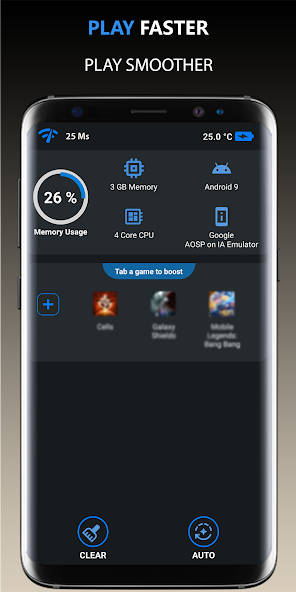
These applications can serve as valuable tools in your gaming arsenal, providing additional layers of optimization to ensure a smoother gaming experience.
System Updates and Maintenance
Regular system updates and maintenance are crucial for maintaining optimal performance on your Android device. Keeping your device's operating system and applications up to date can resolve bugs and improve overall functionality.
Moreover, routine maintenance practices such as clearing cache data, uninstalling unused apps, and ensuring ample storage space can significantly reduce the chances of game lag. By taking these simple steps, you can help ensure that your device runs efficiently and is always ready for gaming.
Frequently Asked Questions
What causes game lag on Android?
Game lag on Android can be caused by various factors including device performance limitations, network connectivity issues, and the presence of background applications consuming system resources.
How can I boost performance for gaming on Android?
Boosting performance can be achieved by optimizing in-game settings, utilizing performance enhancement apps, ensuring a stable internet connection, and performing regular system maintenance.
In conclusion, by understanding the causes of game lag and implementing these strategies, Malaysian gamers can significantly enhance their gaming performance on Android devices. The tools and tips outlined in this guide are designed to empower you to take control of your gaming experience, minimizing interruptions and maximizing enjoyment.