Introduction
In the vibrant world of Android gaming, lag can be a frustrating experience for gamers across Malaysia. Whether you're engaging in epic battles or exploring expansive worlds, game lag can disrupt your immersion and enjoyment. As we step into 2026, understanding how to tackle game lag effectively is more crucial than ever. With over 70% of Android users experiencing some form of lag, knowing how to address this issue can significantly enhance your gaming experience.

In this article, we’ll explore the common causes of game lag, provide quick fixes, and delve into advanced solutions that can help you optimize your Android device for a smoother gaming experience.
Causes of Game Lag
Understanding the root causes of game lag is the first step in addressing the issue. Here are some common culprits:
- Hardware Limitations: Many Android devices, especially older models, may not have the necessary hardware specifications to run demanding games smoothly. Limited RAM and processing power can lead to noticeable lag.
- Software Issues: Outdated operating systems or apps can also contribute to performance problems. Ensuring your device is updated is essential for optimal performance.
- Network Problems: For online games, a weak internet connection can create significant lag. High ping rates or unstable Wi-Fi signals often result in frustrating gameplay experiences.
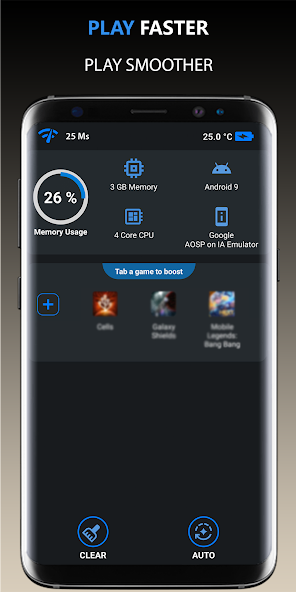
By identifying the specific cause of lag on your Android device, you can tailor your approach to fixing it effectively.
Quick Fixes
If you’re experiencing lag during gameplay, there are several immediate fixes you can try:
- Close Background Apps: Running multiple applications simultaneously can drain your device’s resources. Close any unnecessary apps to free up RAM and processing power.
- Adjust Game Settings: Lowering the graphics settings in the game can reduce lag significantly. Look for options like texture quality, shadow effects, and frame rate settings. Sometimes, optimizing settings can reduce lag by up to 50%.
- Clear Cache: Regularly clearing the cache of your games and apps can help improve performance. Go to Settings > Apps > [Your Game] > Storage and select 'Clear Cache.'

These quick fixes can often provide immediate relief from lag and help you get back to enjoying your favorite games without interruption.
Advanced Solutions
For those looking to dive deeper into optimizing their Android devices for gaming, here are some advanced solutions:
- Device Optimization Techniques: Regularly update your Android OS and ensure that your device is free from malware. Utilize built-in optimization features or settings to maximize performance.
- Performance Booster Apps: Consider downloading performance booster apps that are specifically designed for gaming. These apps can help manage resources and improve gameplay. Look for apps with good reviews from Malaysian users to find the most effective ones.
- Game Mode: Many Android devices now come with a 'Game Mode' feature that prioritizes gaming traffic and optimizes performance settings while you play. Enable this feature to enhance your game experience.
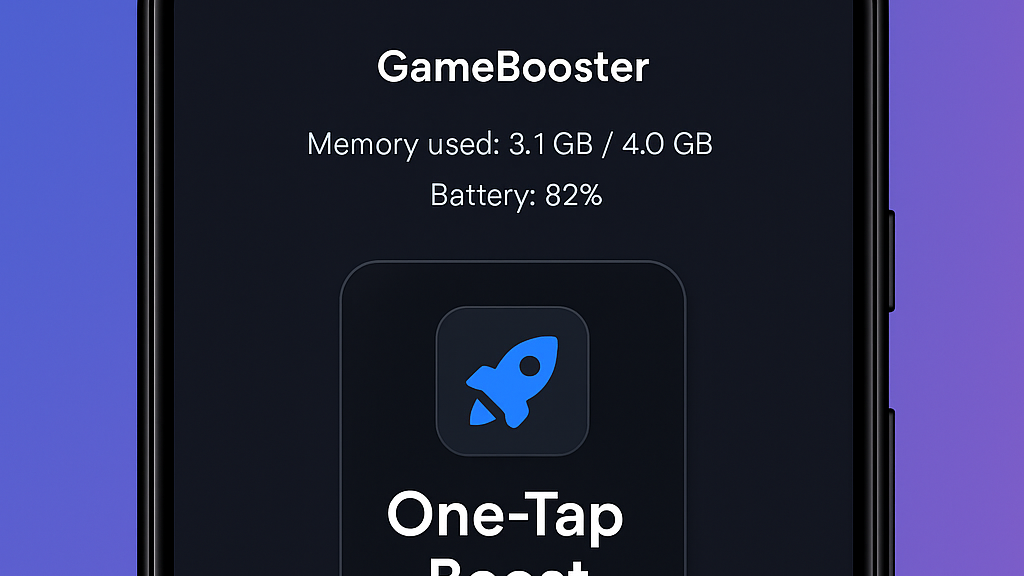
Implementing these advanced strategies can lead to a significant improvement in your gaming performance, allowing you to enjoy your games without frustrating interruptions.
User Experiences
The Malaysian gaming community is filled with stories of successful lag fixes. Many users have shared their experiences on online forums and social media:
- Ali from Kuala Lumpur: "I was really struggling with lag when playing PUBG Mobile. After using a performance booster app and adjusting my settings, the lag was cut down dramatically!"
- Siti from Penang: "I never thought clearing my cache would make such a difference. My games are running much smoother now!"
- Rahim from Johor: "Switching to 5G made a huge difference for my online games. I used to lag all the time, but now it’s almost non-existent!"
These testimonials highlight how addressing game lag is not just about technical fixes; it’s also about enhancing the overall gaming experience. The community comes together to share knowledge and support one another in overcoming these challenges.
FAQs
What causes game lag on Android?
Game lag on Android can be caused by several factors, including hardware limitations, software issues, and network problems. Insufficient RAM, outdated apps or operating systems, and weak internet connections can all contribute to lag during gameplay.
How can I boost my Android's gaming performance?
To boost your Android's gaming performance, consider closing background apps, adjusting game settings for lower graphics, clearing app cache, and using performance booster apps. Regularly updating your device and utilizing features like Game Mode can also enhance your gaming experience.
By understanding game lag and implementing these fixes, you can maximize your enjoyment of the diverse gaming landscape in Malaysia. Whether you’re a casual player or a competitive gamer, a smooth gaming experience awaits!