How to Fix Game Lag on Android Devices: Tips for 2026
In the vibrant gaming community of Malaysia, mobile gaming has reached new heights. With millions of players enjoying their favorite titles on Android devices, game lag remains a persistent issue that can ruin the gaming experience. Whether you're battling it out in Mobile Legends or racing in Asphalt 9, lagging can be frustrating. This comprehensive guide outlines the common causes of game lag and provides effective solutions tailored for Malaysian gamers in 2026.
Common Causes of Game Lag
Understanding why game lag occurs is the first step toward fixing it. Here are some typical reasons that contribute to lag on Android devices:
- Network Issues: A slow or unstable internet connection can significantly affect online gaming performance. In Malaysia, where many gamers rely on mobile data or Wi-Fi, fluctuations can lead to frustrating lag.
- Device Performance: Older Android devices or those with less RAM may struggle with resource-intensive games. High-resolution graphics can put extra strain on hardware.
- Background Apps: Apps running in the background consume system resources, which can lead to game lag. This is especially true for messaging apps and other data-consuming services.
Identifying these causes is crucial for effective game lag solutions. Many gamers might be surprised to find that a simple adjustment could improve their gaming experience.
Quick Fixes
When lag strikes, quick fixes are essential for getting back to your game seamlessly. Here are some steps you can take:
- Restart Your Device: A simple restart can clear temporary files and free up RAM, often leading to immediate improvements in performance.
- Close Background Apps: Use the task manager to close unnecessary applications. This can free up resources, allowing your game to run more smoothly.
- Clear Cache: Clearing the cache of your games and applications can significantly improve performance. This process removes unnecessary data that may slow down your device.
As you can see above, implementing these quick solutions can drastically improve your gaming experience. For many Malaysian gamers, these fixes can be done in just a few minutes, ensuring you spend more time playing and less time lagging.
Apps to Improve Performance
There are several applications designed to optimize your Android device for gaming. Here’s a look at some popular ones that can enhance your gaming performance:
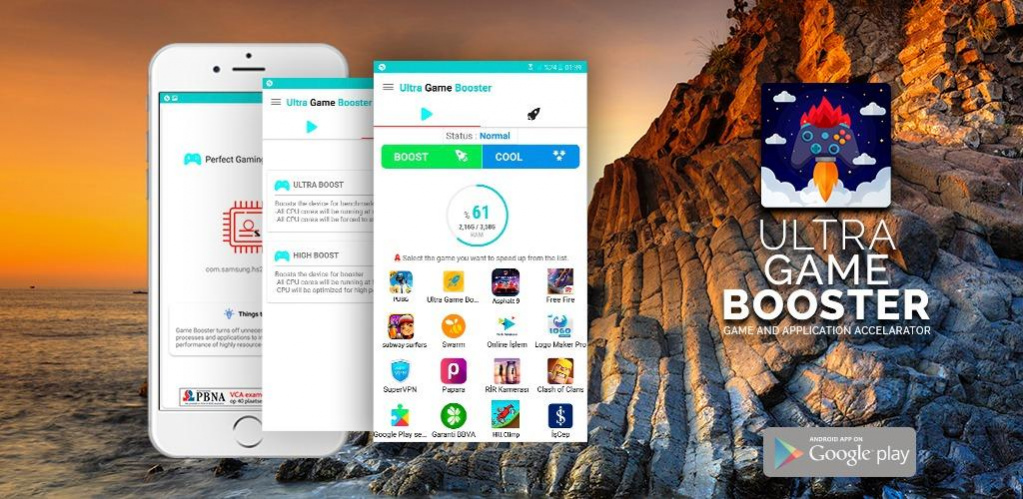
- Game Booster: This app allows you to allocate more resources to your games, reducing lag. It works well on devices from brands like Samsung and Xiaomi.
- Greenify: Particularly effective on devices with limited RAM, Greenify helps to hibernate background apps, freeing up resources for your games.
- CCleaner: Known for its cache clearing capabilities, CCleaner can help improve overall device performance, which is beneficial for gaming.
- OnePlus Gaming Mode: Exclusive to OnePlus devices, this feature optimizes device performance by blocking notifications and improving resource allocation while gaming.
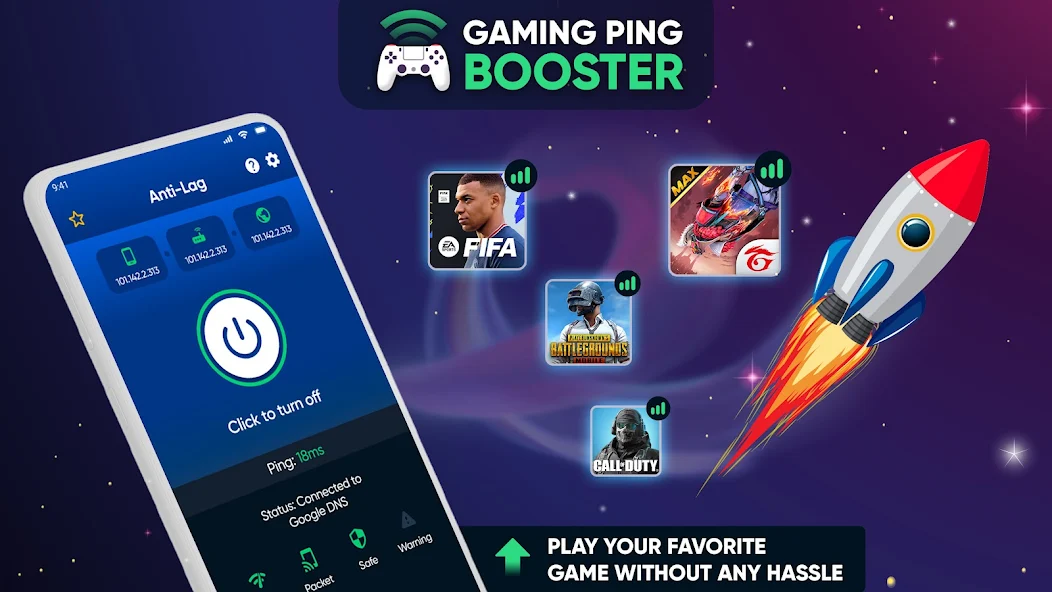
Notice how these applications target specific issues that can lead to game lag. By utilizing these tools, Malaysian gamers can enjoy smoother gameplay and enhanced performance without needing to invest in new hardware.
Settings Adjustments
Adjusting your Android settings can also play a significant role in reducing lag. Here are some settings you can tweak:
- Graphics Settings: Many games allow you to adjust graphics quality. Lowering these settings can lead to a smoother experience, especially on older devices.
- Battery Optimization: While it might be tempting to keep battery optimization on for longevity, it can sometimes restrict your game's performance. Consider turning it off for your gaming apps.
- Data Saver Mode: Ensure that your device isn’t in Data Saver mode while gaming, as this can limit the bandwidth available to your games.
These adjustments can be made in your Android settings menu, ensuring that you have the best possible configuration for gaming.
FAQ
What causes game lag on Android?
Game lag on Android can be caused by various factors, including network issues, insufficient device performance, and background applications consuming resources. Understanding these causes helps in implementing effective fixes.
How can I boost my gaming performance on Android?
To boost gaming performance on Android, consider restarting your device, closing background apps, clearing cache, using performance-enhancing apps, and adjusting in-game graphics settings. These steps can help mitigate lag and ensure a smoother gaming experience.
By following these tips and understanding the nuances of Android optimization, Malaysian gamers can tackle game lag effectively. Whether you are a casual player or a competitive gamer, these strategies will help ensure your gaming sessions are as enjoyable as possible in 2026.