Introduction
In the vibrant gaming community of Malaysia, mobile gaming has surged in popularity, especially on Android devices. However, one of the most frustrating experiences for gamers is encountering game lag. This lag can ruin the overall gaming experience, causing delays in action, stuttering graphics, and even unresponsive gameplay. Studies indicate that over 70% of Android users face game lag issues at some point. In 2026, it's essential for gamers to understand how to address this problem effectively to enhance their gaming sessions.

Causes of Game Lag
Understanding the root causes of game lag is crucial for any gamer looking to optimize their gaming experience. Here are some common factors that contribute to game lag:
- Hardware Limitations: Older Android devices may struggle to run the latest games, leading to performance issues. Insufficient RAM, outdated processors, and low-end graphics can create significant lag.
- Network Issues: Many multiplayer games require a stable internet connection. Poor Wi-Fi signals, high latency, or bandwidth congestion can lead to noticeable lag.
- Software Conflicts: Background applications can consume valuable system resources. Additionally, outdated software or incompatible apps can interfere with game performance.
Quick Fixes
For gamers looking for immediate relief from game lag, there are several quick fixes that can be applied without much hassle:
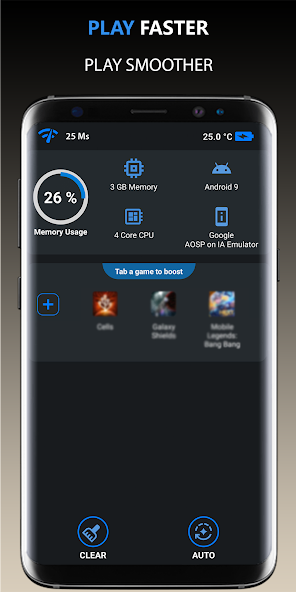
- Clear Cache: Over time, games and apps accumulate cache data that can slow down the device. Clearing the cache can free up space and enhance performance.
- Close Background Apps: Ensure that no unnecessary applications are running in the background. This can free up RAM and CPU resources, allowing your game to run smoother.
- Adjust Graphics Settings: Lowering graphics settings in games can significantly improve performance. Reducing textures, shadows, and resolution can help reduce lag.

Advanced Solutions
If the quick fixes do not resolve your lag issues, you might want to explore more advanced solutions that require a bit more effort but can yield significant results:
- Overclocking: For those who are tech-savvy, overclocking your device can enhance performance. This involves increasing the processor speed beyond the manufacturer's specifications. However, proceed with caution as this can lead to overheating.
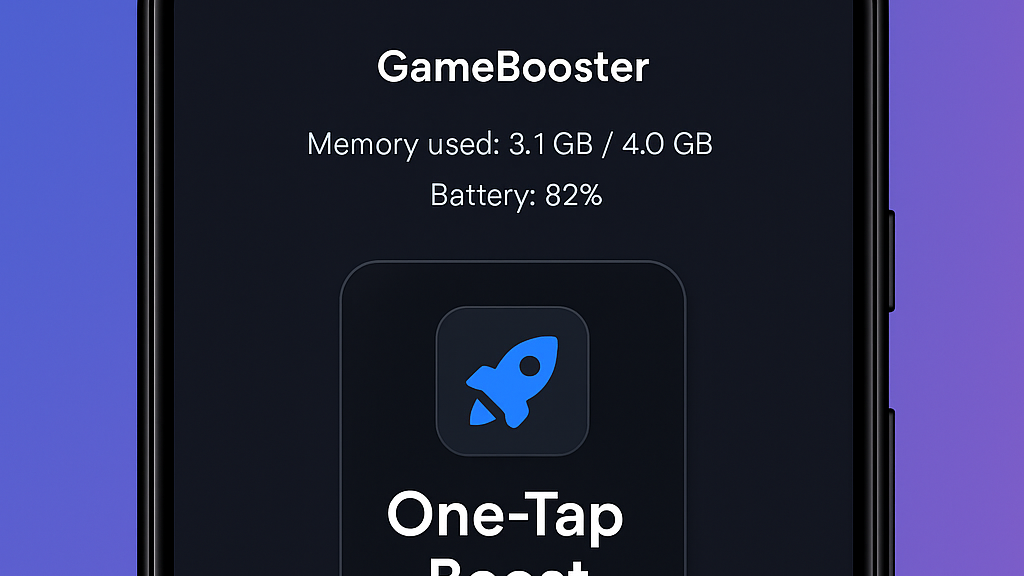
- Using Performance-Enhancing Apps: There are several apps designed to optimize performance by managing resources efficiently. These apps can help boost FPS and reduce lag while gaming.
- Device Upgrades: If you're still experiencing lag, it might be time to consider upgrading your device. Newer models, such as the latest Samsung Galaxy or Xiaomi series, come with advanced hardware that is better suited for gaming.
User Experiences
Real-life experiences from fellow gamers can provide valuable insights. Many Malaysian gamers have shared their success stories regarding game lag fixes:
- Amin, a Samsung user: "After clearing my cache and closing background apps, I noticed a drastic reduction in lag while playing PUBG Mobile. It was like playing a whole new game!"
- Farah, who uses Xiaomi: "I was frustrated with lag during intense gaming sessions. After using a performance booster app, I improved my FPS significantly. It made a huge difference!"
FAQ
What causes game lag on Android?
Game lag on Android can be caused by hardware limitations, network issues, and software conflicts. Older devices may not support the latest games efficiently, while a poor internet connection can lead to delays and stuttering. Additionally, having too many apps running in the background can consume essential resources, resulting in lag.
How can I boost my Android's gaming performance?
To boost your Android's gaming performance, consider clearing the cache of your games, closing unnecessary background applications, and adjusting your game’s graphics settings. For more significant improvements, look into overclocking your device, using performance-enhancing apps, or upgrading to a newer model with better hardware.
In conclusion, addressing game lag on Android devices is vital for a seamless gaming experience. By understanding the causes and applying both quick and advanced solutions, Malaysian gamers can enjoy their favorite games without interruptions. Take the time to optimize your device and share your experience with the community to help others tackle the same challenges.