Top 5 Ways to Reduce Ping in Malaysia for Gamers in 2026
For gamers in Malaysia, experiencing high ping can be a frustrating hurdle that impacts gameplay, especially in fast-paced online environments. In this guide, we will explore effective strategies on how to reduce ping Malaysia to enhance your gaming experience in 2026. Whether you play competitive FPS, MMORPGs, or even casual games, managing your ping can be the difference between victory and defeat.
Understanding Ping
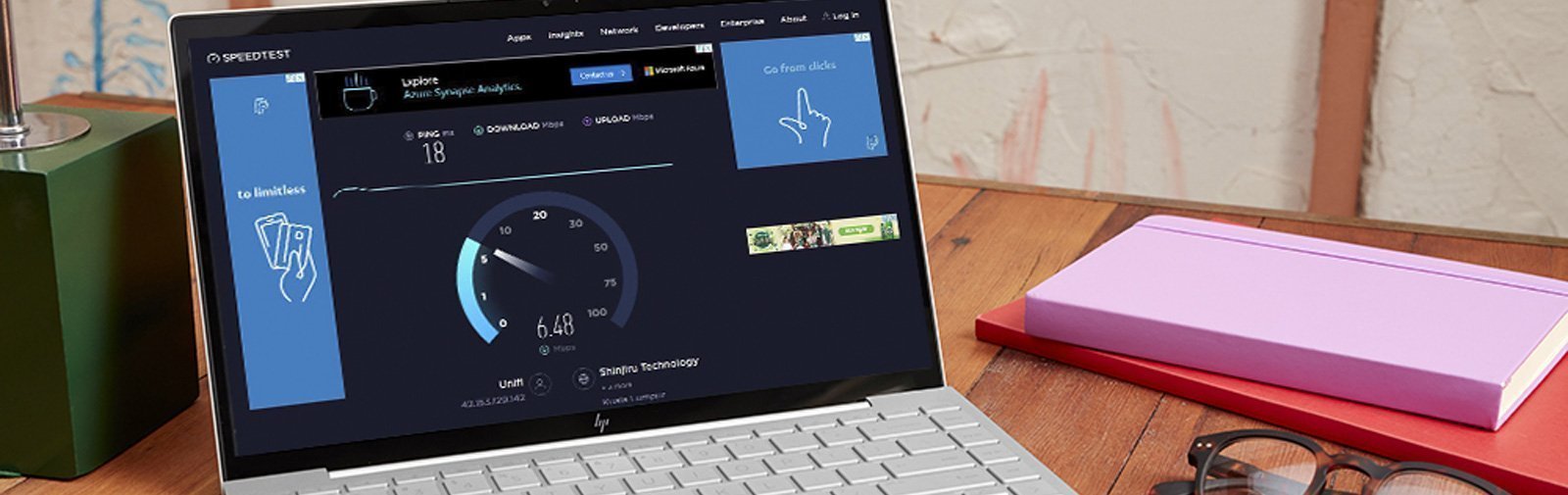
Ping is a network utility that measures the time it takes for data to travel from your device to a server and back. This is often referred to as latency and is measured in milliseconds (ms). The lower the ping, the better the gaming experience, as it translates to real-time responsiveness. For gamers in Malaysia, understanding ping and latency is essential, as even a slight delay can affect competitive gameplay.
In Malaysia, the average ping can vary significantly, ranging from 30 to 100 ms depending on various factors such as internet speed and distance from the game server. This means for competitive gamers, keeping ping low is key to maintaining an edge over opponents.
Common Causes of High Ping
Several factors contribute to high ping in Malaysia, and being aware of them can help you tackle the problem effectively:
- Internet Infrastructure: Malaysia's internet infrastructure can vary greatly, with urban areas often experiencing better connectivity compared to rural regions. This disparity can lead to higher ping times for users in less developed areas.
- Service Providers: Different Internet Service Providers (ISPs) have varying levels of service quality. Some may employ bandwidth throttling during peak times, leading to increased ping.
- Network Congestion: High traffic on your local network or your ISP's network can lead to latency issues. This is particularly common during peak hours.
- Wi-Fi Connections: Using wireless connections can introduce additional latency. Interference from other devices or walls can contribute to packet loss and high ping.
Tips to Reduce Ping
Now that you understand what contributes to high ping, here are some actionable tips to help you reduce it:
- Use a Wired Connection: Switching from Wi-Fi to a wired Ethernet connection can drastically reduce ping. Wired connections are generally more stable and have less interference, leading to lower latency.
- Close Unnecessary Applications: Background applications can consume bandwidth, increasing ping. Ensure that no other devices are hogging your internet connection during your gaming sessions.
- Optimize Your Network Settings: Adjust your router settings to prioritize gaming traffic. Quality of Service (QoS) settings can help manage bandwidth allocation effectively.
- Upgrade Your Internet Plan: If you frequently experience high ping, consider upgrading your internet plan to one with higher speeds. A faster connection can help reduce latency.
- Regularly Restart Your Router: Restarting your router can help clear any temporary issues and refresh your connection, potentially lowering ping.
Using VPNs
Many gamers have turned to Virtual Private Networks (VPNs) to help reduce ping. A VPN can reroute your connection through different servers, potentially improving the latency to game servers. However, this can be a double-edged sword.
Some VPN services, like ExpressVPN and NordVPN, provide optimized servers specifically for gaming. These VPNs can help bypass ISP throttling, which is a common issue that leads to increased ping. However, it’s important to choose a reliable VPN that offers low latency connections. Here are a few tips:
- Choose servers that are geographically closer to the game server.
- Test different VPN protocols (like OpenVPN or WireGuard) to see which provides the best speed.
- Monitor your ping before and after connecting to a VPN to assess its effectiveness.

Testing Your Ping
To effectively manage your ping, it's crucial to regularly test it. Here’s how you can do it:
- Using Online Tools: Websites like Speedtest.net or Pingtest.net allow you to measure your ping to various servers. Simply select a server close to your location and run the test.
- In-Game Tools: Many online games provide tools to display your ping. Pay attention to this during gameplay to see how your adjustments impact latency.
- Interpreting Results: A ping below 30 ms is considered excellent, 30-50 ms is good, and anything over 100 ms can lead to significant lag. Keeping track of your ping over time can help you identify patterns and issues.
Frequently Asked Questions
What causes high ping in Malaysia?
High ping in Malaysia can be caused by several factors, including poor internet infrastructure, high traffic on local networks, and the choice of Internet Service Provider (ISP). Connectivity issues in rural areas and the use of Wi-Fi connections can also contribute to increased latency.
Does a VPN reduce ping?
A VPN can reduce ping under certain circumstances by bypassing ISP throttling and optimizing the route to gaming servers. However, not all VPNs will improve ping; it’s essential to choose one that offers fast, reliable connections.
By implementing these strategies, Malaysian gamers can significantly improve their gaming experience in 2026. Reducing ping not only enhances your performance but also makes gaming more enjoyable. So gear up, optimize your network, and enjoy seamless gaming!