Top 5 Game Lag Fixes for Android in 2026
In the vibrant Malaysian gaming community, mobile gaming has become a significant pastime for many. However, nothing disrupts the experience quite like game lag. Whether you’re battling in a multiplayer arena or exploring vast open worlds, lag can severely impact your enjoyment and performance. Fortunately, there are effective ways to address this issue, especially for Android users. In this guide, we will explore the common causes of game lag, quick fixes, performance-boosting apps, and essential settings adjustments to enhance your gaming experience.
Common Causes of Game Lag
To effectively eliminate game lag, it’s crucial to understand its causes. Here are some of the most common factors contributing to lag on Android devices:
- Hardware Limitations: Many mobile devices, especially older models, may lack the processing power and RAM to handle resource-intensive games. Games that require high graphics settings can lead to noticeable lag if your device is not equipped to manage them.
- Software Issues: Outdated operating systems or game applications can create compatibility issues, resulting in lag. Regular updates can help alleviate these problems.
- Network Problems: A slow or unstable internet connection is a leading cause of lag in online gaming. Whether you’re using Wi-Fi or mobile data, interruptions can severely affect your gameplay.
- Background Apps: Other applications running in the background can consume resources, leading to reduced performance in your games. It’s essential to manage these apps effectively.
Quick Fixes
Sometimes, the simplest solutions can yield the best results. Here are quick fixes you can implement immediately to reduce lag in your games:
- Restart Your Device: A simple restart can clear temporary files and free up resources, often resolving minor issues that cause lag.
- Clear Cache: Regularly clearing the cache of your games and apps can significantly improve performance. This process removes unnecessary data that may slow down your device.
- Close Background Apps: Before starting your game, close any unnecessary apps running in the background. This action frees up RAM and processing power, giving your game the resources it needs.
Apps to Improve Performance
In addition to the quick fixes, you can also turn to specific applications designed to optimize your Android device for gaming:
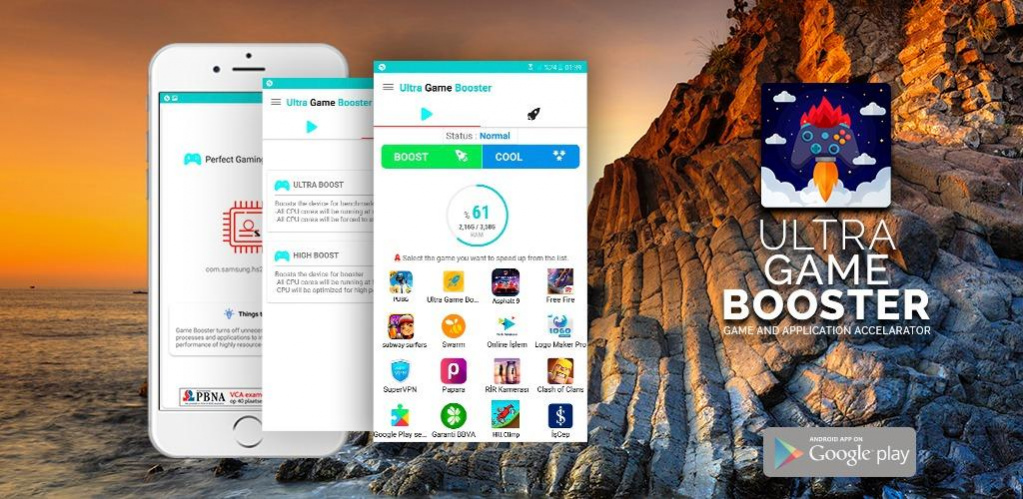
- Game Booster: This app optimizes your device's performance specifically for gaming by managing background processes and optimizing system resources.
- CCleaner: Known for its ability to clear cache and junk files, CCleaner also helps to improve overall device performance, making it a great tool for gamers.
- GFX Tool: If you're playing graphics-intensive games, the GFX Tool allows you to adjust your game's graphics settings to reduce lag while maintaining visual quality.
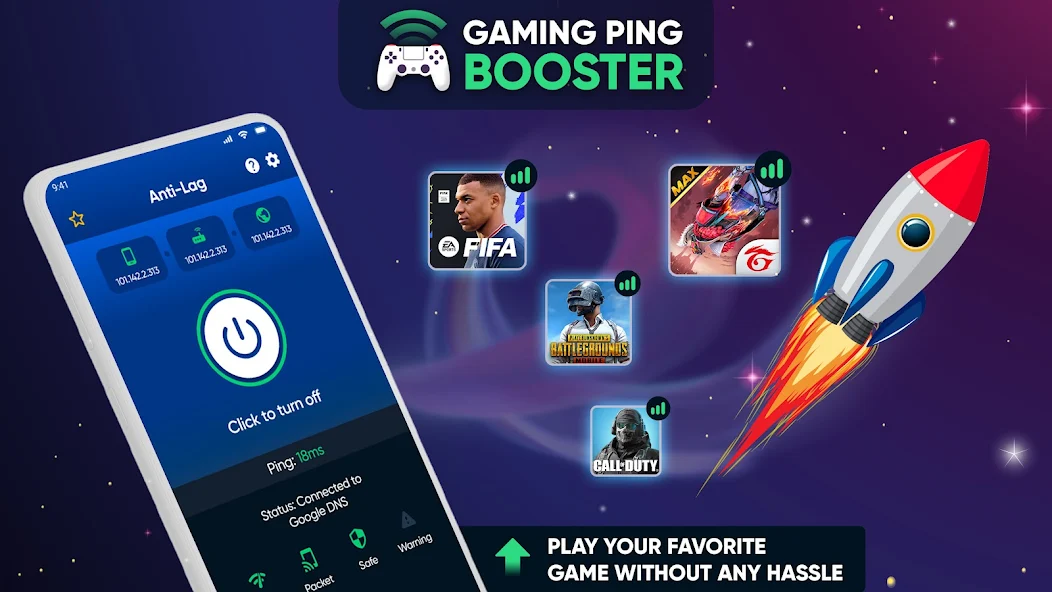
- Network Signal Info: This app helps you monitor your network connection. A stable network is crucial for online gaming, and this tool can help you diagnose issues.
Settings Adjustments
Making certain adjustments in your device's settings can also lead to improved gaming performance. Here’s what you can do:
- Adjust Graphics Settings: Many games offer the option to adjust graphics quality. Lowering these settings can significantly reduce lag, especially on devices with limited hardware capabilities.
- Enable Developer Options: If you’re comfortable with it, enabling Developer Options allows you to tweak settings like background process limits and animation scales, which can boost your device’s performance during gaming.
- Set Data Saver Mode: Enabling Data Saver can limit background data usage, ensuring that your gaming app has priority access to your network connection, thus reducing lag.
FAQ
What causes game lag on Android?
Game lag on Android can be caused by a combination of hardware limitations, software issues, network problems, and background applications consuming resources. Each of these factors can contribute to a suboptimal gaming experience.
How can I boost my gaming performance on Android?
To boost gaming performance on Android, consider implementing quick fixes like clearing cache, closing background apps, and restarting your device. Additionally, leveraging performance-enhancing apps and adjusting your device settings can significantly improve your gaming experience.
By understanding the causes of game lag and implementing these practical solutions, you can enhance your gaming experience on Android in 2026. Whether you're enjoying a casual game or competing in an intense multiplayer match, a smoother performance can make all the difference. Enjoy your gaming!