Top 5 Effective Ways to Fix Game Lag on Android in 2026
As the gaming community in Malaysia continues to grow, more and more players are experiencing frustrating game lag on their Android devices. With the rise of mobile gaming, it’s essential to ensure that your gaming experience is as smooth as possible. In this guide, we’ll explore the common causes of game lag, actionable steps to fix it, and tools that can help you optimize your Android device for gaming.
Causes of Game Lag
Understanding the causes of game lag on Android devices is the first step toward fixing it. There are several common reasons why you might be experiencing lag:
- Hardware Limitations: Older devices may struggle to keep up with the demands of modern games, especially those with high graphics and complex gameplay.
- Software Issues: Outdated software or bugs in the game itself can lead to performance hiccups.
- Background Apps: Running multiple apps simultaneously consumes system resources, leaving less available for your game.
- Network Connectivity: Poor Wi-Fi or mobile data connections can result in lag, particularly in online multiplayer games.
Over 70% of mobile gamers have reported experiencing lag issues at some point. Recognizing these factors will help you take the necessary steps to enhance your gaming experience.
Step-by-Step Fixes
Now that we’ve identified the causes of game lag, let’s explore actionable solutions that Malaysian gamers can implement to reduce lag:
- Optimize Graphics Settings: Most games offer options to adjust graphics quality. Lowering the graphics settings can significantly improve performance. For instance, reducing the resolution or turning off additional visual effects can make a noticeable difference.
- Manage Background Applications: Before starting a game, close any unnecessary apps running in the background. This frees up RAM and processing power for your game. You can do this by accessing the recent apps menu and swiping away the apps you don’t need.
- Clear Cache: Regularly clearing the cache of your games and apps can help improve performance. Go to Settings > Apps, select the game, and tap on "Clear Cache."
- Update Your Device: Keeping your Android operating system updated is crucial. Updates often come with optimizations that can improve overall device performance and compatibility with games.
- Enable Developer Options: Accessing developer options allows you to tweak settings such as background process limits and animation scales. This can help speed up your device. Go to Settings > About Phone, tap on Build Number 7 times to enable Developer Options, then navigate to Settings > Developer Options.
Tools and Apps for Optimization
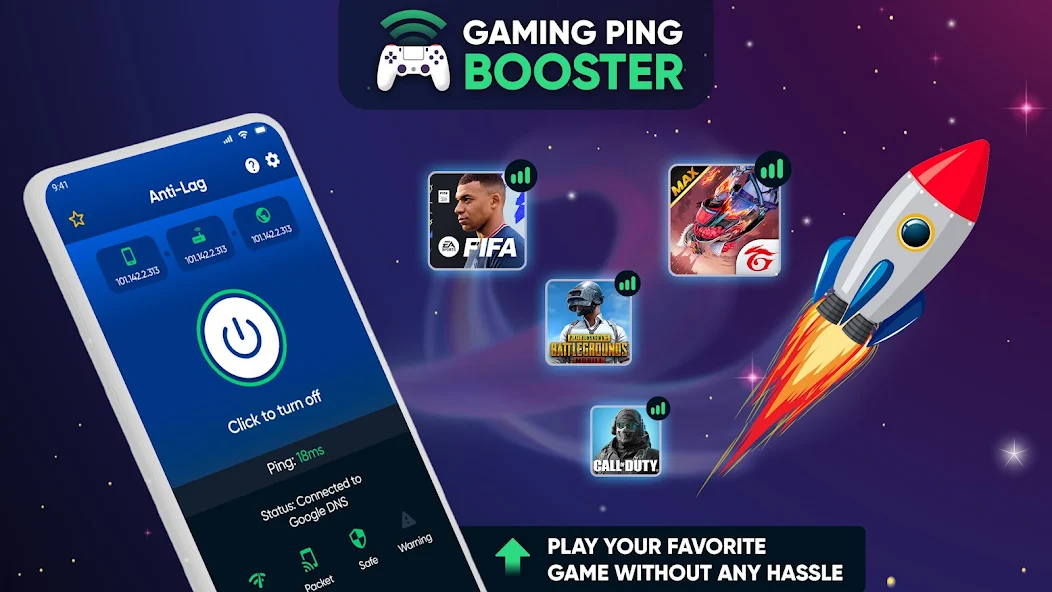
In addition to manual fixes, several tools and apps can help you optimize your Android device for gaming:
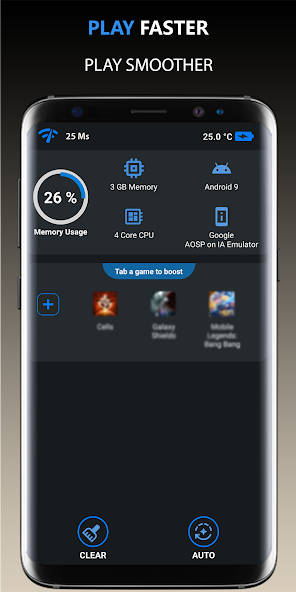
- Game Booster: This app optimizes your device specifically for gaming by freeing up RAM and reducing background processes, helping to reduce lag significantly. It has a high user rating in the Google Play Store.
- CCleaner: A well-known app for clearing cache and optimizing storage, CCleaner can help improve your device’s performance and make more space for games.
- Greenify: This app helps manage background apps, putting them into hibernation mode when not in use, thus conserving resources for gaming.
- Game Guardian: For more advanced users, this app allows you to tweak game parameters to improve performance. However, be cautious, as it requires a deeper understanding of Android optimization.
- Nova Launcher: While primarily a home screen replacement, Nova Launcher can help speed up your device by allowing you to customize animations and improve overall efficiency.

User Experiences
To illustrate the effectiveness of these fixes, here are some testimonials from Malaysian gamers who successfully reduced game lag on their Android devices:
Ahmad, 22, Kuala Lumpur: "After optimizing my graphics settings and using a game booster app, I noticed a significant improvement. My favorite mobile game is now running smoothly, and I can finally enjoy playing without interruptions!"
Siti, 25, Penang: "I was frustrated with lag issues during online matches. Clearing the cache and managing background apps really made a difference. I can now keep up with my friends in competitive games!"
Ravi, 19, Johor Bahru: "I thought my device was too old to handle new games, but after updating my OS and using optimization apps, I've experienced a huge performance boost. It’s like I have a new phone!"
FAQ
What causes game lag on Android? Game lag can be caused by various factors, including hardware limitations, outdated software, background applications, and poor network connectivity.
Can I fix lag without rooting my device? Yes! Many effective fixes can be implemented without rooting, such as optimizing graphics settings, managing background apps, and using optimization tools.
By following these tips and utilizing the right tools, Malaysian gamers can significantly enhance their gaming experience and reduce frustrating lag. Optimize your device today and enjoy seamless gaming!