Understanding Ping
In the world of online gaming, ping and latency are terms that every gamer in Malaysia should be familiar with. Ping is a network utility that measures the time it takes for a data packet to travel from your device to a server and back. This measurement is typically expressed in milliseconds (ms). A lower ping indicates a more responsive connection, which is crucial for activities like gaming where every millisecond counts. Latency, on the other hand, refers to the delay before a transfer of data begins following an instruction for its transfer. For gamers, both high ping and latency can lead to frustrating experiences, including lag, which can severely affect gameplay.
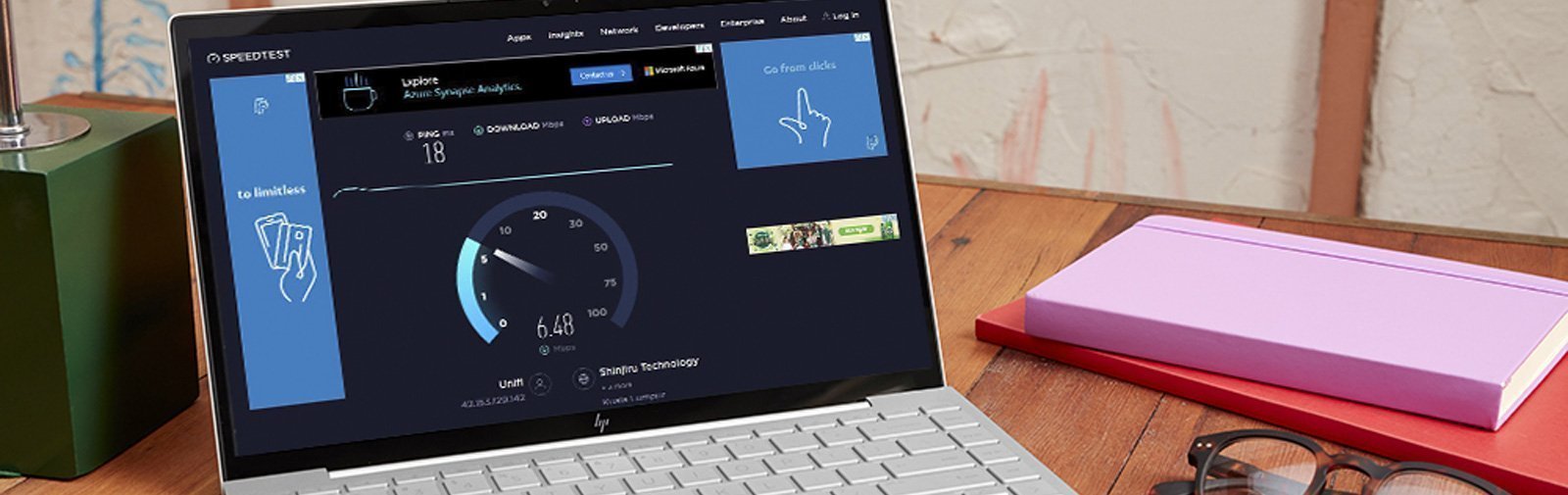
Common Causes of High Ping
High ping can be a significant hurdle for gamers in Malaysia. Several factors contribute to increased ping times:
- Internet Speed: The speed of your internet connection directly impacts ping. Slow speeds can lead to higher latency.
- Network Congestion: During peak hours, many users accessing the internet simultaneously can cause congestion, resulting in higher ping.
- Distance from Servers: The physical distance between your location and the game server can also influence ping. Servers located further away typically result in higher latency.
Understanding these factors can help you pinpoint the causes of your high ping and take steps to remedy the situation.
Tips to Reduce Ping
Here are ten effective strategies to help reduce your ping in Malaysia:
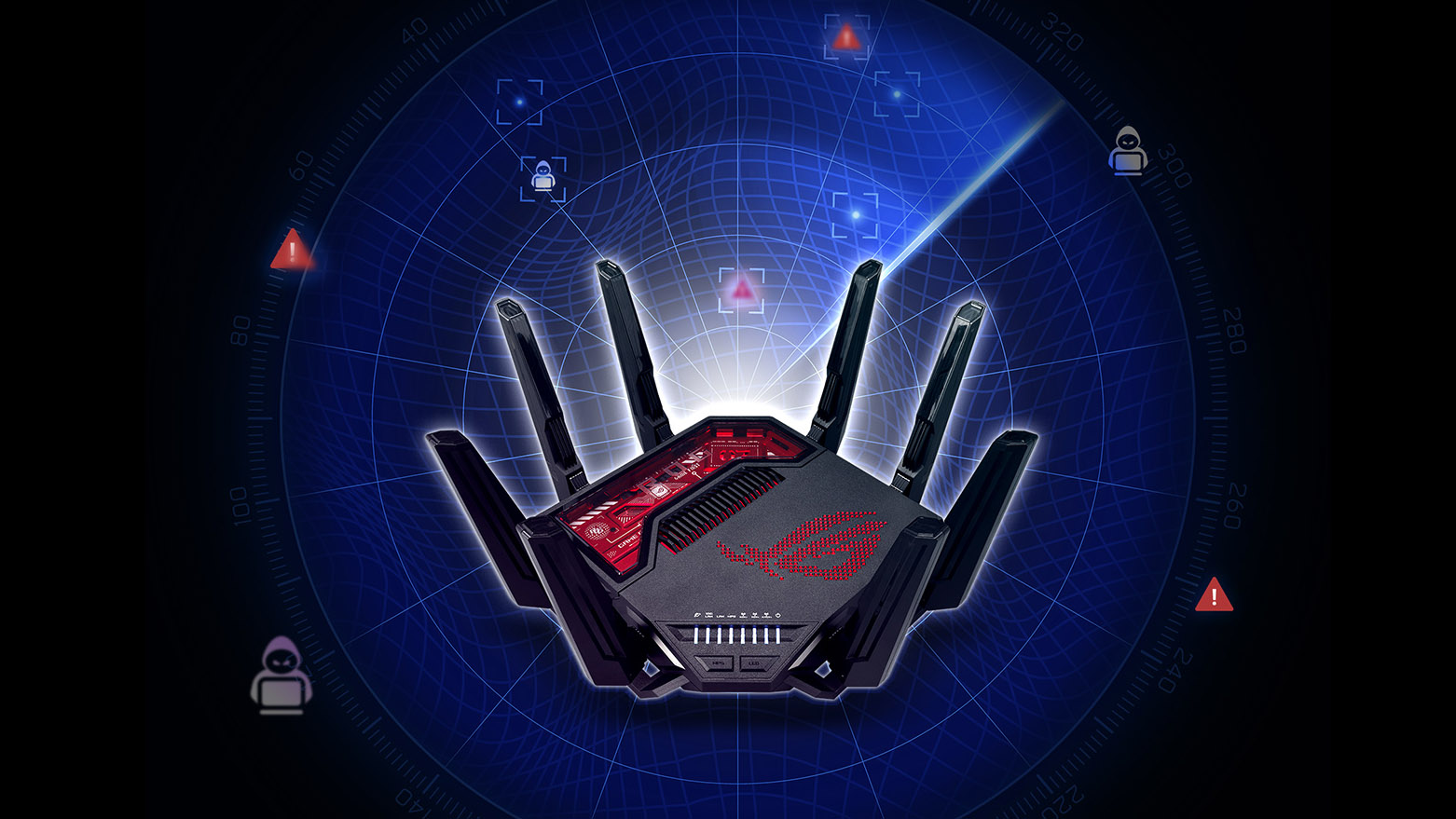
- Optimize Your Home Network: Ensure your router is up to date with the latest firmware. Use Quality of Service (QoS) settings to prioritize gaming traffic.
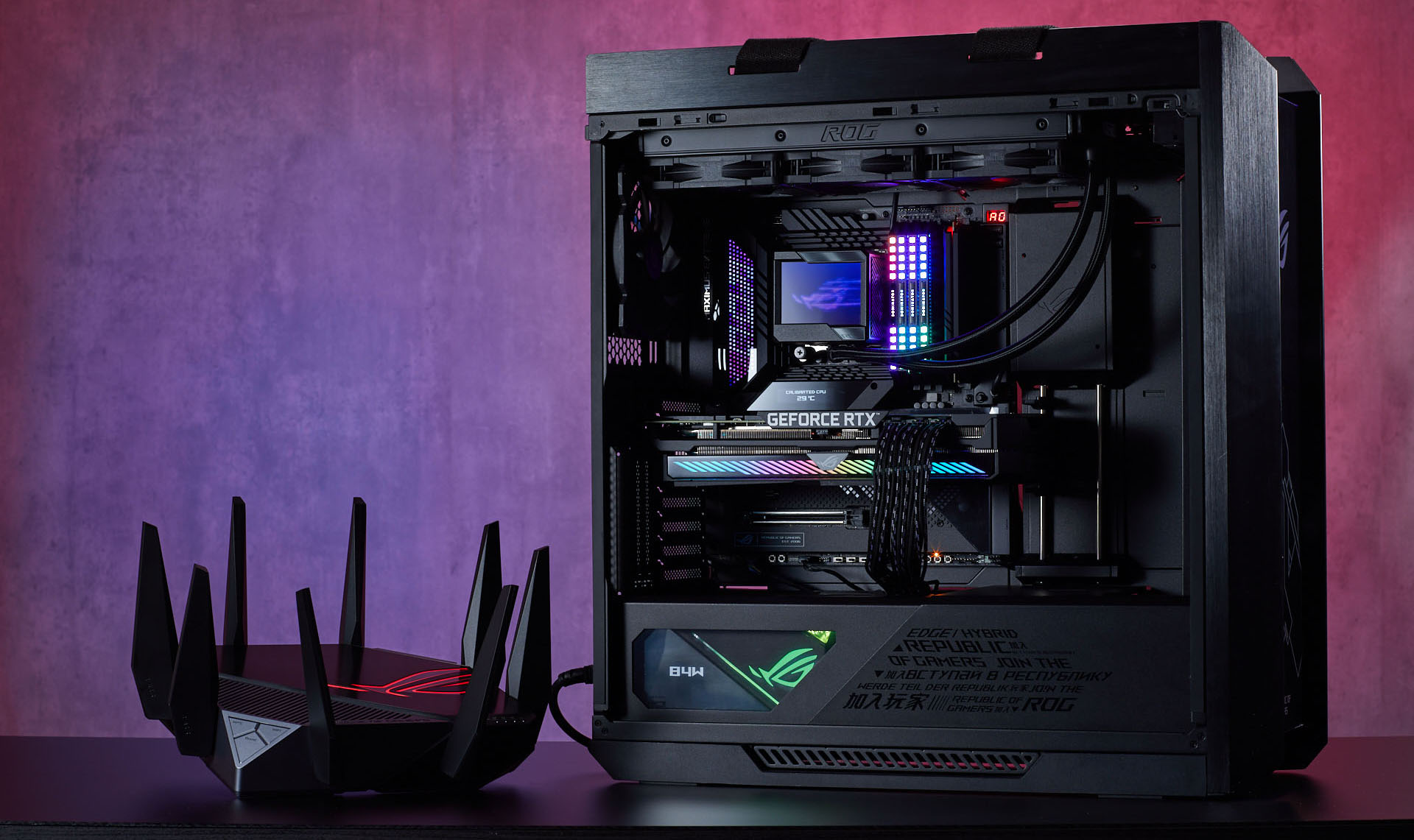
- Use Wired Connections: Whenever possible, connect your gaming device directly to the router using an Ethernet cable. This often results in a more stable connection and significantly lower ping.
- Choose the Right Internet Service Provider (ISP): Not all ISPs offer the same quality of service. Look for providers like Digi or Maxis that are known for reliable connections.
- Limit Background Applications: Close any applications using bandwidth in the background, such as video streaming services or downloads, while gaming.
- Change DNS Settings: Switching to a faster DNS provider like Google DNS or Cloudflare can sometimes improve ping times.
- Check for Malware: Ensure your device is free from malware and viruses, which can slow down your internet connection.
- Adjust In-Game Settings: Lowering the graphics settings in your games can reduce the demand on your internet connection and improve performance.
- Limit Other Users: If multiple devices are using the same internet connection, consider limiting their usage while you game.
- Regularly Restart Your Router: Restarting your router can help clear any temporary issues that may be causing high latency.
- Use a Gaming VPN: In certain cases, a VPN can help reduce ping by providing a more direct route to the game server.
Using VPNs
Many gamers wonder if using a VPN can help reduce ping. The answer depends on various factors. VPNs can sometimes decrease ping by providing a more efficient route to the game server or by bypassing ISP throttling, which can occur during high traffic periods. Popular VPNs like ExpressVPN and NordVPN are known for their speed and reliability and can be worth considering if you're experiencing persistent high ping issues.

Testing Your Ping
Knowing how to test your ping is crucial for understanding your internet performance. Here’s how you can do it:
- Using Command Prompt: On Windows, you can open Command Prompt and type
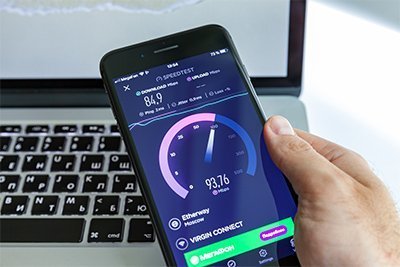
ping google.com. This will give you a basic idea of your current ping. - Online Tools: Websites like Speedtest.net offer integrated ping testing along with download and upload speed measurements.
- Interpreting Results: A ping below 30 ms is considered excellent, while 30-100 ms is acceptable for gaming. Higher than that may lead to noticeable lag.
Frequently Asked Questions (FAQ)
What causes high ping in Malaysia?
Several factors contribute to high ping in Malaysia, including slow internet speeds, network congestion during peak hours, and the distance from game servers. Additionally, using Wi-Fi instead of a wired connection can exacerbate latency issues.
Does a VPN reduce ping?
A VPN can potentially reduce ping by providing a faster route to the game server and avoiding ISP throttling. However, results can vary depending on the VPN service used and your specific network conditions.
By implementing these strategies, Malaysian gamers can significantly reduce ping and enhance their gaming experience. Whether you’re battling it out in a competitive match or exploring vast open worlds, a smooth and responsive connection can make all the difference. Start optimizing your network today for a better gaming experience!