Understanding Game Lag
Game lag is a frustrating experience that can significantly detract from your gaming enjoyment. It refers to the delay between your input and the game's response, which can make even the most thrilling gameplay feel sluggish and unresponsive. For Malaysian gamers, where mobile gaming is increasingly popular, understanding and addressing game lag on Android devices is crucial for a smooth experience. Whether you’re immersed in the latest titles or competing with friends, lag can lead to missed opportunities and ultimately impact your performance.
Common Causes of Lag
Several factors contribute to game lag, and identifying these can be the first step toward a smoother gaming experience. Here are some common causes:
- Network Issues: One of the leading causes of lag is poor internet connectivity. Whether you are using Wi-Fi or mobile data, fluctuations in your connection can lead to delays.
- Device Performance: The performance capabilities of your Android device play a vital role. Devices like Samsung Galaxy or Xiaomi models may handle high-performance games better, while older or less powerful models may struggle.
- Background Applications: Running multiple apps in the background can consume your device's resources, leading to reduced performance in your games.
- Overheating: Prolonged gaming sessions can cause your device to overheat, which may throttle performance and lead to lag.
- Software Bugs: Sometimes, the game itself may have bugs or compatibility issues with your device, particularly with frequent updates in popular titles.
Optimizing Game Settings
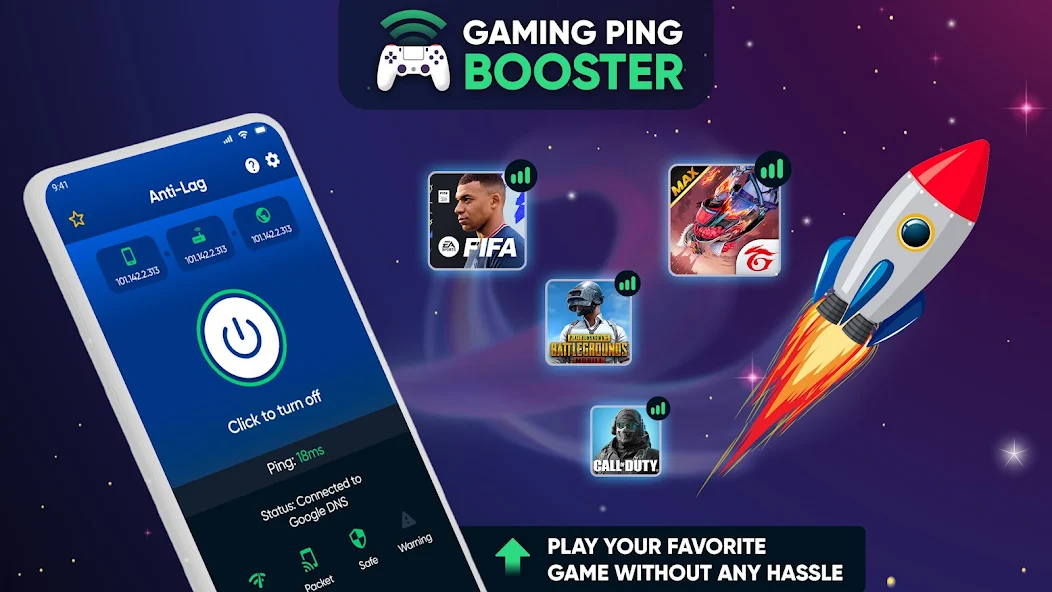
Adjusting your game settings can have a remarkable impact on performance. Here are some optimization tips tailored for popular games among the Malaysian gaming community:
- Call of Duty Mobile: Lower the graphics settings to 'Medium' and disable 'Depth of Field' to reduce strain on your device.
- PubG Mobile: Set the graphics to 'Smooth' and frame rate to 'High' for a better balance between visuals and performance.
- Mobile Legends: Enable the 'Low Power Mode' in the settings to enhance performance during intense gaming sessions.
- Genshin Impact: Adjust the graphics settings to 'Low' or 'Medium,' especially if your device is on the lower end of the spectrum.

Recommended Apps
Several applications are designed to help improve gaming performance and reduce lag on Android devices. Here are some recommendations:
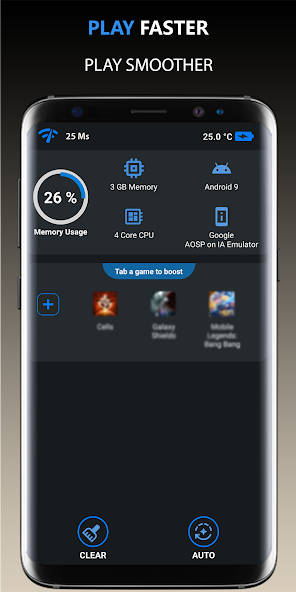
- Game Booster: This app allows you to optimize device performance by closing background apps and enhancing system resources.
- GFX Tool: Particularly useful for games like PubG Mobile, this tool lets you customize graphics settings and improve frame rates.
- CCleaner: A general performance enhancement app that cleans up unnecessary files, freeing up space and resources for gaming.
- Greenify: This app helps stop background applications from draining your device's resources, allowing more power for gaming.
System Updates and Maintenance
Keeping your device updated is essential for optimal performance. Regular system updates can patch bugs, improve security, and enhance overall functionality. Here are some maintenance tips:
- Update Your OS: Make sure your Android version is up to date, as updates often include performance enhancements.
- Clear Cache: Regularly clear the cache of your games and apps to improve loading times and performance.
- Uninstall Unused Apps: Remove applications that you no longer use to free up space and resources.
- Monitor Device Temperature: If your device becomes too hot, take breaks to allow it to cool down, as overheating can severely impact performance.
FAQs
What causes game lag on Android?
Game lag on Android can be caused by several factors, including poor network connectivity, device performance limitations, background applications consuming resources, overheating, and software bugs in the game itself.
How can I boost performance for gaming on Android?
To boost performance for gaming on Android, you can adjust game settings for optimal performance, use performance optimization apps, keep your device's software up to date, and regularly clear cache and uninstall unused apps. Additionally, ensuring a stable internet connection is crucial for online gaming.
By following the strategies outlined in this guide, Malaysian gamers can significantly reduce game lag and enhance their overall gaming experience. Whether you’re playing on a high-end Samsung, Xiaomi, Google Pixel, or OnePlus device, these tips will help ensure that your gaming sessions are as enjoyable and lag-free as possible.