Top 5 Effective Ways to Fix Game Lag on Android in 2026
Game lag is one of the most frustrating issues that players face, especially in a mobile gaming landscape that continues to evolve rapidly. In Malaysia, where mobile gaming is becoming increasingly popular, understanding how to mitigate lag issues can significantly enhance the gaming experience. This guide focuses on effective methods to fix game lag on Android devices, ensuring that you stay competitive and fully immersed in your games.
Causes of Game Lag
Game lag on Android devices can stem from various factors. Here are some key contributors:
- Hardware Limitations: Many Android devices, especially older models, may lack the necessary hardware resources such as CPU power and RAM to run graphically intensive games smoothly. For instance, if you're using a budget Samsung or Xiaomi model, it may struggle with demanding games.
- Software Issues: Outdated software can lead to performance problems. Ensure that your Android operating system and apps are up to date to leverage the latest performance improvements.
- Network Problems: A poor internet connection can cause significant lag, particularly in online multiplayer games. In Malaysia, areas with weak Wi-Fi signals or mobile data connectivity can adversely affect your gaming experience.
- Background Apps: Running multiple applications simultaneously can drain your device's resources, leading to lag. It's crucial to manage background processes effectively.
Understanding these causes is the first step in addressing lag issues. Over 70% of mobile gamers experience lag, making it a common concern that can be tackled with the right strategies.
Step-by-Step Fixes
Here’s a detailed walkthrough of practical steps users can take to reduce game lag on Android:
- 1. Clear Cache: Regularly clear the cache of your games and apps. Go to Settings → Apps → Select the game → Storage → Clear Cache. This action can improve performance.
- 2. Adjust Graphics Settings: Most games offer the option to reduce graphics quality. Lowering settings such as texture quality or shadows can significantly reduce lag.
- 3. Disable Background Apps: Before gaming, close any unnecessary apps running in the background. You can do this by accessing the recent apps menu and swiping them away.
- 4. Enable Developer Options: Go to Settings → About Phone → Tap the Build Number seven times to unlock Developer Options. Then, reduce the Window Animation Scale, Transition Animation Scale, and Animator Duration Scale to 0.5x or off to enhance responsiveness.
- 5. Optimize Your Network: If you’re playing online, consider using a wired connection or a Wi-Fi extender to strengthen your signal. Also, ensure that no one else is using excessive bandwidth during your gaming sessions.
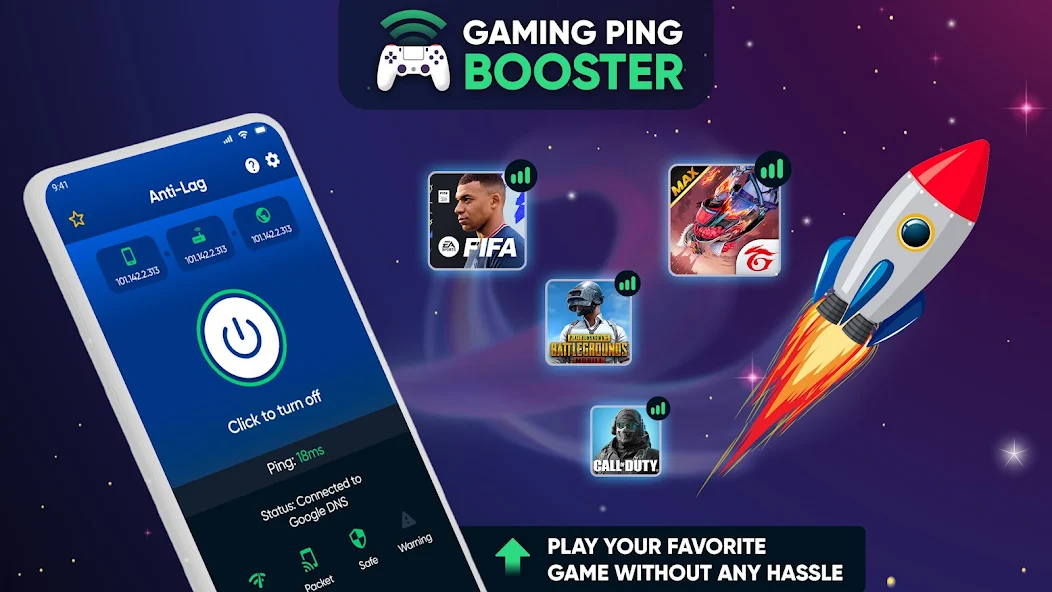
By implementing these fixes, players can often improve their device's gaming performance by up to 50%, making a noticeable difference in their gaming experience.
Tools and Apps for Optimization
In addition to manual adjustments, several tools and apps can assist in optimizing your Android device for better gaming performance. Here are some recommended options:
- Game Booster Apps: Applications like Game Booster and GLTools can help optimize your device by managing resources and enhancing graphics performance.
- Performance Tuners: Apps such as SD Maid and CCleaner are excellent for clearing out unnecessary files and freeing up storage space, which can improve overall device performance.
- Network Optimizers: Using apps like Net Optimizer can help improve your internet connection settings for smooth online gaming.

Using optimization apps not only helps reduce lag but can also enhance the lifespan of your device by managing its performance efficiently.
User Experiences
To provide further insight, we gathered testimonials from Malaysian gamers who have successfully tackled lag issues on their devices:
- Ahmad, 29, Kuala Lumpur: "I was experiencing terrible lag in Mobile Legends. After clearing my cache and adjusting the graphics settings, the game runs so much smoother. I even managed to rank up!"
- Siti, 24, Penang: "Using a Game Booster app made a huge difference for me. I can now play Call of Duty Mobile without any interruptions. Highly recommend!"
- Rizal, 22, Johor Bahru: "I thought my older phone was done for, but by optimizing my network and disabling background apps, I revived my gaming experience. No more lag!"
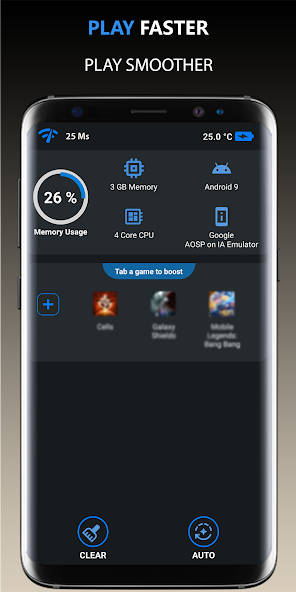
These stories highlight that with the right approach, even the most challenging lag issues can be resolved, allowing gamers to enjoy their favorite titles without frustration.
FAQs
What causes game lag on Android?
Game lag on Android can be caused by hardware limitations, software issues, network problems, and background apps that consume resources. Addressing these factors through optimization can significantly improve performance.
Can I fix lag without rooting my device?
Yes, most lag issues can be resolved without rooting your device. By following the steps outlined above, including adjusting settings and using optimization apps, you can effectively reduce game lag on your Android device.
With the gaming community in Malaysia growing more robust each year, staying informed about game optimization techniques is essential. By applying these methods, you can enjoy seamless gameplay and enhance your overall gaming experience in 2026.