Introduction
In the vibrant world of mobile gaming, few frustrations rival that of game lag on Android devices. As thrilling as it is to immerse oneself in the latest titles, the experience can quickly turn sour when lag interrupts gameplay. According to recent studies, over 70% of Android users encounter game lag at some point. This issue not only hampers performance but can also lead to missed opportunities in competitive gaming environments.

In Malaysia, where online gaming has surged in popularity, the need for effective game lag fixes has become paramount. Whether you're battling it out in a multiplayer arena or exploring expansive worlds solo, ensuring smooth gameplay is essential for an enjoyable experience. Here, we’ll delve into the common causes of game lag, quick fixes, advanced solutions, and share real experiences from users who have successfully navigated these issues.
Causes of Game Lag
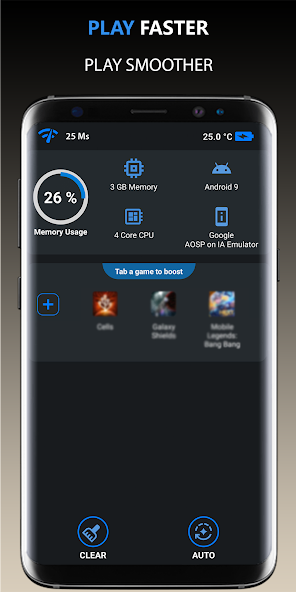
Understanding the roots of game lag is crucial for any gamer looking to optimize their Android device. Here are the most common culprits:
- Hardware Limitations: Many Android devices, especially older models, may not have the necessary hardware specifications to run graphically intense games smoothly. Limited RAM and processing power can lead to noticeable lag.
- Software Issues: Outdated operating systems or apps not optimized for the latest versions can cause significant performance drops. Additionally, bugs or glitches within the game itself may contribute to lag.
- Network Problems: For online gaming, a stable internet connection is vital. High latency, packet loss, or weak Wi-Fi signals can lead to frustrating interruptions during gameplay.
By identifying these causes, players can take more targeted actions to alleviate lag and enhance their gaming experience.
Quick Fixes
For immediate relief from game lag, consider these straightforward tips that can be implemented quickly:
- Close Background Apps: Many users forget that apps running in the background consume valuable resources. By closing unnecessary applications, you can free up RAM and processing power for your games.
- Clear Cache: Over time, cached data can accumulate and slow down your device. Regularly clearing your app cache can improve performance significantly.
- Reduce Graphics Settings: Lowering the graphics settings within your game can greatly enhance FPS and reduce lag. This is particularly useful for devices with lower specifications.
- Check Network Connection: Ensure you are connected to a stable Wi-Fi network and consider switching to mobile data if it offers better speeds. A good connection can reduce lag by up to 50%!

Implementing these quick fixes can often lead to a noticeable improvement in your gaming experience, allowing you to focus more on the game and less on interruptions.
Advanced Solutions
For gamers looking to take their optimization efforts a step further, here are some advanced solutions that can greatly enhance gaming performance:
- Device Settings Optimization: Go into your device settings and ensure that battery saver modes are disabled while gaming. These modes often throttle CPU performance, leading to lag.
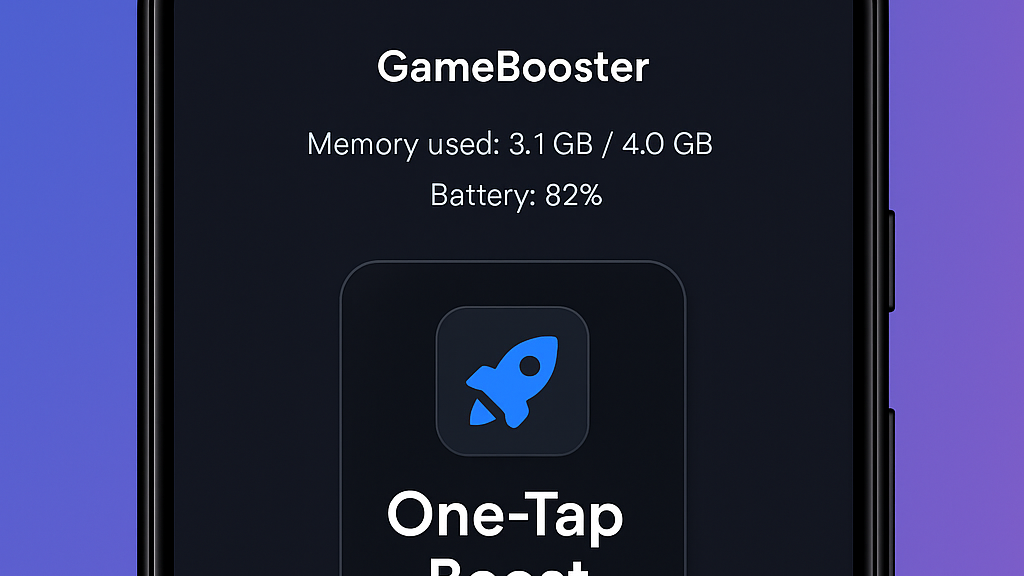
- Game Booster Apps: Consider using performance booster apps specifically designed to enhance gaming. These apps can help manage resources and optimize settings for better FPS.
- Update Your Device: Regular software updates not only add new features but also improve stability and performance. Make sure your Android operating system and games are up-to-date.
- RAM Management: If your device supports it, consider using apps that help manage RAM usage, ensuring that your games have the necessary resources to run smoothly.
By exploring these advanced options, you can significantly improve your gaming experience, transforming your device into a powerhouse capable of handling the latest games with ease.
User Experiences
Hearing from fellow gamers can provide valuable insights into effective lag reduction techniques. Here are some testimonials from Malaysian users who have successfully tackled game lag:
- Ahmad, 24: "I was frustrated with constant lag in my favorite shooting game. After clearing my app cache and closing background apps, I noticed a huge difference. The game is now smooth, and I can actually enjoy playing!"
- Leila, 30: "I never realized how much my internet connection affected my gaming. Switching to a wired connection made my FPS skyrocket. No more lag during intense multiplayer matches!"
- Rahim, 19: "Using a game booster app was a game-changer for me. It optimized my device settings, and I can now play for hours without any interruptions. Highly recommend it!"
These experiences show that with the right approach, game lag can be effectively managed. Whether through quick fixes or advanced strategies, every gamer has the potential to enhance their Android gaming experience.
Frequently Asked Questions (FAQ)
What causes game lag on Android?
Game lag on Android can be caused by hardware limitations, software issues, and network problems. Many devices may struggle with demanding games due to insufficient RAM or processing power. Additionally, outdated software can lead to performance drops, while a weak internet connection can cause delays in online gaming.
How can I boost my Android's gaming performance?
Boosting your Android's gaming performance can be achieved through various methods. Quick fixes like closing background apps, clearing cache, and lowering graphics settings can provide immediate benefits. For more significant improvements, consider using game booster apps, optimizing device settings, and ensuring your software is up-to-date.
By understanding and implementing these solutions, Malaysian gamers can enjoy a smoother, lag-free gaming experience on their Android devices in 2026 and beyond.