Introduction
In 2026, the gaming landscape in Malaysia has evolved significantly, with Android devices becoming the primary platform for many gamers. However, a persistent issue that plagues over 70% of Android users is game lag. This frustrating phenomenon can turn an exciting gaming session into a disappointing experience, especially during competitive play. For Malaysian gamers who invest time and resources into their mobile gaming, understanding how to address game lag is crucial for enhancing their overall experience.

Causes of Game Lag
Understanding the root causes of game lag is the first step towards finding effective solutions. For Android devices, several factors contribute to this frustrating issue:
- Hardware Limitations: Many Android devices, especially older models, may not possess the processing power required for demanding games. Insufficient RAM and outdated CPUs can lead to lower frame rates and game stuttering.
- Network Issues: A stable internet connection is critical for online gaming. High latency, fluctuating speeds, or packet loss can result in significant lag, making it difficult to compete effectively.
- Background Applications: Running multiple apps in the background can consume valuable system resources, leading to decreased performance in games.
- Insufficient Storage: If your device is low on storage space, this can adversely affect its performance. Games require a certain amount of free space to function properly.
Quick Fixes
When game lag strikes, immediate action can help restore your gaming experience. Here are some quick fixes Malaysian gamers can implement:
- Clear Cache: Regularly clearing the cache of your games and apps can help improve performance. Go to Settings > Storage > Cached Data, and clear it to free up resources.
- Optimize Graphics Settings: Adjusting in-game graphics settings can significantly reduce lag. Lowering the resolution and disabling high-quality textures can enhance the frame rate.
- Close Background Apps: Before launching a game, close unnecessary applications running in the background to free up RAM and processing power.
- Check Network Connection: Ensure you have a stable Wi-Fi connection. If using mobile data, switch to Wi-Fi for better performance, especially during online gameplay.

Advanced Solutions
For those who still experience lag after trying quick fixes, there are advanced solutions that can further optimize your gaming experience. Here are some techniques that can help:
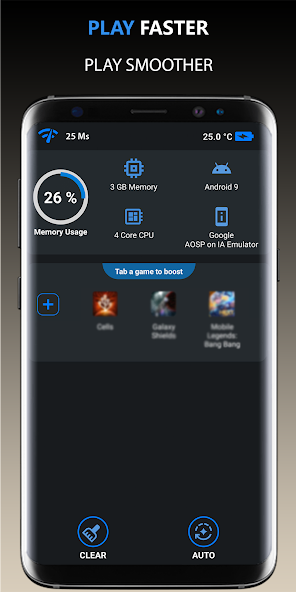
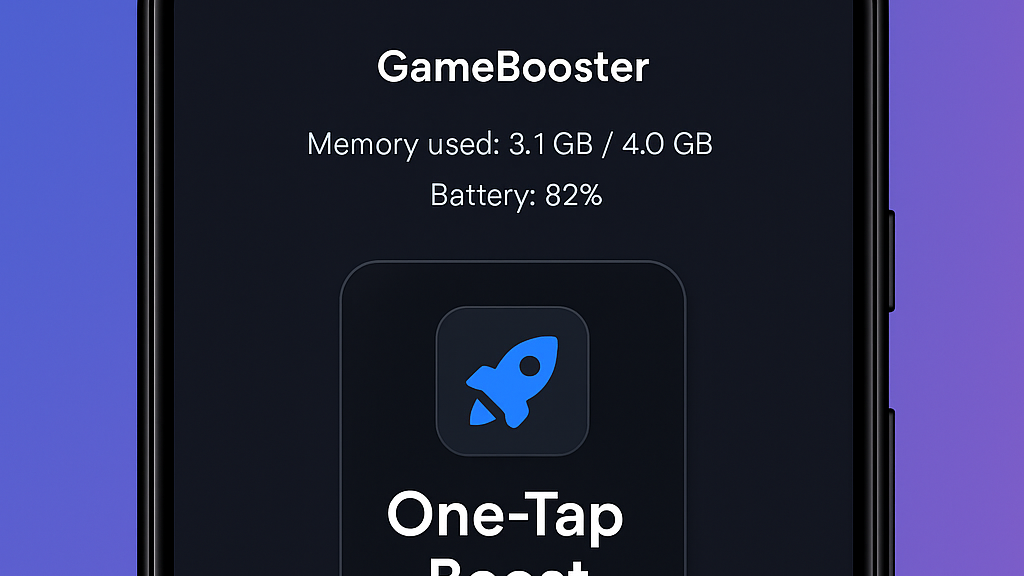
- Use Performance Booster Apps: Apps like Game Booster or GFX Tool can help enhance your device's performance by optimizing resources specifically for gaming.
- Upgrade Your Device: If your Android device is several years old, consider upgrading to a newer model with better hardware capabilities. Look for devices with high RAM and powerful processors for an improved gaming experience.
- Manage Storage: Ensure that your device has sufficient free storage. Uninstall unused apps and transfer photos or videos to cloud storage to free up space.
- Keep Software Updated: Regularly check for system updates. An updated operating system can enhance performance and fix bugs that may cause lag.
User Experiences
Many Malaysian gamers have faced the nuisance of game lag, but they have also discovered effective solutions. Here are a few testimonials from local players:
"I used to experience lag issues while playing Mobile Legends. After clearing my game cache and optimizing the settings, I noticed a significant improvement in performance. My FPS has increased, and I can enjoy the game without interruptions!" - Ahmad, Kuala Lumpur.
"Switching to a better Wi-Fi connection made a world of difference for me. I was playing PUBG Mobile with mobile data, and the lag was unbearable. Now, with a stable connection, I can play smoothly!" - Siti, Penang.
"I invested in a new phone with a better processor and more RAM, and it has been the best decision. Games run flawlessly now, and I can even play the latest titles without any lag." - Ravi, Johor.
Frequently Asked Questions
What causes game lag on Android?
Game lag on Android can be caused by hardware limitations, poor network connectivity, background applications consuming resources, and insufficient storage space.
How can I boost my Android's gaming performance?
To boost your Android's gaming performance, you can clear cache, optimize graphics settings, close background apps, use performance booster apps, and ensure your device’s software is up to date.
By understanding the causes of game lag and implementing these solutions, Malaysian gamers can significantly enhance their gaming experience. Whether you’re a casual player or a competitive gamer, optimizing your Android device will ensure that you enjoy seamless gameplay.