Top 5 Ways to Fix Game Lag on Your Android Device in 2026
For gamers in Malaysia, experiencing lag during a critical moment in your favourite game can be incredibly frustrating. Whether you’re immersed in a battle royale or racing against friends, game lag can ruin your experience. Fortunately, there are effective ways to tackle this issue, especially if you're using an Android device. In this guide, we will explore the common causes of game lag, quick fixes, helpful apps, and settings adjustments that can enhance your gaming performance in 2026.
Common Causes of Game Lag
Before we jump into solutions, it’s essential to understand why game lag occurs on Android devices. Here are some common culprits:
- Hardware Limitations: Older Android devices may struggle to run the latest games, leading to performance issues. Insufficient RAM and outdated processors can create significant bottlenecks.
- Software Issues: Sometimes, the Android operating system or the game itself may have bugs or glitches that contribute to lag. Regular updates can help, but if you're using an older version of Android, you might face performance challenges.
- Network Connectivity: A poor internet connection can lead to lag, especially in online multiplayer games. High latency or packet loss can disrupt your gaming experience.
Understanding these factors can help you identify the root of your lag issues and address them more effectively. Now, let's look at some quick fixes you can implement immediately.
Quick Fixes to Enhance Your Gaming Experience
There are several immediate actions you can take to reduce game lag on your Android device:
- Clear Cache: Clearing the cache of your games and Android system can free up memory and improve performance. This process removes temporary files that may be slowing down your device.
- Close Background Apps: Background applications can consume RAM and processing power. Before launching your game, make sure to close any unnecessary apps running in the background.
- Restart Your Device: A simple restart can refresh your system and clear temporary glitches that may be causing lag.
By implementing these quick fixes, you may notice immediate improvements in your gaming experience. However, for a more sustained performance boost, consider using specific apps designed for Android optimization.
Apps to Improve Performance
There are numerous apps available on the Google Play Store that can help enhance your Android device's gaming performance. Here are a few recommendations:
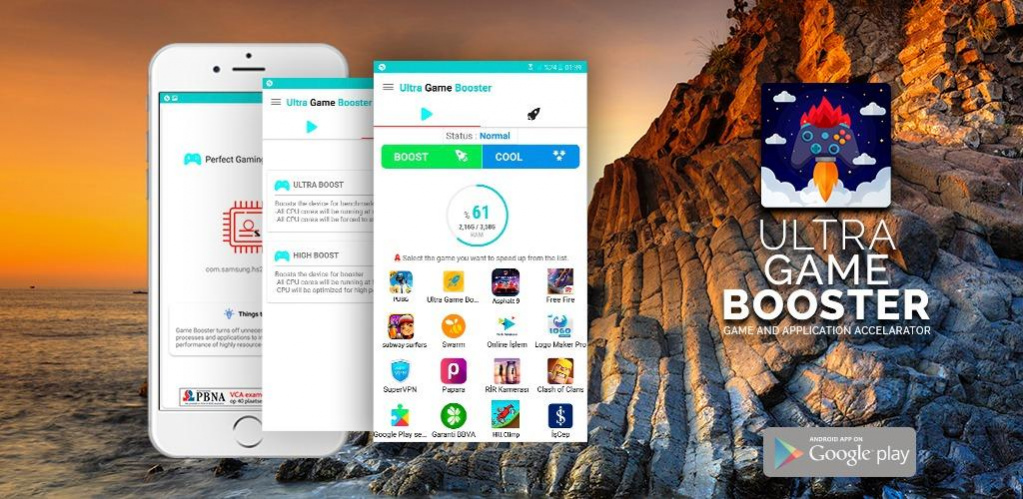
- Game Booster: This app optimizes your device's settings specifically for gaming, freeing up resources and reducing lag. It can close background apps automatically and manage system performance.
- Clean Master: Known for its cache clearing capabilities, Clean Master can help to remove junk files and improve your device's overall performance, which directly impacts gaming.
- GFX Tool: For gamers who play graphics-intensive games, GFX Tool allows you to customize graphics settings, potentially reducing lag during gameplay.
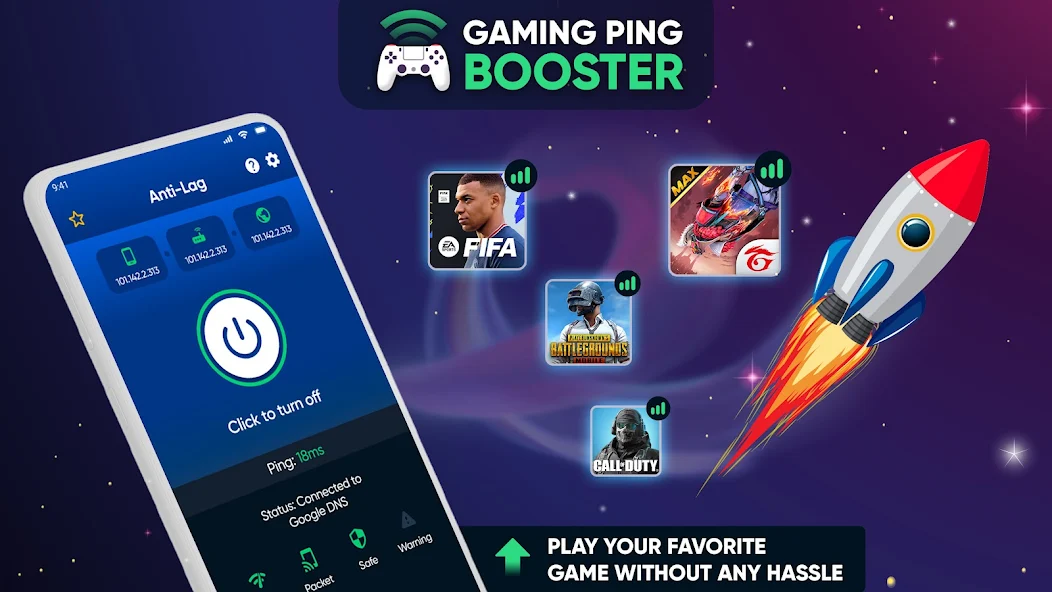
Using these apps can lead to a noticeable reduction in game lag, allowing for a smoother gaming experience. Lastly, let’s look into some adjustments you can make to your Android settings for optimal gaming.
Settings Adjustments for Optimal Gaming
Adjusting certain settings on your Android device can help minimize lag and enhance your overall gaming experience. Here’s how you can optimize your settings:
- Disable Animations: Reducing or disabling animations can free up resources for your games. Go to Settings > Developer Options, then reduce or turn off the window animations, transition animations, and animator duration scale.
- Adjust Graphics Settings in Games: Many games allow you to adjust the graphics quality within their settings. Lowering the graphics settings can dramatically improve performance, especially on older devices.
- Turn on Battery Saver Mode: While this might sound counterintuitive, enabling battery saver mode can sometimes allocate resources more effectively, especially during intense gaming sessions.
These setting changes can help streamline your device's performance, ensuring a more enjoyable gaming experience without lag interruptions.
FAQs
What causes game lag on Android?
Game lag on Android can be attributed to a variety of factors, including hardware limitations, software issues, and poor network connectivity. Insufficient processing power or RAM, as well as background apps consuming resources, can significantly contribute to lag.
How can I boost my gaming performance on Android?
You can boost your Android gaming performance by clearing cache, closing background applications, using performance-enhancing apps, and adjusting your device's settings for optimal gameplay. Regularly updating your device and games can also help reduce lag.
In conclusion, game lag can be a significant hurdle for gamers in Malaysia, but it’s not insurmountable. By understanding the underlying causes and implementing the fixes and optimizations discussed in this guide, you can enjoy a smoother and more immersive gaming experience in 2026. Remember, the right combination of quick fixes, apps, and settings adjustments can make all the difference in your gaming sessions.