In the vibrant gaming community of Malaysia, Android devices are often the primary means of enjoying the latest mobile games. However, many gamers face the frustrating issue of game lag, which can disrupt the gaming experience. In 2026, it's essential to understand the causes of game lag and how to effectively tackle it. This article will explore the common causes of game lag, quick fixes for immediate relief, useful apps to improve gaming performance, and necessary settings adjustments for optimal gaming on Android devices.
Common Causes of Game Lag
Before diving into solutions, it's crucial to identify the root causes of game lag. Here are some of the most common reasons:
- Network Issues: Poor internet connectivity is a primary contributor to game lag. In Malaysia, where the internet service may vary by region, unstable or slow connections can lead to frustrating delays.
- Device Performance Limitations: Many Android devices, especially older models, may struggle to handle graphically intensive games, leading to performance issues.
- Background Processes: Numerous apps running in the background can consume valuable resources, which are crucial for smooth gaming performance.
By pinpointing these issues, gamers can take the necessary steps to enhance their experience.
Quick Fixes for Immediate Relief
When the lag hits, it’s essential to act fast. Here are some quick fixes that can provide immediate relief from game lag:
- Clear Cache: Regularly clearing the cache of your games and apps can significantly improve gaming performance. This action removes unnecessary data that may slow down your device. On Android, go to Settings > Storage > Cached data to clear it.
- Close Unused Apps: Closing apps that you aren't using can free up RAM and processing power. Use the Recent Apps button to swipe away unnecessary applications.
- Restart Your Device: A simple restart can solve many temporary performance issues, refreshing the device's system and freeing up resources.
As you can see above, these straightforward actions can have a significant impact on reducing game lag.
Apps to Improve Performance
To further enhance gaming performance, consider using dedicated apps designed for optimization. Here are some top recommendations for Malaysian gamers:
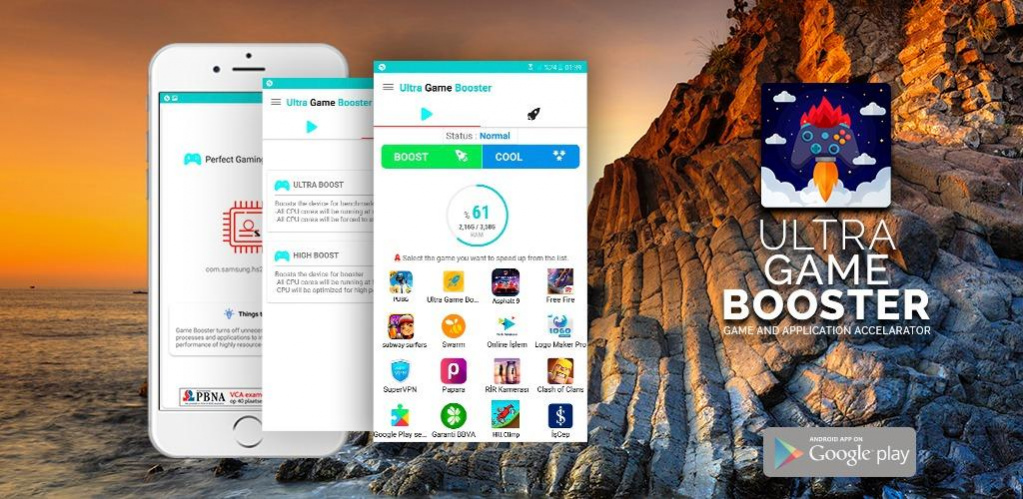
- Game Booster: This app optimizes your device's performance specifically for gaming, allowing for smoother gameplay by closing unnecessary processes and allocating more resources to your game.
- CCleaner: Known for its cleaning capabilities, CCleaner also helps in managing background apps and freeing up storage space, which can be crucial for a lag-free gaming experience.
- GLTools: This app allows you to customize the graphics settings of your games, enabling you to lower the graphics quality to enhance performance on lower-end devices.
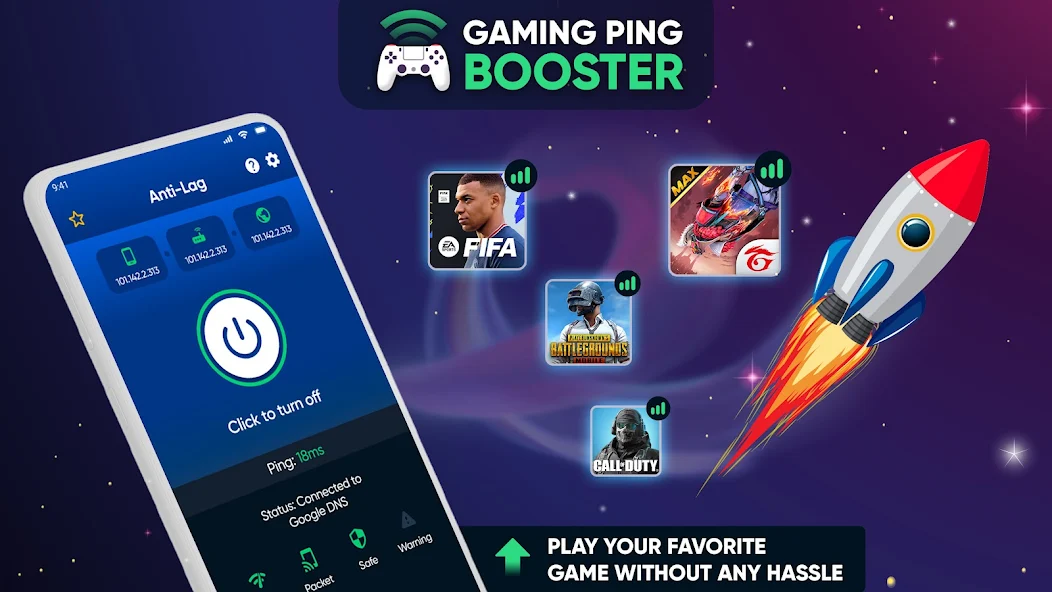
Notice how these apps can serve as powerful tools for gamers looking to optimize their experience on Android devices.
Settings Adjustments for Optimal Gaming
Making specific adjustments to your Android settings can drastically improve your gaming performance. Here are a few settings you should consider:
- Adjust Graphics Settings: Many games allow you to modify graphics settings. Lowering these settings can help reduce lag, especially on older devices. Look for options such as resolution and frame rate.
- Enable Developer Options: By going to Settings > About phone and tapping the build number seven times, you can access Developer Options. Here, you can limit background processes and enable GPU rendering for smoother gameplay.
- Disable Battery Saver Mode: While this mode helps save battery life, it can also throttle performance. Ensure that it's disabled while gaming to maintain optimal performance.
By understanding and adjusting these settings, you can significantly enhance your gaming experience on Android devices.
FAQs
What causes game lag on Android?
Game lag on Android can be caused by several factors, including poor network connections, outdated hardware, and excessive background processes that consume system resources.
How can I boost my gaming performance on Android?
To boost gaming performance on Android, you can clear cache, close unused apps, use performance optimization apps, and adjust your device's settings to prioritize gaming performance.
In conclusion, lag can be a significant barrier to enjoying mobile gaming, especially in Malaysia's diverse gaming landscape. By understanding the causes and applying the solutions outlined above, you can achieve a smoother gaming experience on your Android device. Whether you're battling in popular titles like Mobile Legends or exploring vast worlds in Genshin Impact, optimizing your device will ensure you stay ahead in your gaming journey.