How to Fix Game Lag on Android: Tips for Optimal Performance in 2026
In the vibrant world of mobile gaming, experiencing game lag can be a frustrating hurdle. Whether you're in the middle of an intense battle in Mobile Legends or exploring in Genshin Impact, a lagging game can ruin the experience. In 2026, as mobile technology continues to evolve, so does the need to optimize our devices for better gaming performance. This guide will provide you with a comprehensive understanding of game lag, its common causes, and effective solutions specifically tailored for the Malaysian gaming community.
Common Causes of Game Lag
Before we delve into fixes, it's essential to understand what leads to game lag on Android devices. Here are some key factors:
- Network Issues: A slow or unstable internet connection can lead to significant game lag, especially in online multiplayer games. Latency and packet loss can severely impact your gaming performance.
- Device Performance: Older Android devices or those with limited RAM and processing power may struggle to run newer games smoothly. Insufficient hardware can lead to frame drops and stuttering.
- Software Limitations: If your Android operating system or game applications are outdated, they may not perform optimally. Regular updates are crucial for maintaining performance.
Understanding these causes is the first step in resolving game lag effectively. Identifying whether the issue is network-related or hardware-based will help in implementing the right solutions.
Quick Fixes
Sometimes, the simplest solutions can be the most effective. Here are some immediate actions you can take to reduce game lag:
- Restart Your Device: A quick reboot can clear temporary files and free up system resources, improving performance.
- Close Background Apps: Background applications consume valuable resources. Ensure that you close any unused apps running in the background before launching your game.
- Check Your Internet Connection: Switch to a more stable Wi-Fi connection or ensure your mobile data is strong. You can also try resetting your router if you're on Wi-Fi.
Implementing these quick fixes can often lead to a noticeable improvement in your gaming experience. However, for long-term optimization, consider the following options.
Apps to Improve Performance
In 2026, numerous applications are available to help boost your Android's gaming performance. Here are some recommendations:
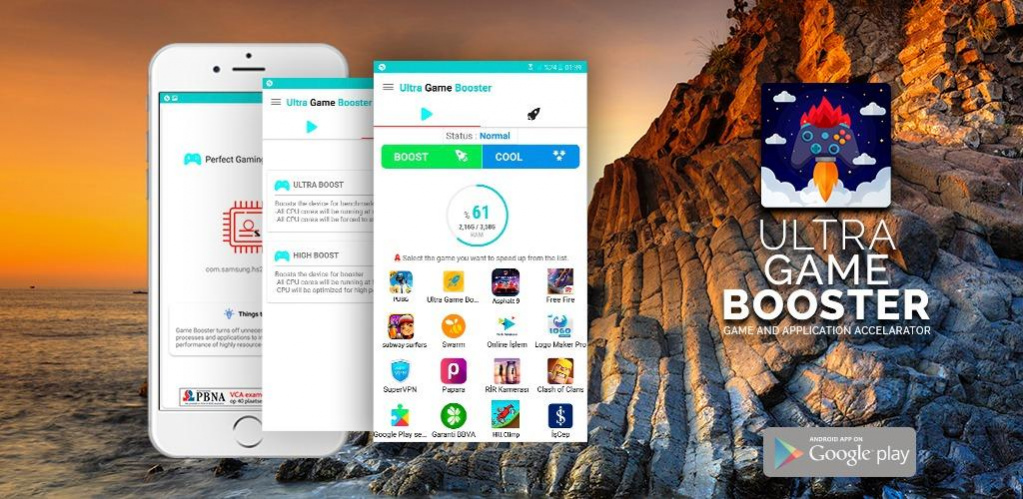
- Game Booster: This app optimizes your device's settings for gaming, freeing up RAM and closing background processes that might be consuming resources.
- CCleaner: A well-known app for cleaning unnecessary files and cache, CCleaner can help improve overall device performance, leading to smoother gameplay.
- GFX Tool: Specifically useful for games like PUBG Mobile, GFX Tool allows players to adjust the graphics settings of their games, optimizing performance based on their device capabilities.
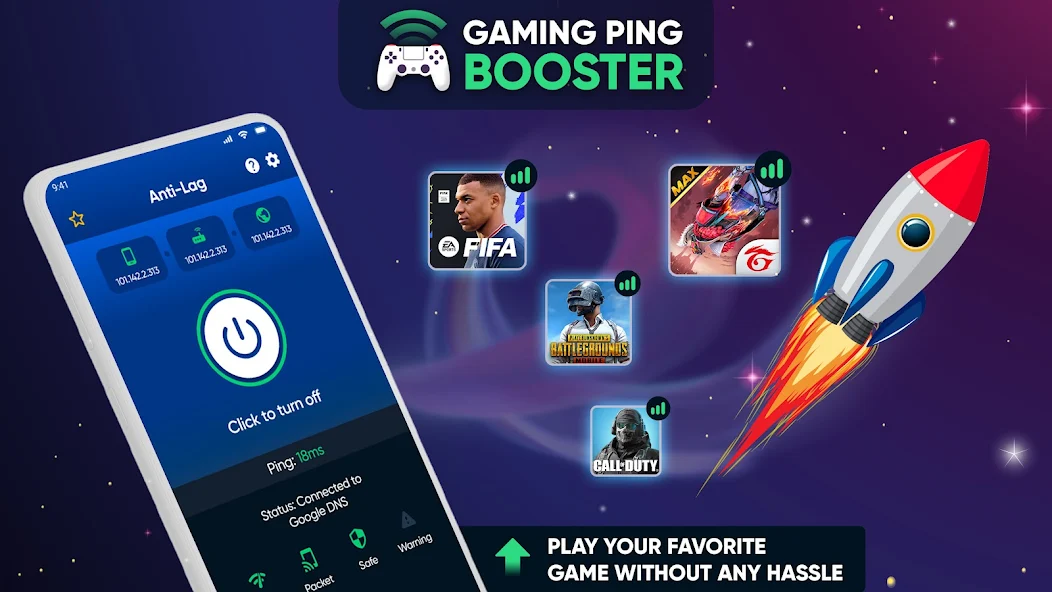
Using these apps can significantly enhance your gaming performance by optimizing your device for the best possible experience. They are particularly useful for players who enjoy resource-intensive games.
Settings Adjustments
Adjusting the settings on your Android device can also play a significant role in optimizing gaming performance. Here’s what you need to consider:
- Graphics Settings: Most games allow you to adjust the graphics quality. Lowering the graphics settings can reduce strain on your device, leading to smoother gameplay.
- Battery Saver Options: Ensure that your device's battery saver mode is turned off while gaming. This mode can throttle performance to save battery life, leading to increased lag.
- Clear Cache: Regularly clearing the cache of your games and apps can help improve performance. Cache clearing removes temporary files that may slow down your device.
By making these adjustments, you’ll create a more conducive environment for gaming on your Android device, which can lead to a more enjoyable and responsive gameplay experience.
FAQs
What causes game lag on Android?
Game lag on Android can be caused by a combination of network issues, device performance limitations, and software constraints. A slow internet connection, insufficient hardware resources, or outdated software can all contribute to lag.
How can I boost my gaming performance on Android?
To boost gaming performance on Android, consider restarting your device, closing unnecessary background applications, adjusting graphics settings in games, using performance-optimizing apps, and clearing cache regularly. These steps can help mitigate game lag and enhance overall performance.
In conclusion, optimizing your Android device for gaming in 2026 involves understanding the causes of game lag and taking proactive steps to address them. By implementing quick fixes, utilizing performance-enhancing apps, and adjusting your settings, you can enjoy a smoother gaming experience. Whether you're battling it out in a multiplayer match or exploring new worlds, following these tips will ensure that your gaming sessions are as enjoyable as possible.