5 Effective Ways to Reduce Ping in Malaysia for a Smoother Gaming Experience
For gamers in Malaysia, experiencing high ping can be frustrating and detrimental to gameplay. Whether you're immersed in an intense battle royale or strategizing in an MMORPG, a stable and low-latency connection is crucial for a seamless gaming experience. In this guide, we’ll explore practical steps on how to reduce ping in Malaysia, ensuring your gaming sessions are nothing short of spectacular.
Understanding Ping
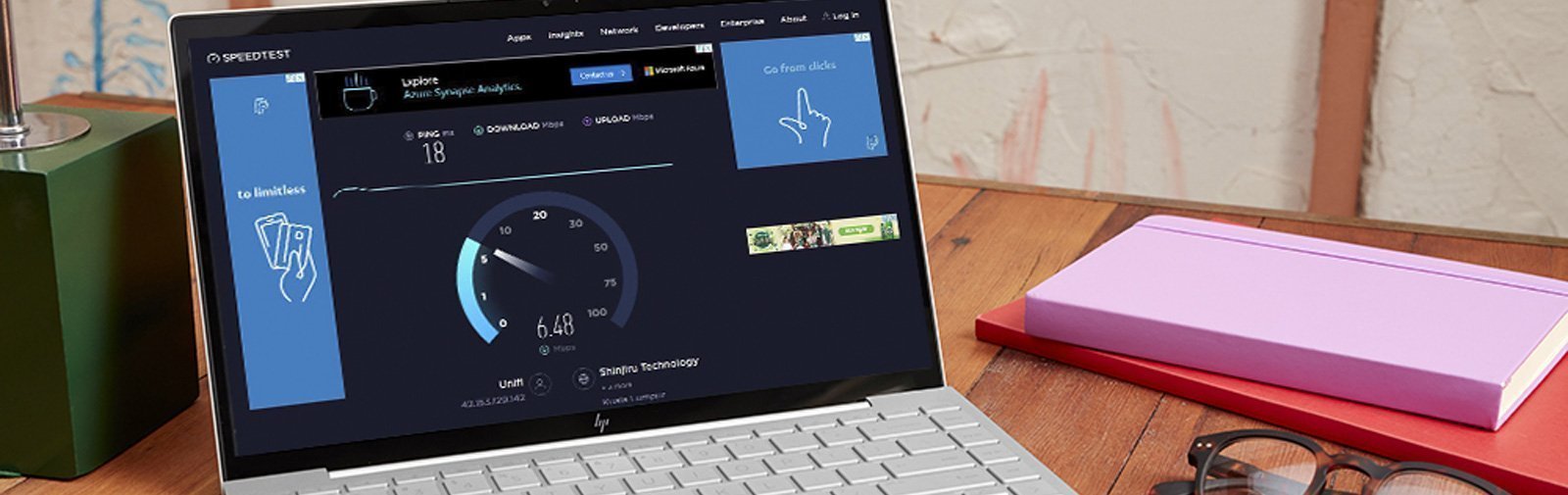
Ping is a network utility that measures the time it takes for a data packet to travel from your computer to a server and back. This measurement is often expressed in milliseconds (ms). Latency, which is essentially another term for ping, indicates how quickly your commands are executed in a game. In gaming, lower ping means a more responsive experience, allowing players to react quickly without lag. A ping under 30 ms is considered excellent, while anything above 100 ms can lead to noticeable delays, affecting gameplay significantly.
Common Causes of High Ping
In Malaysia, several factors can lead to high ping, impacting your gaming experience:
- Internet Speed: The quality of your internet connection plays a significant role. Slower internet speeds can contribute to higher latency.
- Network Congestion: During peak hours, many users accessing the internet can overload the network, leading to increased ping times.
- Distance from Servers: The physical distance between your device and the gaming server can also affect ping. Servers located far from Malaysia can result in higher latency.
Tips to Reduce Ping
Now that we understand what ping is and its causes, let’s explore actionable tips that gamers and internet users in Malaysia can implement to lower their ping:
- Use a Wired Connection: Connecting your device directly to the router with an Ethernet cable can significantly reduce ping compared to Wi-Fi connections.
- Optimize Your Network Settings: Adjust settings such as Quality of Service (QoS) on your router to prioritize gaming traffic, ensuring your games receive the bandwidth they need.
- Choose the Right Internet Plan: If you're experiencing consistently high ping, consider upgrading your internet plan to one that offers higher speeds and more stable connections.
- Limit Background Applications: Close unnecessary applications that may be using bandwidth while you play. This includes downloads, streaming services, and other devices connected to your network.
- Regularly Restart Your Router: Sometimes, a simple restart can resolve temporary network issues and improve ping.
Using VPNs to Lower Ping
Many gamers consider using Virtual Private Networks (VPNs) to reduce ping, especially when connecting to servers located far away. VPNs can help bypass ISP throttling and improve your connection stability. However, the effectiveness of a VPN can vary based on several factors:
- Pros: VPNs can reroute your connection through less congested paths, potentially lowering ping. They can also provide privacy and security while gaming.
- Cons: In some cases, using a VPN can increase ping due to the added distance your data must travel. It’s crucial to choose a high-speed VPN service optimized for gaming, such as ExpressVPN or NordVPN.

Testing Your Ping
To effectively manage your ping, it’s essential to know how to test it regularly. Here’s how you can do this:
- Use Online Tools: Websites like Speedtest.net or Pingtest.net allow you to measure your ping to various servers. Simply select a server close to your region for the most accurate results.
- Command Prompt: For a quick check, you can use the Command Prompt on Windows. Type
ping google.comto see your ping to Google’s servers. - In-Game Testing: Many games offer built-in ping displays. Check your game settings to enable this feature, giving you real-time feedback on your latency.
Frequently Asked Questions
What causes high ping in Malaysia?
High ping in Malaysia can be attributed to several factors, including inadequate internet speed, network congestion during peak hours, and the distance from gaming servers. Additionally, using Wi-Fi instead of a wired connection can also contribute to higher latency.
Does a VPN reduce ping?
Using a VPN can sometimes reduce ping by optimizing the route your data takes to reach the gaming server. However, it may also increase ping in certain situations, especially if the VPN server is far away. Choosing the right VPN service is crucial for minimizing latency.
By following the tips outlined in this article and understanding the factors that affect ping, Malaysian gamers can enhance their gaming experience significantly. A stable connection can make all the difference in achieving victory in your favorite games!