Understanding Ping
For gamers in Malaysia, understanding ping is crucial for a smooth online gaming experience. Ping refers to the time it takes for data to travel from your device to a game server and back. This is measured in milliseconds (ms), and it directly impacts your gameplay. A lower ping signifies a more responsive interaction with the game, allowing for timely actions and better performance. On the other hand, a high ping can lead to frustrating lag, causing delays in your actions, which can be detrimental in competitive gaming environments.
In the context of gaming, latency—the time delay experienced in a system—plays a significant role. Gamers often experience latency spikes during intense gaming sessions or when the internet is congested. Therefore, keeping ping low is essential for maintaining an enjoyable and competitive gaming environment.
Common Causes of High Ping
In Malaysia, several factors can contribute to high ping, making it a challenge for local gamers. Understanding these causes is the first step to mitigating their effects. Here are some common culprits:
- Network Congestion: High traffic on your network can lead to increased latency. This often happens during peak hours when many users are online simultaneously, affecting overall internet speed.
- Distance to Servers: The physical distance between your location and the game server can significantly affect ping. The further away the server is, the longer it takes for data to travel, resulting in higher latency.
- ISP Limitations: Some Internet Service Providers (ISPs) may have limitations on bandwidth or speed, which can lead to higher ping. It's important to choose an ISP that offers reliable service for gaming.
- Wi-Fi Connections: While convenient, using a wireless connection can introduce additional latency. Interference from other devices or physical barriers can also worsen the situation.
Tips to Reduce Ping
Reducing ping is essential for a seamless gaming experience. Here are some actionable tips Malaysian gamers can implement to lower their ping:
- Use a Wired Connection: Switching from Wi-Fi to a wired Ethernet connection can significantly reduce ping. Wired connections offer more stability and faster speeds, which are crucial for gaming.
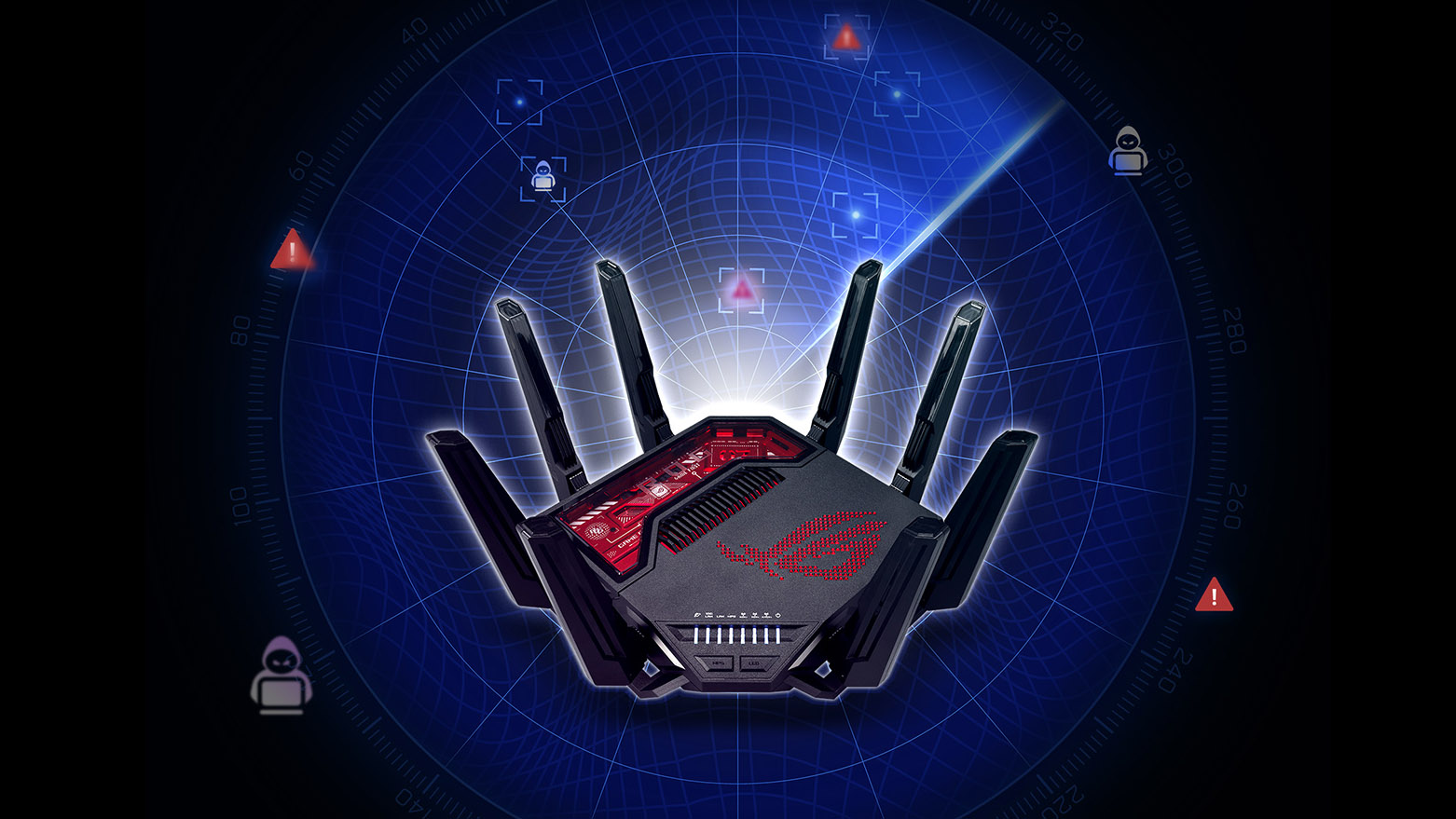
- Optimize Your Router Settings: Access your router settings and prioritize gaming traffic. Enable Quality of Service (QoS) settings to ensure that your gaming packets are prioritized over other internet traffic.
- Close Background Applications: Ensure that other applications and devices are not consuming bandwidth while you’re gaming. Close any unnecessary programs that might be running in the background.
- Change DNS Settings: Switching to a faster DNS server, such as Google DNS or Cloudflare, can reduce ping and improve your overall internet speed.
- Regularly Update Drivers: Keeping your network drivers and gaming software up to date can help improve performance and reduce latency issues.
Using VPNs
Virtual Private Networks (VPNs) can be a double-edged sword for gamers. While they can help reduce ping by bypassing certain ISP throttling, they may also introduce additional latency due to the extra distance data must travel. For Malaysian gamers, using a VPN like ExpressVPN or NordVPN can sometimes lead to better ping, especially if the chosen server is geographically closer to the game server.
However, it’s important to choose the right VPN. Look for services that have dedicated servers for gaming and low latency options. While VPNs can help improve your internet speed by avoiding throttling, they can also add overhead which may counteract any gains in speed. Therefore, it's crucial to test different servers and settings to find the optimal setup for your gaming needs.

Testing Your Ping
To effectively reduce ping, you need to know your current latency. Testing your ping can be done using various online tools and commands. Here’s a simple step-by-step guide:
- Use Command Prompt: Open Command Prompt on your Windows PC and type
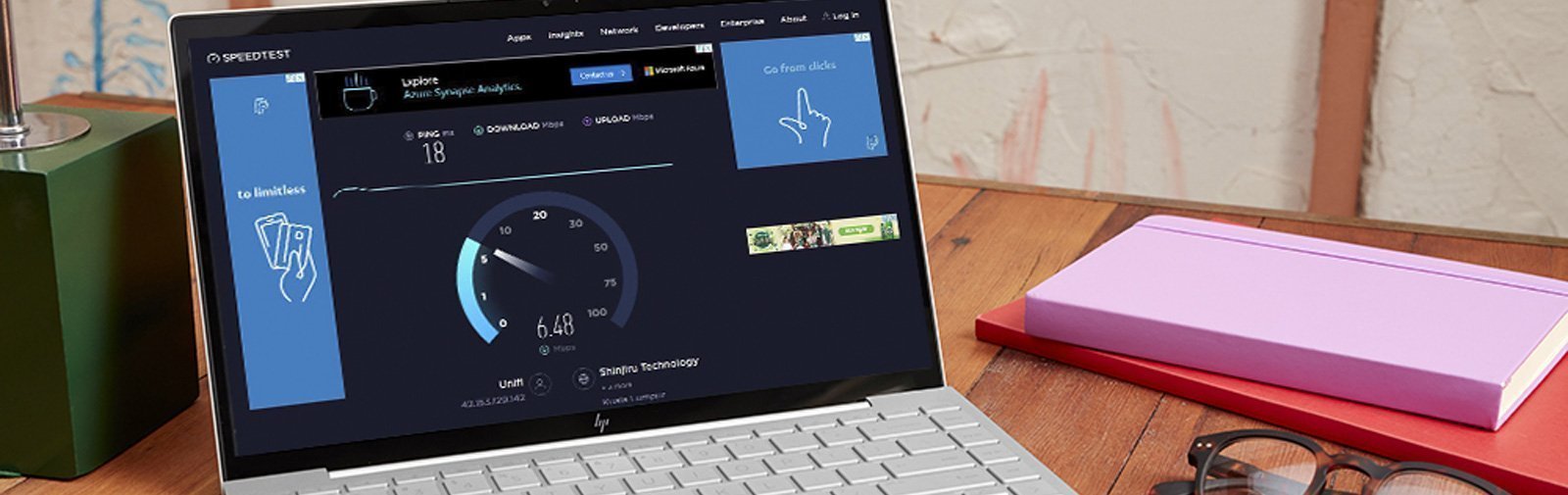
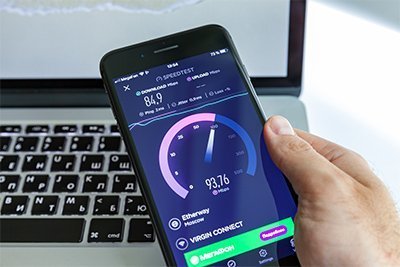
ping google.com. This will give you a basic idea of your ping to a reliable server. - Online Ping Test Tools: Websites like Speedtest or Ping Test can provide detailed information on your ping, download speed, and upload speed.
- In-Game Ping Displays: Most online games display ping in their settings or during gameplay. Regularly check this to monitor your performance.
FAQ
What causes high ping in Malaysia?
High ping in Malaysia can be attributed to several factors, including network congestion during peak hours, the distance between the gamer and game servers, and limitations imposed by ISPs on bandwidth. Additionally, using Wi-Fi instead of a wired connection can contribute to increased latency.
Does a VPN reduce ping?
A VPN can reduce ping by bypassing ISP throttling and enhancing the route to the game server. However, it may also introduce additional latency depending on the server's location and the VPN service used. Therefore, it is crucial to select a VPN with low latency options and test various servers for optimal performance.
By implementing these strategies, Malaysian gamers can take control of their ping and enhance their overall gaming experience. Whether you're a casual player or a competitive gamer, a few adjustments can make a significant difference in your online performance.