Understanding Ping
In the world of online gaming, ping and latency are two crucial factors that can significantly affect your gaming experience. Ping is essentially a measure of the time it takes for your computer to send a signal to the game server and receive a response. It is typically measured in milliseconds (ms). Lower ping values indicate a more responsive connection, while higher values can lead to noticeable delays, or lag, during gameplay.
Latency, on the other hand, refers to the time delay experienced in a system, which is directly related to ping. In Malaysia, gamers often experience latency issues due to various factors, making it essential to understand how to manage and reduce ping for a smoother gaming experience.
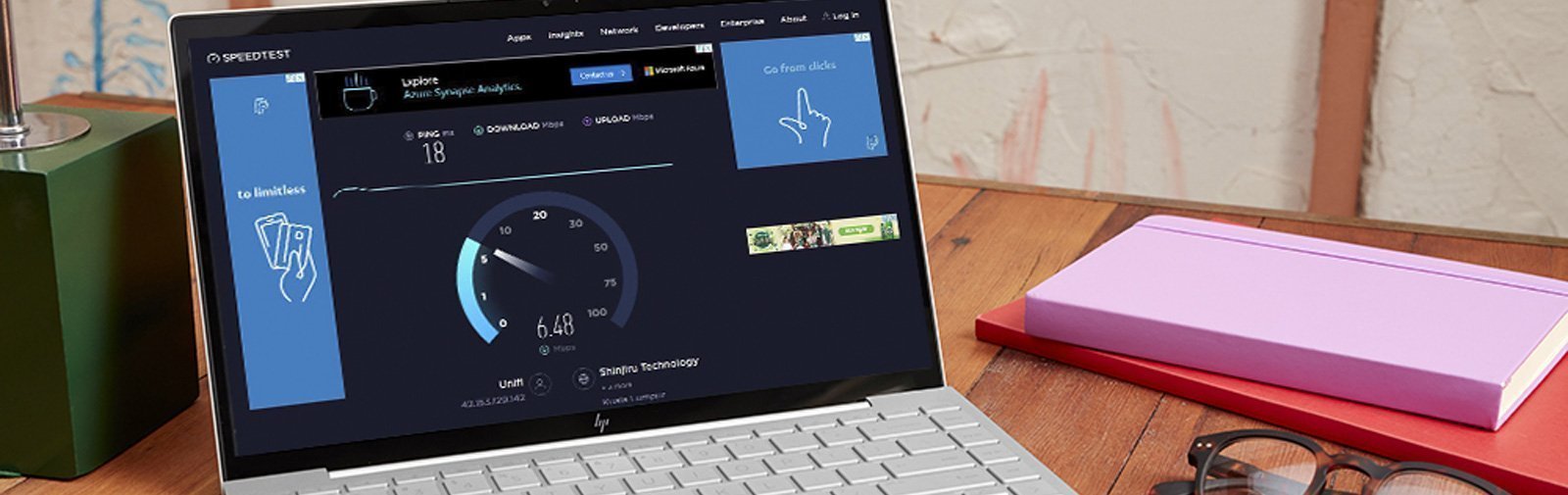
Common Causes of High Ping
In Malaysia, several factors contribute to high ping, which can frustrate gamers and impact their performance. Here are some of the most common causes:
- Internet Speed: The speed of your internet connection is a primary factor affecting ping. Slow internet speeds can lead to higher ping times, making online gaming laggy.
- Distance from Servers: The further you are from the game server, the longer it takes for data to travel. This distance can significantly increase ping times. Many Malaysian gamers connect to servers located in other countries, which can exacerbate this issue.
- Network Congestion: Shared networks can lead to congestion, especially during peak hours. When multiple devices are using the same internet connection, it can slow down your overall speed, resulting in higher latency.
- Wireless Connections: Using Wi-Fi instead of a wired connection can introduce additional latency. Wi-Fi signals can be interfered with by various obstacles, leading to increased ping.
Tips to Reduce Ping
Reducing ping in Malaysia requires a combination of strategies and optimizations. Here are five effective tips that can help you achieve a smoother gaming experience:
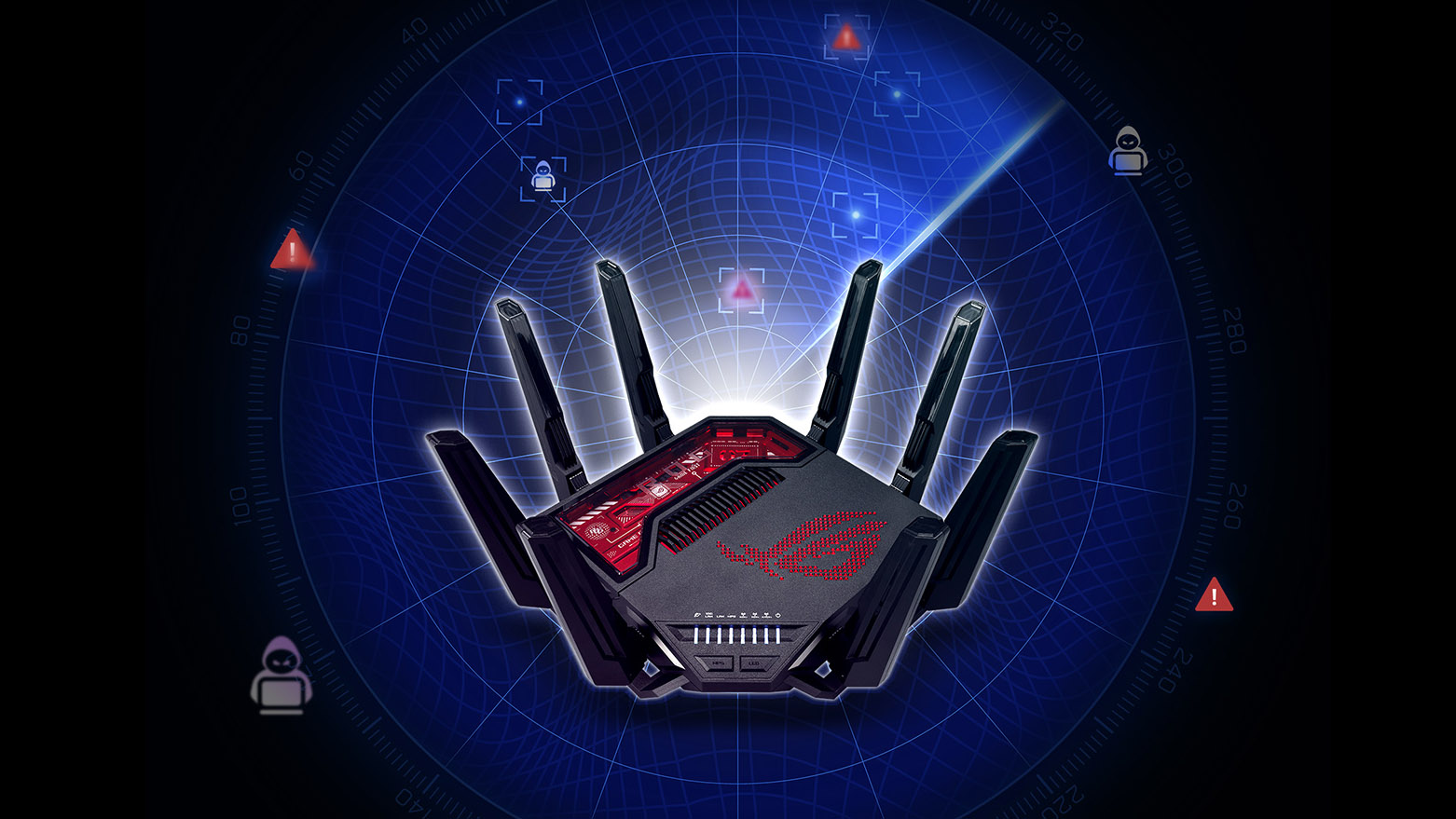
- Optimize Router Settings: Access your router settings and ensure that Quality of Service (QoS) is enabled. This feature prioritizes gaming traffic over other types of data, improving overall performance.
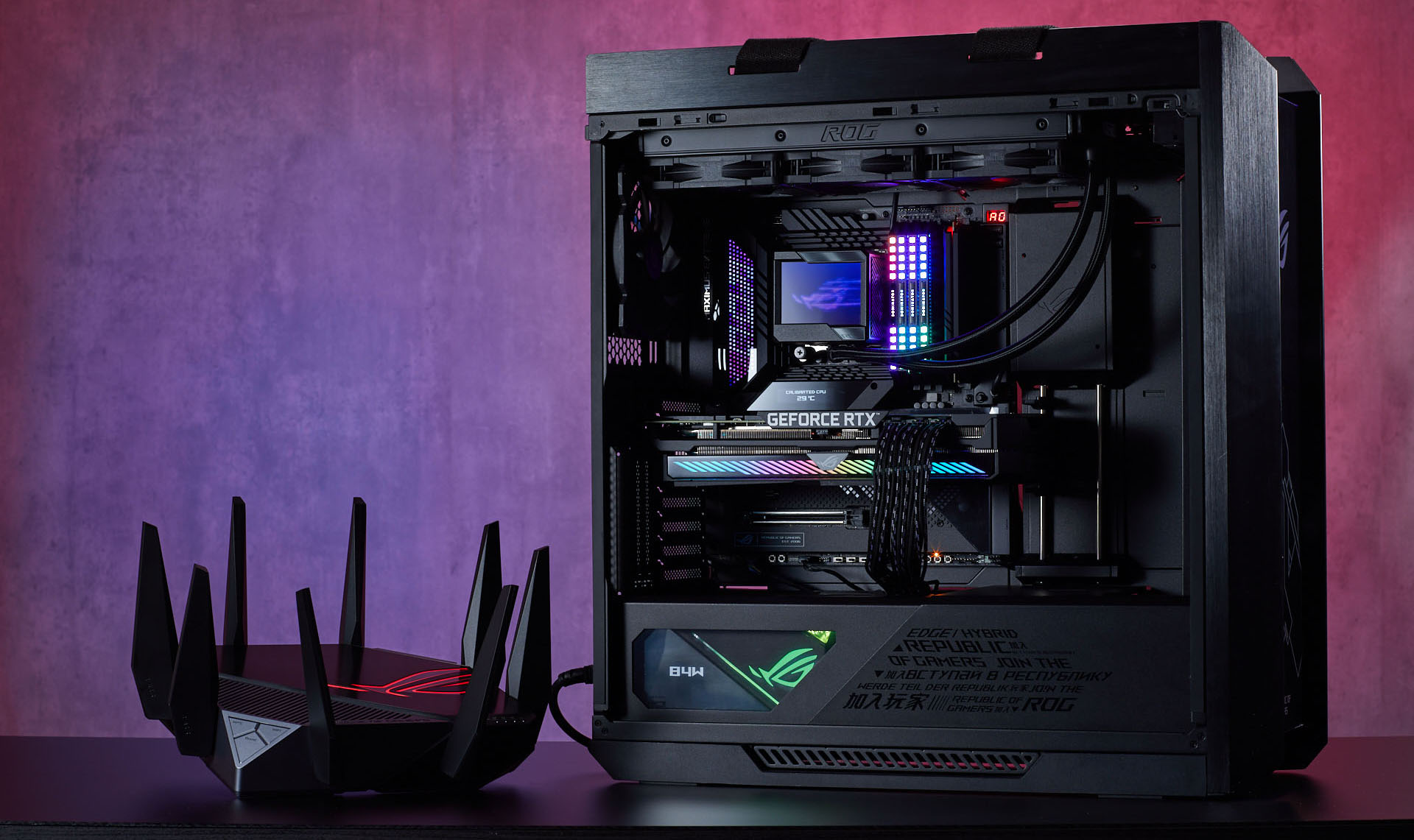
- Use Wired Connections: Switching from Wi-Fi to an Ethernet cable can drastically reduce ping. Wired connections provide a stable and reliable link to your router, minimizing interference and latency.
- Choose the Right ISP: Research and select an Internet Service Provider (ISP) that offers the best connection speeds and lowest latency in your area. Some ISPs are better suited for gaming than others.
- Close Background Applications: Ensure that other applications or devices that consume bandwidth are closed while gaming. This includes streaming services, file downloads, or even other connected devices in your home.
- Change DNS Settings: Sometimes, using a faster DNS server can improve ping. Consider switching to popular public DNS services like Google DNS or Cloudflare.
Using VPNs
While many gamers believe that VPNs (Virtual Private Networks) can only provide anonymity, they can also help reduce ping in specific situations. A VPN can reroute your internet traffic through different servers, potentially finding a faster route to the game server. This can reduce latency, especially if your ISP is throttling your connection.
However, not all VPNs are created equal, and using a poorly optimized VPN can actually increase ping. Here are some popular VPN services relevant to Malaysian users that are known for their gaming performance:
- ExpressVPN: Known for its high speed and reliability, ExpressVPN has servers in many locations, which can help in reducing ping.
- NordVPN: Offers specialized servers for gaming that can help minimize latency and improve connection stability.
- Surfshark: A budget-friendly option that still provides excellent speed and security for gamers.

Testing Your Ping
To effectively manage your ping, it's essential to test it regularly. Here’s a step-by-step guide on how to test your ping:
- Use Command Prompt: For Windows users, open Command Prompt and type
ping google.comor the server address of your game. Press Enter to see the ping results. - Online Ping Test Tools: Websites like PingTest and Speedtest provide detailed information about your ping and overall connection quality.
- Monitor During Gameplay: Some games have built-in tools that display ping in real-time. Keep an eye on these metrics while playing to identify any spikes in latency.
FAQ
What causes high ping in Malaysia?
High ping in Malaysia can be caused by various factors, including slow internet speeds, distance from game servers, network congestion, and the type of connection used (wired vs. wireless).
Does a VPN reduce ping?
A VPN can potentially reduce ping by finding a faster route to the game server and bypassing ISP throttling. However, this is not guaranteed, and using an unreliable VPN may increase ping instead.
By understanding ping, its causes, and the methods to reduce it, Malaysian gamers can improve their online gaming experience significantly. Implementing the tips mentioned and regularly testing your ping can lead to a more enjoyable gaming environment in 2026.