Understanding Ping
When it comes to online gaming, understanding the concept of ping is crucial. Ping refers to the time it takes for data to travel from your device to a server and back again, measured in milliseconds (ms). This metric is a key indicator of latency, which is the delay before a transfer of data begins following an instruction for its transfer. For gamers in Malaysia, a lower ping means smoother gameplay, less lag, and ultimately, a better gaming experience.
In general, a ping of under 30 ms is considered excellent, while anything above 100 ms can lead to significant lag issues. The significance of ping and latency in online gaming cannot be overstated. High ping can lead to choppy gameplay, missed shots, and an overall frustrating experience, especially in fast-paced games like Call of Duty or League of Legends. Thus, understanding how to manage and reduce ping is imperative for any Malaysian gamer seeking to enhance their online performance.
Common Causes of High Ping
Several factors can contribute to high ping in Malaysia, and identifying these issues is the first step toward improving your gaming experience. Here are some common causes:
- Distance from Servers: The closer you are to the game server, the lower your ping. If you’re playing on servers located far from Malaysia, such as those in the USA or Europe, you can expect higher latency.
- ISP Issues: Internet Service Providers (ISPs) may have routing issues or insufficient bandwidth to handle gaming traffic, leading to increased ping times.
- Network Congestion: During peak hours, more users connect to the internet, which can slow down your connection and increase latency. This is especially common in densely populated areas like Kuala Lumpur.
Tips to Reduce Ping
Improving your ping doesn't have to be complicated. Here are some effective strategies that can help you lower your ping for a better gaming experience:
- Use a Wired Connection: Switching from a Wi-Fi connection to a wired Ethernet connection can significantly reduce ping. Wired connections are generally more stable and reliable, reducing the chances of packet loss.
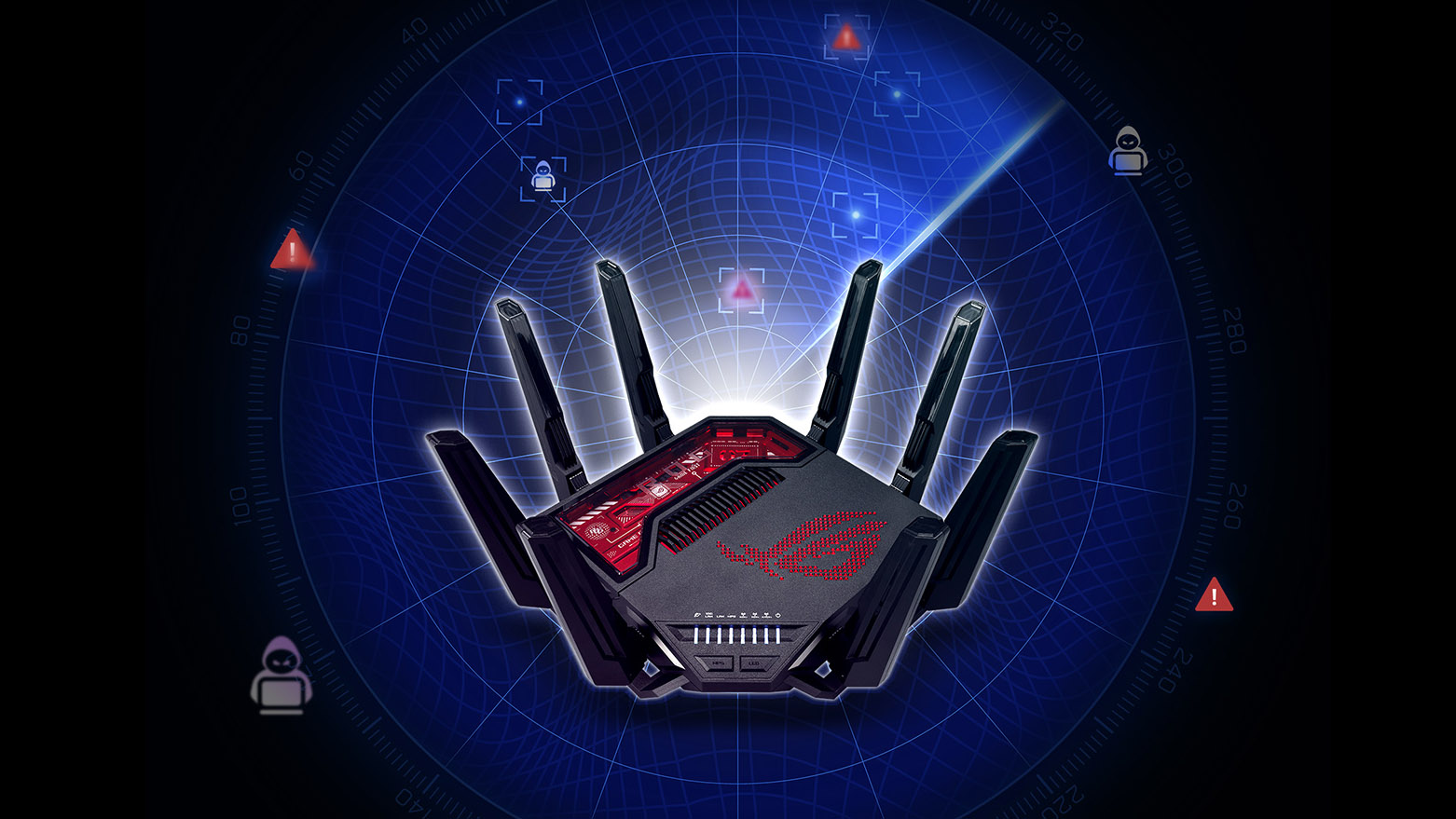
- Optimize Your Router Settings: Access your router's settings and prioritize gaming traffic through Quality of Service (QoS) settings. This allows your router to allocate more bandwidth to your gaming devices.
- Close Unnecessary Applications: Ensure that any background applications or downloads are closed while gaming. This will free up bandwidth and improve your overall internet speed.
- Choose the Right Server: Always select game servers that are geographically closer to you. Many games allow you to choose your server region, which can drastically decrease ping.
- Upgrade Your Internet Plan: If high ping continues to be an issue, consider upgrading to a higher-speed internet plan that offers better bandwidth and lower latency.
Using VPNs to Lower Ping
Many gamers wonder if using a VPN can help reduce ping. While VPNs are typically known for enhancing privacy and security, they can also provide benefits for gamers. A VPN can help bypass ISP throttling, which might be contributing to higher ping times. However, it's crucial to choose a reliable service.
Popular VPNs like ExpressVPN and NordVPN have been known to offer good performance for gaming. These services can reroute your internet traffic through optimized servers, potentially reducing latency. However, results can vary depending on your original connection speed and the distance to the VPN server.
It's worth noting that while some users report lowered ping when using a VPN, others may experience an increase due to the added distance the data must travel. To truly assess the effectiveness of a VPN for gaming, it’s advisable to test different servers and configurations to find the best setup for your needs.

Testing Your Ping
To truly understand how your efforts to reduce ping are working, it's essential to test your ping regularly. Here’s how you can effectively do this:
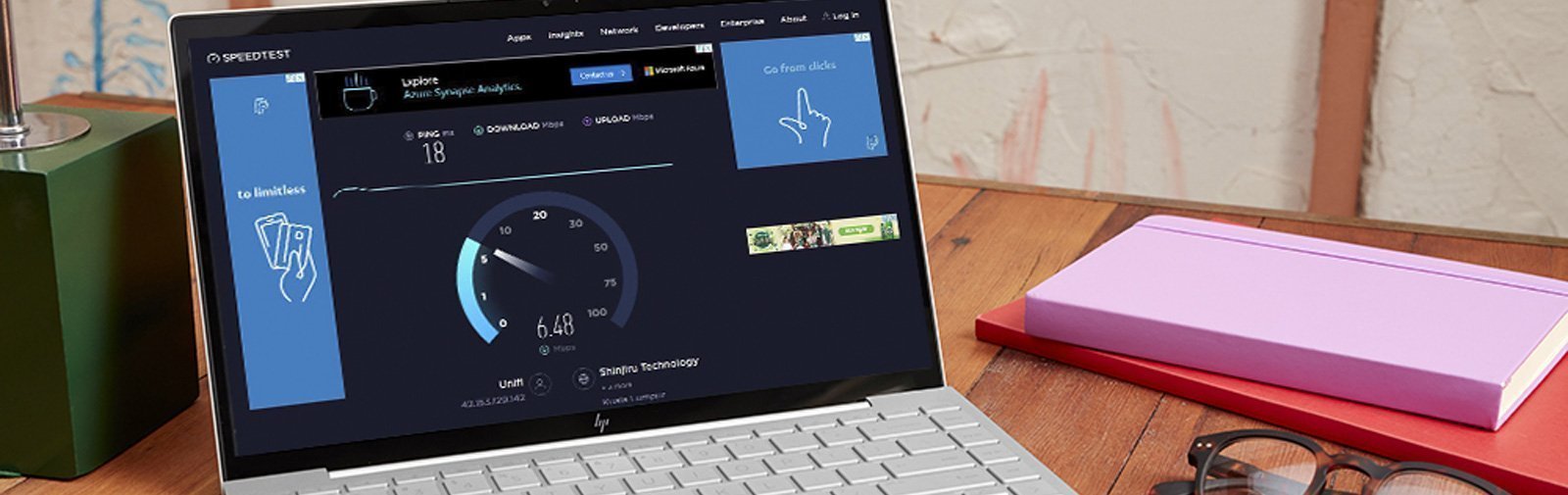
- Use Online Tools: Websites like Speedtest.net or Pingtest.net allow you to check your ping to various locations. Simply select a server nearby or one that you typically play on to get accurate results.
- Ping Command: For a more technical approach, you can use the Command Prompt (Windows) or Terminal (Mac) to run a ping test. Type
ping [IP address or domain]to see your latency to that specific server. - Monitor Results: Keep track of your ping results over time, especially after making adjustments to your network settings. This will help you determine what changes positively affect your latency.
Conclusion
Reducing ping in Malaysia is crucial for gamers who want to enhance their online experience. By understanding what ping is, recognizing its causes, and implementing the strategies discussed, you can significantly improve your gaming performance. Whether it’s through optimizing your network, using a VPN, or regularly testing your connection, every step counts in the quest for lower latency. Happy gaming!