Understanding Ping
For gamers in Malaysia, understanding the concept of ping is crucial. In simple terms, ping is a network utility that measures the time it takes for data to travel from your device to a server and back. This is often expressed in milliseconds (ms). High ping can lead to lag, affecting your gaming experience significantly. Whether you're battling it out in PUBG, climbing ranks in Dota 2, or exploring vast worlds in Genshin Impact, a low ping is essential for smooth gameplay.
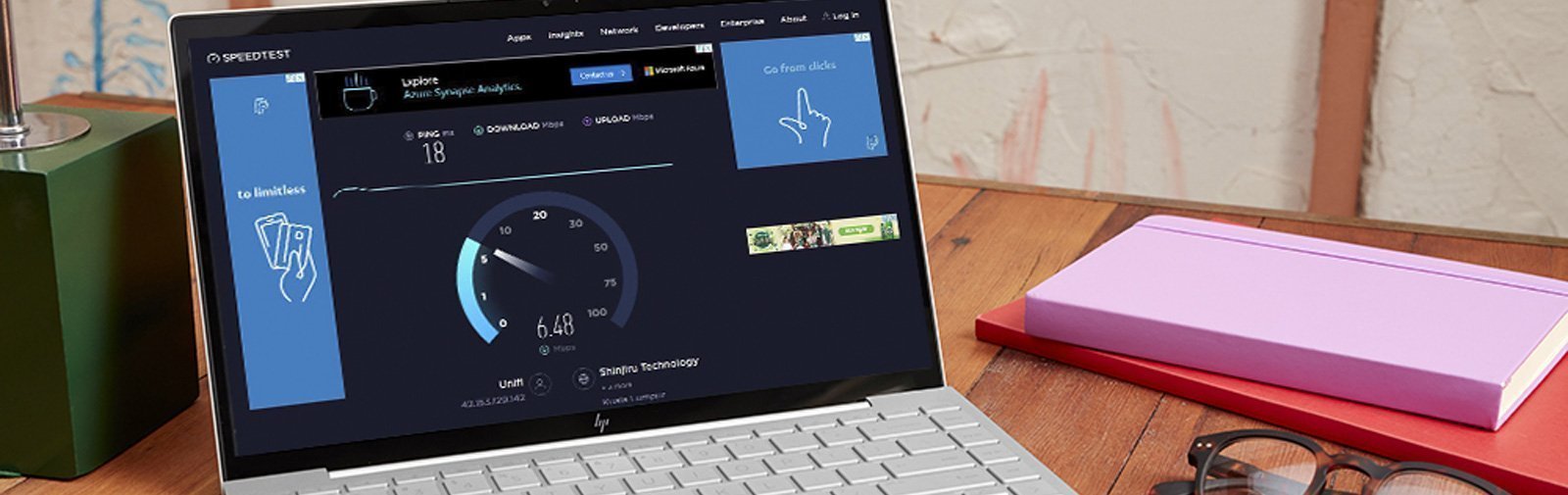
In the world of online gaming, latency—the delay before a transfer of data begins following an instruction—is a critical factor. A lower latency means a more responsive gaming experience, allowing for quicker reactions and smoother gameplay. Thus, managing your ping effectively can be the difference between victory and defeat in competitive gaming scenarios.
Common Causes of High Ping
Several factors contribute to high ping levels for gamers in Malaysia. Understanding these causes can help you tackle the issue more effectively:
- Network Congestion: Peak usage times can lead to slower speeds as many users share the same bandwidth. This is particularly common during evenings and weekends.
- Distance from Servers: The physical distance between your location and the game server plays a significant role in your ping. Servers located further away will naturally result in higher ping times.
- Wi-Fi Connections: Using Wi-Fi instead of a wired connection can introduce additional latency due to signal interference and distance from the router.
- ISP Throttling: Some Internet Service Providers (ISPs) may throttle bandwidth during peak hours or specific activities, leading to increased ping.
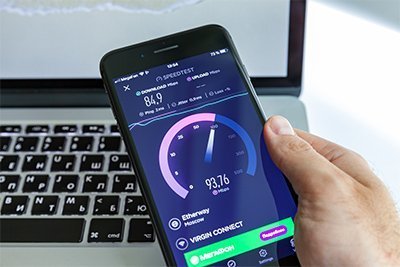
Being aware of these causes allows you to take proactive steps to mitigate their impact on your gaming experience.
Tips to Reduce Ping
Here are some effective strategies to lower ping and enhance your gaming experience in Malaysia:
Optimize Your Network Settings
Adjusting your router settings can significantly improve your connection. Here’s how:
- Quality of Service (QoS): Enable QoS settings on your router to prioritize gaming traffic over other types of data. This ensures that your gaming packets are given higher priority, reducing lag.
- Change DNS Settings: Switching to faster DNS servers, such as Google Public DNS (8.8.8.8 and 8.8.4.4) or Cloudflare DNS (1.1.1.1), can improve loading times and reduce ping.
- Wired Connection: Whenever possible, connect your gaming device directly to the router using an Ethernet cable. Wired connections are typically faster and more stable than Wi-Fi.
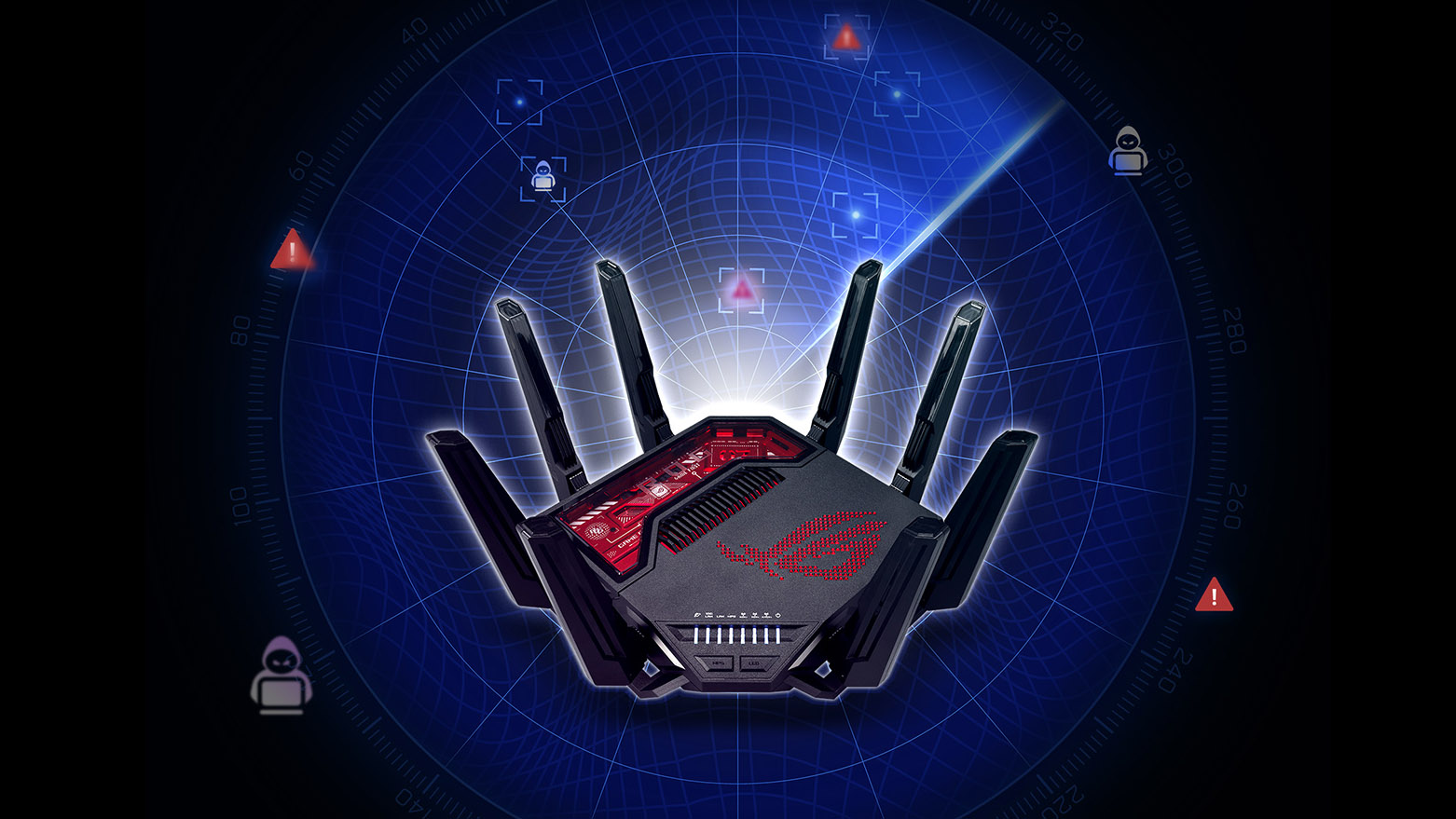
By following these steps, you can enhance your network optimization and experience smoother gameplay.
Choose the Right Internet Plan
Investing in a high-speed fiber internet connection can pay off significantly for gamers. Here’s why:
- Higher Bandwidth: Fiber-optic internet plans typically offer higher bandwidth compared to traditional DSL or cable connections, allowing for faster data transfer and lower latency.
- Stable Connection: Fiber is less susceptible to interference from weather or physical obstructions compared to other types of connections, providing a more reliable gaming experience.
- Low Latency: Fiber connections often boast lower latency rates, which is essential for online gaming where every millisecond counts.
When selecting an internet plan, choose one that offers a minimum speed of 100 Mbps for optimal gaming performance.

Using VPNs
While Virtual Private Networks (VPNs) are often associated with privacy and security, they can also help reduce ping in certain situations. Here’s how:
- Bypass ISP Throttling: If your ISP is throttling your connection during gaming hours, a VPN can help circumvent this, potentially resulting in lower ping.
- Optimized Routing: Some VPNs offer optimized routes to game servers, providing a faster connection and reduced latency.
Popular VPN services like ExpressVPN and NordVPN are well-known for their gaming capabilities. However, it’s essential to choose a VPN that has servers close to the game servers to ensure the best results.
Testing Your Ping
To effectively manage your ping, regularly testing it can be beneficial. Here’s how you can test your ping effectively:
- Using Command Prompt: On Windows, open Command Prompt and type
ping google.comto see your ping time. For more accurate results, ping the specific game server you often use. - Online Ping Test Tools: Websites like Speedtest.net or Pingtest.net provide comprehensive analysis of your network performance, including ping, jitter, and packet loss.
Regular testing allows you to monitor your ping and make adjustments as necessary to maintain a competitive edge in your gaming.
Frequently Asked Questions
What causes high ping in Malaysia?
High ping in Malaysia can be attributed to several factors such as network congestion during peak hours, distance from game servers, using Wi-Fi connections, and ISP throttling. These can all contribute to higher latency and slower response times in online games.
Does a VPN reduce ping?
A VPN can potentially reduce ping if it helps bypass ISP throttling or provides a more optimized route to game servers. However, in some cases, using a VPN might increase ping due to the added distance data must travel. It’s essential to choose a reputable VPN service for the best results.
With these strategies and insights, Malaysian gamers can significantly reduce their ping and enjoy a smoother gaming experience. By optimizing your network settings, choosing the right internet plan, utilizing VPNs wisely, and regularly testing your connection, you'll be well-equipped to dominate in your favorite online games. Happy gaming!