Top 5 Game Lag Fixes for Android in 2026: Boost Your Gaming Experience
The Malaysian gaming community has been rapidly growing, with mobile gaming becoming a popular pastime for many. However, one common frustration that gamers face is game lag, especially on Android devices. Whether you're battling it out in a multiplayer arena or exploring vast open worlds, lag can ruin the experience. In this article, we’ll explore the common causes of game lag, quick fixes, apps to enhance performance, and necessary adjustments to your Android settings. Let’s get started!
Common Causes of Game Lag
Understanding the root causes of game lag on your Android device is essential to effectively address the issue. Here are some of the most common culprits:
- Hardware Limitations: Older Android devices often struggle with demanding games due to limited processing power and RAM. If your device is several years old, it may not handle the latest games efficiently.
- Background Apps: Running multiple applications in the background can consume valuable system resources, leading to lag. Popular apps, such as social media and messaging platforms, can drain your device's memory and processing power while you’re gaming.
- Network Issues: A weak or unstable internet connection can significantly affect online gaming performance. Whether you're using Wi-Fi or mobile data, latency can introduce lag during gameplay.
- Insufficient Storage: Low storage space can affect your device's ability to access game files quickly. This can lead to delays and stuttering during gameplay.
Quick Fixes
If you're experiencing game lag, there are several immediate actions you can take to improve performance. Here are some quick fixes that can make a difference:
- Clear Cache: Regularly clearing the cache of your games and apps can help free up space and improve performance. This process removes temporary files that may be slowing down your device.
- Close Background Apps: Before launching your game, make sure to close any unnecessary background applications. You can do this by accessing the recent apps menu and swiping them away.
- Reboot Your Device: Sometimes, a simple reboot can resolve lag issues. Restarting your device helps reset memory usage and can clear temporary bugs.
- Disable Updates: Ensure that automatic updates for apps and games are disabled while gaming, as downloading updates can lead to interruptions.
- Switch to Airplane Mode: If you're playing offline, consider turning on airplane mode. This stops background data usage and notifications that can distract you during gameplay.
Apps to Improve Performance
There are several applications available that can help optimize your Android device for gaming. Here are some highly recommended ones:
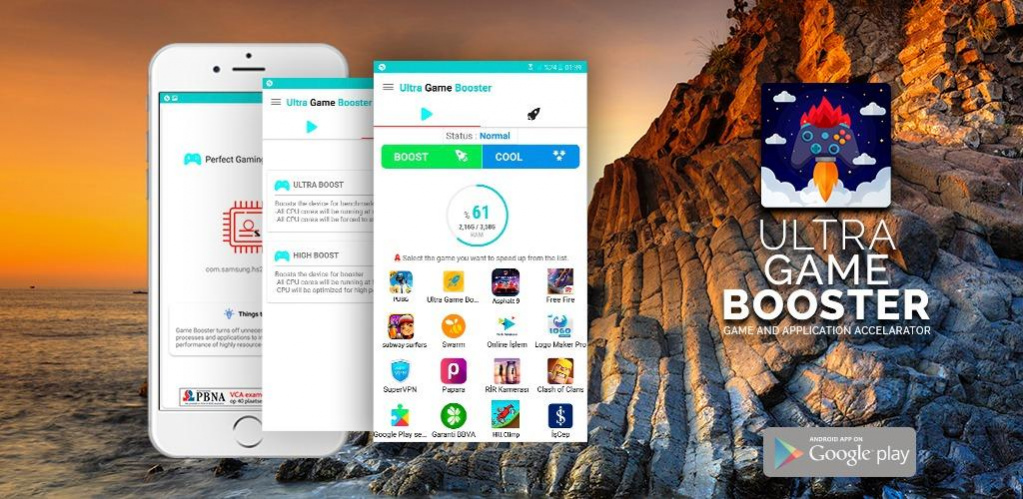
- Game Booster: This type of app helps to optimize your device by allocating resources specifically for gaming. It can automatically close unnecessary background apps and improve overall gaming performance.
- CCleaner: A well-known cleaning app that helps clear cache, junk files, and unnecessary data, freeing up space and improving device speed.
- Game Guardian: This app allows you to modify game parameters, which can help in reducing lag and enhancing performance. However, be cautious as modifying game files may violate terms of service.
- Greenify: This app helps hibernate background apps, ensuring they don't consume resources while you are gaming.
- Task Manager: A good task manager app can help you monitor running processes and close resource-heavy apps that may be causing lag.
Settings Adjustments
Adjusting your Android settings can also lead to a smoother gaming experience. Here are some settings you might want to tweak:
- Graphics Settings: Many games come with adjustable graphics settings. Lowering the graphics quality can significantly reduce lag, especially on older devices.
- Developer Options: If you're comfortable accessing Developer Options, you can enable "Don't keep activities" which forces background apps to close when you switch to a new app, reducing resource consumption.
- Disable Animations: Disabling or reducing animations in the Developer Options can enhance performance by reducing load times.
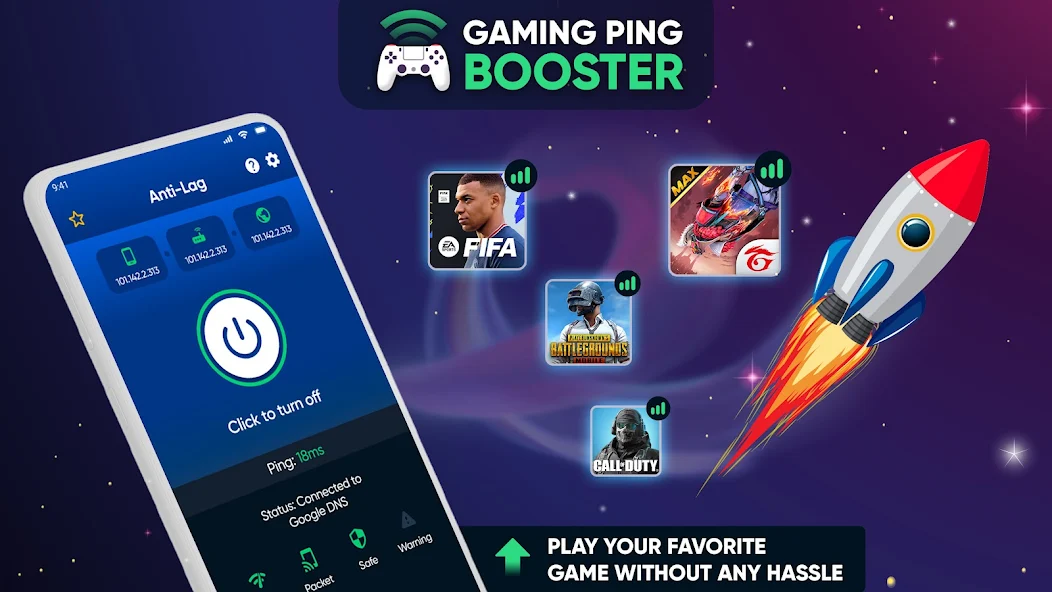
- Network Settings: For online gaming, consider switching to a 5GHz Wi-Fi network if available, as it usually offers faster speeds and less interference.
FAQs
What causes game lag on Android?
Game lag on Android can be caused by various factors including hardware limitations, background apps consuming resources, insufficient storage, and poor network connectivity. Understanding these factors can help you address the issue effectively.
How can I boost my gaming performance on Android?
To boost gaming performance on Android, you can clear cache, close background apps, adjust graphics settings, and use performance optimization apps. Additionally, keeping your device updated and ensuring a strong internet connection can help reduce lag.
By implementing these strategies, you can greatly improve your gaming experience on Android devices. Whether you're a casual gamer or a competitive player, addressing game lag is essential for enjoying your favorite titles to the fullest. Happy gaming!