Top 5 Game Lag Fixes for Android in 2026: Boost Your Performance Now
With the ever-growing mobile gaming scene in Malaysia, gamers are always looking for ways to enhance their experience. One of the most frustrating issues players face is game lag, particularly on Android devices. In 2026, as mobile gaming evolves, so too does the technology. However, lag can still ruin a perfectly good gaming session. In this article, we’ll explore the common causes of game lag, quick fixes, helpful apps, and settings adjustments to help you optimize your Android gaming performance.
Common Causes of Game Lag
Before diving into fixes, it’s crucial to understand why game lag occurs in the first place. Here are some of the most common issues:
- Network Problems: A poor internet connection is a leading cause of lag, especially in online multiplayer games. High latency and unstable connections can introduce delays that affect gameplay.
- Device Performance: If your Android device is outdated or lacks sufficient processing power, it may struggle with modern games that demand more resources. This can result in sluggish performance.
- Background Processes: Many apps run in the background, consuming valuable resources. This can lead to game lag as your device struggles to allocate enough power to the game you’re playing.
Understanding these causes will help you diagnose and fix lag issues more effectively, enhancing your overall gaming experience.
Quick Fixes
When you experience game lag, quick fixes can often save your gaming session. Here are some immediate actions you can take:
- Restart Your Device: Sometimes, a simple restart can free up resources and eliminate temporary glitches affecting performance.
- Close Background Apps: Make it a habit to close unnecessary apps running in the background. This can free up RAM and processing power for your game.
- Check Your Network Connection: Ensure you have a strong and stable Wi-Fi or mobile data connection. Switching between networks can sometimes help alleviate lag.
These quick fixes are not permanent solutions, but they can help you regain control of your gaming experience in a pinch.
Apps to Improve Performance
In addition to manual fixes, several apps can help optimize your Android for gaming. Here’s a selection of the best apps to consider:
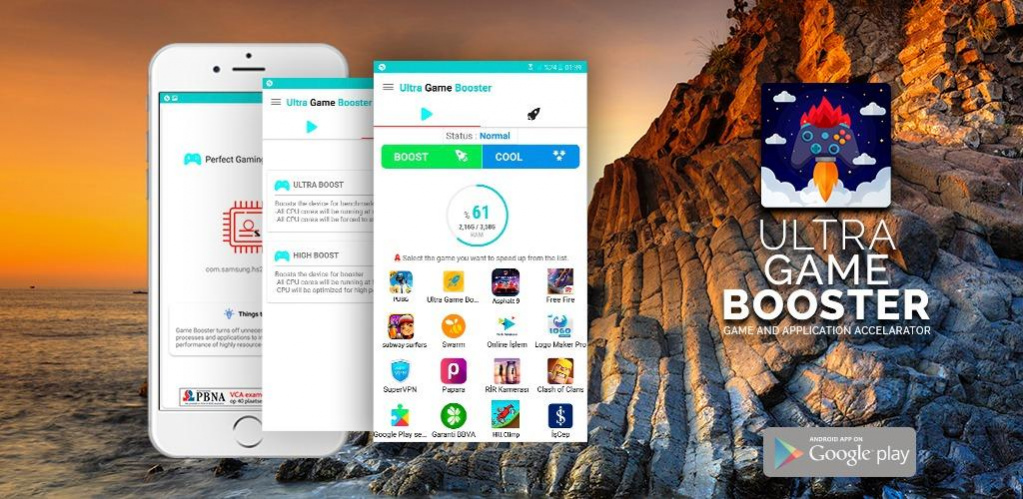
- Game Booster: This app optimizes device performance specifically for gaming by closing unnecessary background applications and enhancing resource allocation.
- CCleaner: Known for its cache clearing abilities, CCleaner helps to free up space and improve performance by removing junk files that might slow down your device.
- Greenify: This app hibernates background apps that are not in use, ensuring that they don’t consume resources while you game.
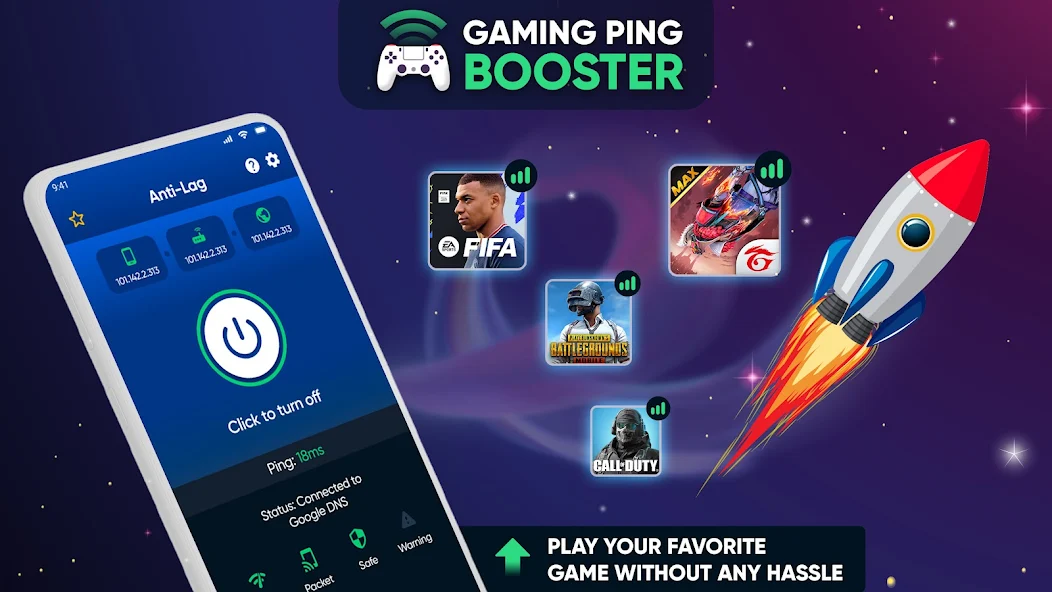
Utilizing these apps can provide a noticeable improvement in your gaming performance, allowing you to enjoy a smoother gaming experience.
Settings Adjustments
Finally, adjusting your device settings can also help enhance your gaming experience. Here are some settings you should consider modifying:
- Graphics Settings: Many games allow you to adjust the graphics quality. Lowering the graphics settings can reduce lag, especially on older devices.
- Battery Optimization: Disable battery optimization for your gaming apps. This can prevent your device from throttling the app to save battery, which can lead to lag during gameplay.
- Developer Options: If you're comfortable navigating your device’s settings, enabling Developer Options allows you to tweak animations and background process limits, which can enhance performance.
By fine-tuning these settings, you can create a more gaming-friendly environment on your Android device.
Frequently Asked Questions
What causes game lag on Android?
Game lag on Android can be caused by several factors, including poor network connectivity, insufficient device performance, and background processes consuming resources. Understanding these issues can help you troubleshoot effectively.
How can I boost my gaming performance on Android?
You can boost your gaming performance on Android by closing background apps, utilizing performance-enhancing apps, adjusting device settings, and ensuring a stable internet connection.
In the fast-paced world of mobile gaming in Malaysia, experiencing lag can be a significant hindrance. By understanding the common causes, implementing quick fixes, utilizing performance apps, and adjusting your device settings, you can significantly improve your gaming experience. Remember, a smooth gaming session is just a few adjustments away!