How to Fix Game Lag on Android Devices in 2026
In 2026, mobile gaming continues to dominate the entertainment landscape in Malaysia, with Android devices being a popular choice among gamers. However, game lag can be a frustrating experience, hindering your gaming performance and overall enjoyment. Fortunately, there are several methods to fix game lag on Android devices. In this guide, we'll explore the common causes of game lag, quick fixes, useful applications to improve performance, and specific settings adjustments that can enhance your gaming experience.
Common Causes of Game Lag
Before diving into solutions, it's essential to understand what causes game lag on Android devices. Here are some of the most common culprits:
- Poor Internet Connection: A stable internet connection is crucial for online gaming. Fluctuations in speed or connectivity can lead to significant lag.
- Device Overheating: Extended gaming sessions can cause your device to overheat, leading to thermal throttling and reduced performance.
- Background Apps: Apps running in the background consume valuable system resources, which can detract from your gaming performance.
- Outdated Software: Running on outdated firmware or game versions can lead to compatibility issues and lag.
It's clear that various factors contribute to game lag, and addressing these can provide a smoother gaming experience. Understanding these causes will guide you in applying effective fixes.
Quick Fixes
Sometimes, a quick solution can alleviate game lag instantly. Here are some immediate fixes you can try:
- Restart Your Device: A simple restart can clear temporary files and refresh system resources, often providing a quick fix for lag issues.
- Close Background Apps: Before launching your game, ensure to close any unnecessary apps running in the background. This frees up RAM and CPU resources for your game.
- Check Your Internet Connection: If you're playing online, ensure your Wi-Fi or mobile data connection is stable. Consider using a wired connection if possible.
These quick fixes can often provide immediate relief from game lag, allowing you to get back to your gaming without interruptions. However, for long-term solutions, consider optimizing your device further.
Apps to Improve Performance
Several applications can help optimize gaming performance on Android devices. Here are some popular options that Malaysian gamers have found beneficial:
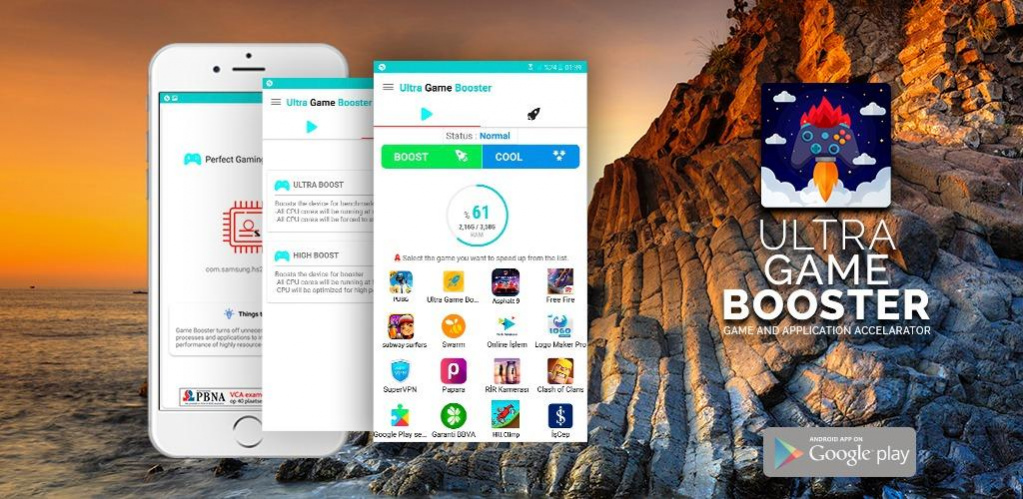
- Game Booster: This app optimizes your device's resources specifically for gaming, improving frame rates and reducing lag. It temporarily disables background processes and enhances performance on Samsung and other popular Android brands.
- CCleaner: Known for its cache clearing capabilities, CCleaner can help free up storage space and improve device performance. Regularly clearing cache can significantly enhance gaming performance.
- GFX Tool: This app allows gamers to tweak graphics settings for demanding games. Adjusting settings like resolution and frame rates can lead to smoother gameplay.
- Greenify: By hibernating background apps, Greenify ensures that your device dedicates more resources to the game you are playing.
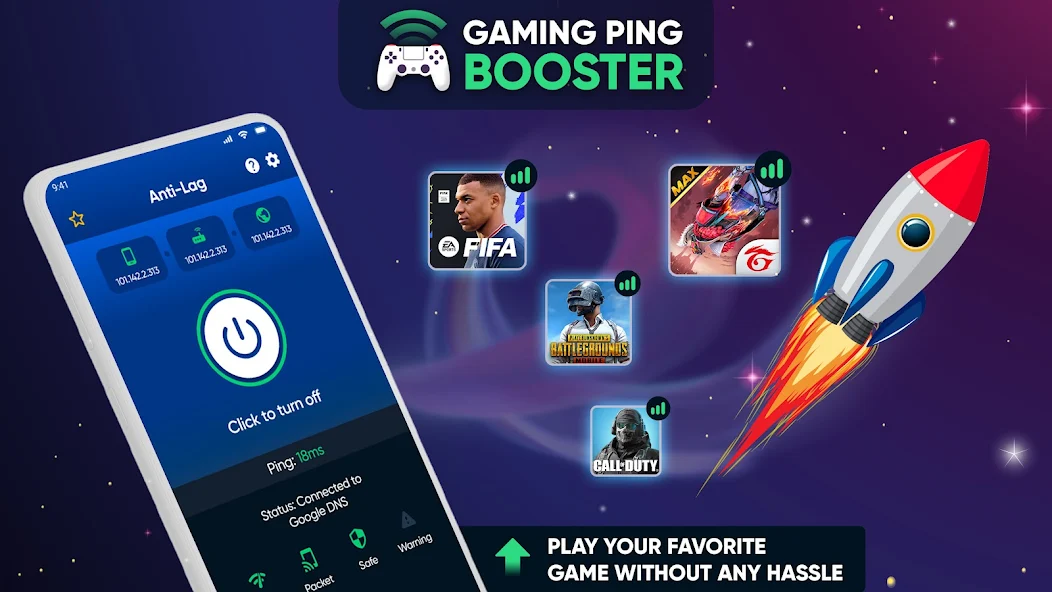
By incorporating these apps into your routine, you can effectively combat game lag and enhance your overall gaming experience on your Android device.
Settings Adjustments
In addition to using specific apps, adjusting your device settings can also play a significant role in improving gaming performance. Here are some settings adjustments to consider:
- Enable Developer Options: Go to Settings > About Phone > Tap Build Number seven times to unlock Developer Options. In the Developer Options menu, you can adjust animations and background process limits, enhancing performance.
- Adjust Graphics Settings: Many games allow you to customize graphics settings. Lowering settings like shadows and reflections can help reduce lag and improve frame rates.
- Clear Cache Regularly: As mentioned earlier, regularly clearing your cache can not only improve performance but also free up space for more intensive games.
- Limit Background Data: Restrict background data usage for apps that are not necessary while gaming. This can be done under Data Usage settings.
Implementing these settings adjustments can significantly enhance your gaming performance, making your gaming sessions more enjoyable and lag-free.
Frequently Asked Questions
What causes game lag on Android?
Game lag on Android can be caused by a variety of factors, including poor internet connection, device overheating, and background apps consuming resources. Ensuring your device is optimized and free from unnecessary apps can help mitigate these issues.
How can I boost my gaming performance on Android?
To boost gaming performance on Android, you can close background apps, use performance-boosting applications, adjust your device settings, and ensure your device is not overheating. Regular maintenance, such as clearing cache, also contributes to smoother gameplay.
By following the steps outlined in this guide, you can effectively tackle game lag on your Android device in 2026. With a few simple adjustments and the right tools, you'll be well on your way to enjoying seamless gaming experiences.